Wireless CarPlay is available in many newer BMW, Ford, Honda, Toyota, Hyundai, Kia, and General Motors vehicles.
Knowing what cars have wireless CarPlay can save you from buying the wrong trim, model year, or aftermarket adapter. Wireless Apple CarPlay connects your iPhone to the vehicle without a USB cable, but availability often depends on the infotainment system, software version, and country.
This guide explains which cars have wireless CarPlay, how the system works, what to check before buying, and which older vehicles can gain the feature through an adapter.
What Is Wireless Apple CarPlay?
Wireless Apple CarPlay lets your iPhone connect to your car through Bluetooth and Wi-Fi. After the first setup, the phone can connect automatically when you start the vehicle.
You can use familiar iPhone features on the car’s display, including:
• Apple Maps for navigation
• Phone calls and contacts
• Apple Music, Podcasts, and Audiobooks
• Siri voice commands
• Text message reading and replies
• Compatible music and audio apps
Wireless CarPlay is different from standard Bluetooth audio. Bluetooth can play music and handle calls, but it usually does not show full navigation, app controls, or the CarPlay dashboard on the vehicle screen.
The main benefit is simple: you can leave your Lightning or USB-C cable in your bag. The trade-off is that wireless CarPlay uses Wi-Fi and may drain your iPhone battery faster than a wired connection.
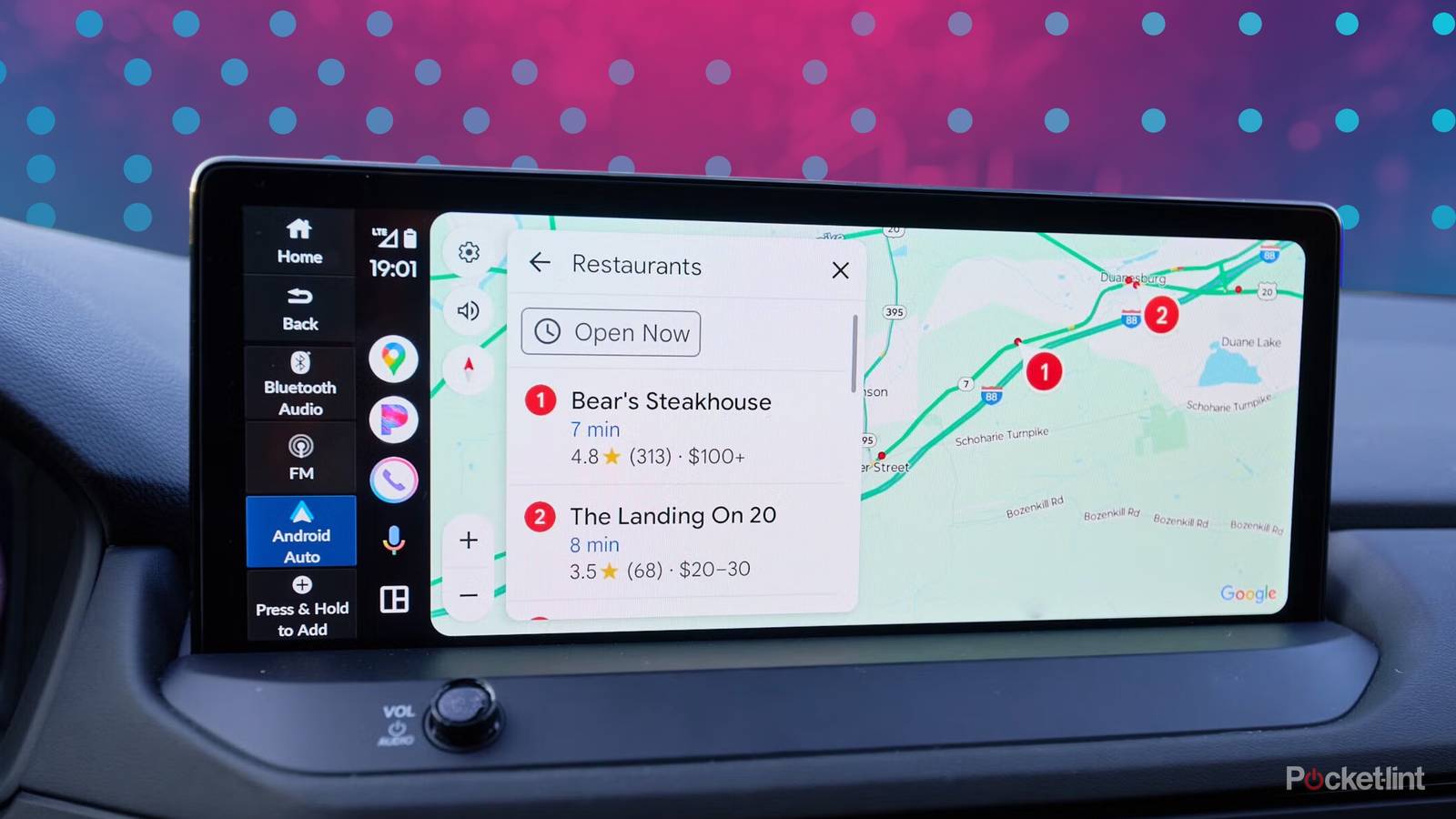
What Cars Have Wireless CarPlay?
The answer changes by model year and trim. Two cars with the same name may have different infotainment systems, so a base model may offer wired CarPlay while a higher trim supports wireless CarPlay.
The following list covers common US-market vehicles that offer wireless CarPlay on selected model years or trims. Always confirm the exact vehicle by checking its window sticker, owner’s manual, or factory equipment list.
BMW
BMW was one of the early luxury brands to offer wireless CarPlay in many vehicles. Common examples include:
• BMW 2 Series
• BMW 3 Series
• BMW 4 Series
• BMW 5 Series
• BMW 7 Series
• BMW X1, X3, X5, and X7
• BMW Z4
Many BMW vehicles from roughly 2017 onward support wireless CarPlay, but the exact feature can depend on iDrive generation and software. Some older cars may also require an active ConnectedDrive subscription or a software update.
Ford
Ford added wireless CarPlay to many vehicles with the SYNC 4 infotainment system. Common examples include:
• Ford Bronco
• Ford Edge
• Ford Escape
• Ford Expedition
• Ford Explorer
• Ford F-150
• Ford Maverick
• Ford Mustang
• Ford Mustang Mach-E
• Ford Ranger
Many 2021 and newer Ford models offer wireless CarPlay, although the feature can vary by trim and screen system. Vehicles with older SYNC versions may support only wired CarPlay.
General Motors Vehicles
General Motors introduced wireless smartphone integration in many Chevrolet, Buick, GMC, and Cadillac vehicles. Examples include:
• Chevrolet Blazer
• Chevrolet Bolt
• Chevrolet Colorado
• Chevrolet Equinox
• Chevrolet Silverado
• Chevrolet Tahoe and Suburban
• Buick Envision
• GMC Acadia
• GMC Canyon
• GMC Sierra
• Cadillac CT4 and CT5
• Cadillac Escalade
GM vehicles with newer infotainment systems commonly support wireless CarPlay. However, some newer GM electric vehicles have changed infotainment strategies, so buyers should check the exact model and software system.
Honda
Honda offers wireless CarPlay in several newer vehicles, including:
• Honda Accord
• Honda Civic
• Honda CR-V
• Honda HR-V
• Honda Odyssey
• Honda Pilot
• Honda Prologue
Wireless CarPlay became more common in Honda vehicles around the 2021 model year and later. Some lower trims or older versions may still require a USB connection.
Toyota and Lexus
Toyota and Lexus gradually expanded wireless CarPlay across their lineups. Common vehicles with wireless CarPlay include selected versions of:
• Toyota Camry
• Toyota Corolla
• Toyota Crown
• Toyota Highlander
• Toyota Prius
• Toyota RAV4
• Toyota Sequoia
• Toyota Sienna
• Toyota Tundra
• Lexus ES
• Lexus NX
• Lexus RX
• Lexus GX
• Lexus TX
Toyota’s newer Audio Multimedia system generally provides wireless CarPlay. Older Toyota Entune systems may offer only wired CarPlay, even if the vehicle has a large touch screen.
Hyundai
Many newer Hyundai vehicles have wireless CarPlay, especially those equipped with newer infotainment systems. Examples include:
• Hyundai Elantra
• Hyundai Ioniq 5
• Hyundai Kona
• Hyundai Palisade
• Hyundai Santa Cruz
• Hyundai Santa Fe
• Hyundai Sonata
• Hyundai Tucson
Hyundai has used different screen and audio systems across trims. In some cases, a smaller display supports wireless CarPlay while a larger navigation display supports only wired CarPlay. This unusual setup is one reason a test drive matters.
Kia
Wireless CarPlay is available in many newer Kia models, such as:
• Kia Carnival
• Kia EV6
• Kia Forte
• Kia K5
• Kia Niro
• Kia Seltos
• Kia Sorento
• Kia Sportage
• Kia Telluride
Kia has also used different infotainment systems within the same model. Check whether the vehicle has the standard audio system, connected navigation system, or a newer ccNC system.
Volkswagen
Many Volkswagen vehicles from the MIB3 infotainment era support wireless CarPlay. Examples include:
• Volkswagen Atlas
• Volkswagen Atlas Cross Sport
• Volkswagen Golf GTI
• Volkswagen Golf R
• Volkswagen ID.4
• Volkswagen Jetta
• Volkswagen Taos
• Volkswagen Tiguan
Wireless CarPlay is common in many 2021 and newer Volkswagen models, but equipment varies. Some entry-level trims may include smartphone integration without wireless operation.
Audi
Selected Audi vehicles with newer MMI systems support wireless CarPlay. Examples include:
• Audi A3
• Audi A4
• Audi A5
• Audi A6
• Audi Q3
• Audi Q5
• Audi Q7
• Audi Q8
Audi often places wireless CarPlay within a technology, premium, or convenience package. Confirm the exact equipment because similar Audi models can have different MMI hardware.
Mercedes-Benz
Mercedes-Benz vehicles with newer MBUX systems commonly support wireless CarPlay. Examples include:
• Mercedes-Benz A-Class
• Mercedes-Benz C-Class
• Mercedes-Benz E-Class
• Mercedes-Benz GLA
• Mercedes-Benz GLB
• Mercedes-Benz GLC
• Mercedes-Benz GLE
• Mercedes-Benz GLS
• Mercedes-Benz EQB
• Mercedes-Benz EQE
Wireless CarPlay support depends on the MBUX generation and optional packages. A Mercedes vehicle with a large screen does not automatically guarantee wireless CarPlay.
Stellantis Vehicles
Many Jeep, Ram, Chrysler, and Dodge vehicles use Uconnect systems that support wireless CarPlay. Examples include:
• Chrysler Pacifica
• Dodge Durango
• Jeep Compass
• Jeep Grand Cherokee
• Jeep Grand Wagoneer
• Jeep Renegade
• Jeep Wrangler
• Ram 1500
• Ram 2500 and 3500
The Uconnect 5 system is the key feature to look for. Earlier Uconnect versions may support wired CarPlay only.
Subaru
Subaru added wireless CarPlay to more vehicles as it introduced newer infotainment systems. Examples include:
• Subaru Ascent
• Subaru Crosstrek
• Subaru Forester
• Subaru Impreza
• Subaru Legacy
• Subaru Outback
• Subaru Solterra
Many 2023 and newer Subaru vehicles offer wireless CarPlay, while older versions often need a USB cable. Trim differences remain important.
Mazda
Mazda has added wireless CarPlay to newer versions of several vehicles, including:
• Mazda3
• Mazda CX-30
• Mazda CX-5
• Mazda CX-50
• Mazda CX-90
• Mazda MX-5 Miata
Wireless CarPlay is more common in newer Mazda models and updated infotainment systems. Many older Mazda vehicles support CarPlay but require a cable.
Volvo and Polestar
Newer Volvo and Polestar vehicles may support wireless CarPlay, depending on the infotainment platform and software version. Examples include:
• Volvo XC40
• Volvo XC60
• Volvo XC90
• Volvo S60
• Volvo V60
• Volvo C40 Recharge
• Volvo EX30
• Polestar 2
Some Google-based infotainment systems have changed how smartphone integration works. Check current vehicle documentation instead of assuming that every Volvo or Polestar model has the same feature.

Wireless CarPlay by Model Year
Model year is one of the fastest ways to narrow your search, but it is not a perfect rule. Automakers can change technology during a production run or limit it to selected trims.
As a broad guide:
• 2017 to 2019: Wireless CarPlay is most common in BMW and selected luxury vehicles.
• 2020 to 2021: Ford, Toyota, Honda, GM, Volkswagen, and other brands began adding it to more models.
• 2022 to 2024: Wireless CarPlay became common across many mainstream SUVs, sedans, trucks, and electric vehicles.
• 2025 and newer: Most new vehicles offer it, but a few base trims and special infotainment systems may still require a cable.
The safest approach is to verify three details:
-
The exact model year
-
The exact trim level
-
The infotainment system installed in that vehicle
A dealer listing that says “Apple CarPlay” does not always mean wireless CarPlay. It may refer to wired CarPlay only.
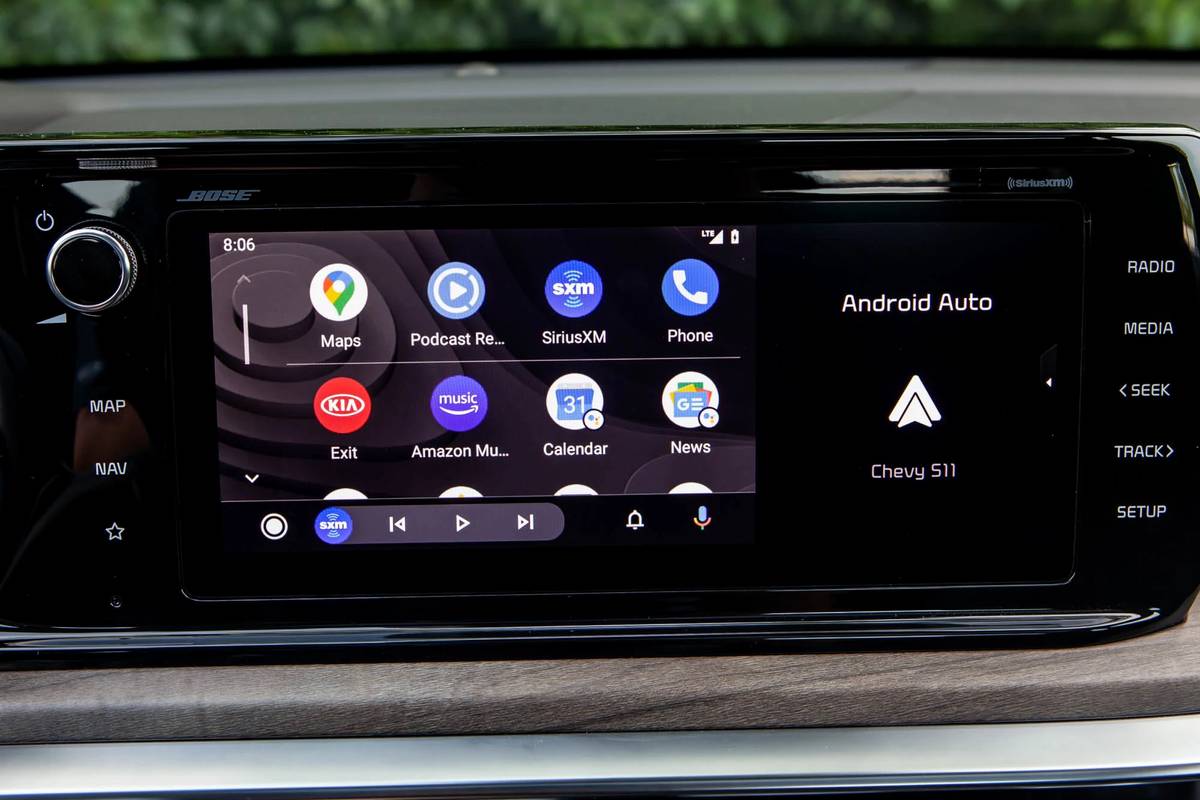
How to Check If a Used Car Has Wireless CarPlay
If you are shopping for a used vehicle, do not rely only on the sales listing. Sellers often list Apple CarPlay as a single feature without explaining whether it is wired or wireless.
Use this simple check:
-
Start the vehicle and open the infotainment settings.
-
Look for Bluetooth, phone projection, or smartphone connection settings.
-
Pair your iPhone without plugging in a USB cable.
-
Confirm that the CarPlay dashboard appears on the screen.
-
Turn the vehicle off, wait a moment, and restart it.
-
Check whether the phone reconnects automatically.
Bring your own iPhone during the test drive. Ask the seller to remove any old phones first. Some systems will not connect correctly when several devices are stored in memory.
A useful lesson from comparing vehicle technology is that the screen size can mislead you. A large display may still have wired CarPlay, while a smaller screen in another trim may offer wireless CarPlay.
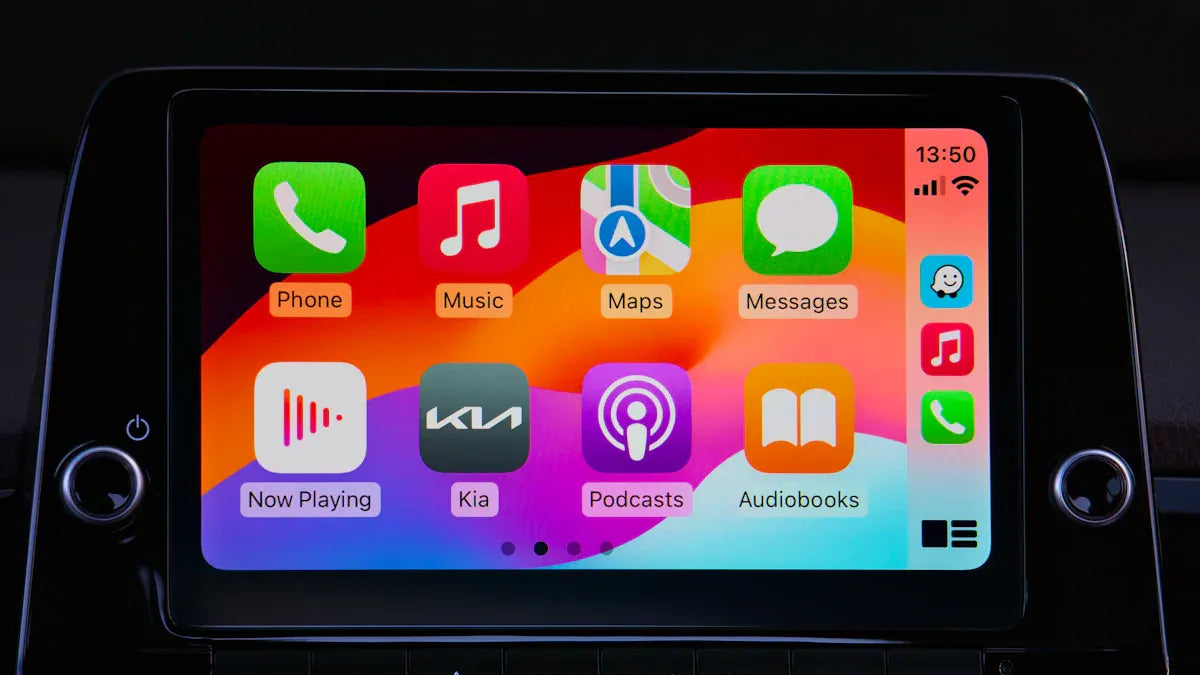
Wireless CarPlay Versus Wired CarPlay
Both systems provide access to CarPlay apps, but they feel different during daily use.
Wireless CarPlay benefits
• No cable is needed for short trips.
• The connection starts automatically after setup.
• The dashboard looks cleaner.
• You can keep your phone in a pocket or bag.
• It is convenient for errands and commuting.
Wired CarPlay benefits
• The connection is often more stable.
• Your iPhone charges during use.
• Battery drain is lower.
• It can respond more quickly in some older systems.
• It may work better in areas with wireless interference.
Wireless CarPlay is like a front-door key that works by proximity. Wired CarPlay is more like a solid key in the lock. One is easier, while the other can be more dependable.

How to Set Up Wireless CarPlay
Setup usually takes only a few minutes.
-
Start the car and leave it parked.
-
Turn on Bluetooth, Wi-Fi, and Siri on your iPhone.
-
Open the vehicle’s phone or smartphone projection menu.
-
Select your iPhone from the list.
-
Accept the connection request on the iPhone.
-
Allow CarPlay to work while the phone is locked.
-
Choose whether CarPlay should start automatically.
After setup, the vehicle normally reconnects when your iPhone is nearby. If it does not, make sure Wi-Fi and Bluetooth are both enabled. Wireless CarPlay needs both connections, so turning off either one can stop automatic pairing.

Common Wireless CarPlay Problems
Wireless CarPlay is convenient, but it is not perfect. Most connection problems have simple causes.
The phone will not connect
Check that Siri, Bluetooth, and Wi-Fi are enabled. Then remove the vehicle from the iPhone’s CarPlay settings and pair it again.
CarPlay connects and disconnects
A weak software connection, low phone storage, or outdated vehicle firmware may cause interruptions. Restart both devices and install available updates.
Another driver’s phone connects first
Many vehicles connect to the last-used phone. Delete unused phones from the vehicle’s Bluetooth memory and set the preferred phone as the primary device.
The connection is slow
Wireless systems can take several seconds to load. If the delay is severe, restart the infotainment system and check for a software update.
Music sounds different
Wireless CarPlay may use a different audio path than Bluetooth. Check the vehicle’s equalizer, volume settings, and music app quality settings.
The phone battery drops quickly
Wireless CarPlay uses Wi-Fi, Bluetooth, and the screen. Use a wireless charging pad or connect a cable when taking a long trip.
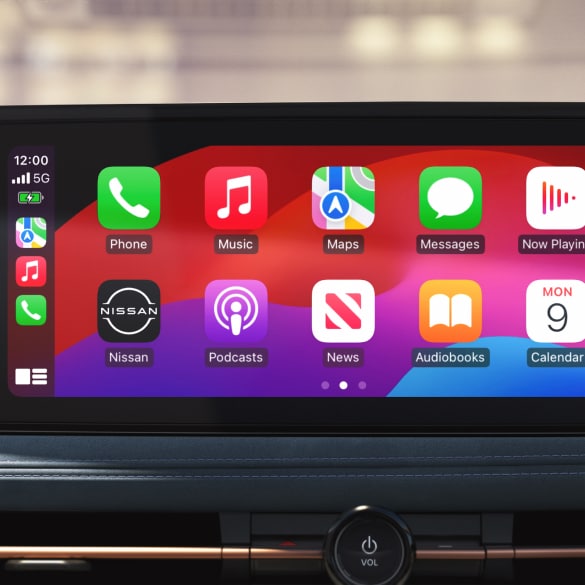
Can Older Cars Get Wireless CarPlay?
Yes. If a vehicle already has wired CarPlay, a wireless CarPlay adapter can often add wireless operation.
These small USB devices plug into the car’s CarPlay USB port. The adapter connects to your iPhone wirelessly and passes the CarPlay signal to the factory screen.
Before buying one, confirm that:
• The car already supports wired Apple CarPlay.
• The adapter supports your iPhone and iOS version.
• The vehicle has a compatible USB data port.
• The seller offers firmware updates.
• The adapter has a clear return policy.
An adapter cannot usually add CarPlay to a vehicle that does not support CarPlay at all. It also cannot fix a damaged USB port or an outdated infotainment system.
Some adapters work well, while others create lag, audio delay, or random disconnections. Avoid the cheapest unknown products if reliability matters to you.
What to Look for When Buying a Car With Wireless CarPlay
Wireless CarPlay should be only one part of your vehicle decision. The system also needs to be easy to use and reliable.
Check these features during a test drive:
• Does the iPhone connect without a cable?
• Is the touchscreen quick and easy to read?
• Are physical volume controls available?
• Does navigation remain visible while music plays?
• Can the system connect two phones?
• Is there a wireless charging pad?
• Are USB ports available for passengers?
• Does CarPlay reconnect after the car restarts?
• Can you use voice controls without taking your eyes off the road?
Also check whether wireless CarPlay is standard or optional. A vehicle may advertise the feature, but only higher trims may include it.
Apple’s compatibility guidance and the automaker’s owner manual are the best sources for final confirmation. Online listings can contain errors, especially for used cars and dealer inventory.

Is Wireless CarPlay Safe to Use?
Wireless CarPlay can support safer driving because it places navigation, calls, and music controls on the vehicle display. Siri can read messages and let you respond by voice.
Still, CarPlay does not remove driver distraction. You should set navigation before moving, use voice commands when possible, and never type or browse while driving.
The National Highway Traffic Safety Administration advises drivers to avoid manual phone use behind the wheel. A connected system is a tool, not a reason to handle your phone in traffic.
Frequently Asked Questions About What Cars Have Wireless CarPlay
What cars have wireless CarPlay as standard?
Many newer BMW, Ford, Honda, Toyota, Lexus, Hyundai, Kia, Volkswagen, GM, and Stellantis vehicles offer wireless CarPlay. Standard equipment depends on the model year, trim, and infotainment system.
Do all cars with Apple CarPlay have wireless CarPlay?
No. Some vehicles support only wired Apple CarPlay through a USB cable. The vehicle listing must specifically say wireless CarPlay or wireless smartphone integration.
Does wireless CarPlay work with every iPhone?
Wireless CarPlay generally works with compatible iPhone models running a supported version of iOS. The vehicle and phone must both support wireless CarPlay, and some older systems may need software updates.
Can I add wireless CarPlay to an older car?
Usually, yes, if the car already has wired CarPlay. A wireless CarPlay adapter can convert the wired connection, but it cannot normally add CarPlay to a vehicle that lacks the feature completely.
Is wireless CarPlay better than wired CarPlay?
Wireless CarPlay is more convenient because it connects without a cable. Wired CarPlay is often better for charging, long trips, and maximum connection stability.
Why does wireless CarPlay keep disconnecting?
Common causes include outdated software, weak Bluetooth or Wi-Fi connections, stored phones competing for connection, and poor-quality adapters. Restarting the phone and vehicle system often helps.
Do electric cars have wireless CarPlay?
Many electric cars offer wireless CarPlay, including selected Ford, Hyundai, Kia, Chevrolet, BMW, Mercedes-Benz, Volvo, and Volkswagen models. Always check the exact infotainment system because electric vehicles do not all include the same smartphone features.
Conclusion
The answer to what cars have wireless CarPlay includes a growing range of sedans, SUVs, trucks, luxury vehicles, and electric cars. BMW, Ford, Honda, Toyota, Lexus, Hyundai, Kia, GM, Volkswagen, Subaru, Mazda, and Stellantis all offer it on selected models and trims.
The most important lesson is to verify the exact model year, trim, and infotainment system. If your older car already has wired CarPlay, a quality wireless adapter may provide an affordable upgrade.
Before buying, test the connection with your own iPhone and check the manufacturer’s equipment guide. Explore more vehicle technology guides, and share your wireless CarPlay experience in the comments.