Yes, wireless CarPlay is worth it for many drivers who want safer, simpler, and more convenient trips.
If you are asking, “is wireless CarPlay worth it,” the answer depends on your car, phone, budget, and driving habits. After comparing wireless and wired setups, the biggest difference is simple: wireless CarPlay removes cable clutter, while wired CarPlay often delivers lower cost and more reliable performance. This guide explains the real benefits, limits, compatibility needs, and best buying tips so you can make a smart choice.
Is wireless CarPlay worth it?
Wireless CarPlay is worth it if you drive often and want your iPhone to connect without plugging in every time. It can show navigation, music, calls, messages, podcasts, and supported apps on your car’s screen. You can also use Siri for many tasks while keeping your hands on the wheel.
For daily drivers, the convenience can feel like a small luxury. You start the car, put your phone in your pocket, and CarPlay connects in the background. There is no cable to find, stretch, or replace.
However, wireless CarPlay is not always the best choice. A wired connection may be better if you want fast charging, maximum stability, or the lowest possible cost. Older cars may also need an adapter or a new aftermarket head unit.
The answer to “is wireless CarPlay worth it” is therefore personal. It is most useful for people who:
- Drive to work, school, or appointments most days
- Use Apple Maps, Google Maps, Waze, music, or podcasts
- Dislike plugging in a phone for short trips
- Have a newer iPhone and a compatible vehicle
- Value convenience more than the lowest purchase price
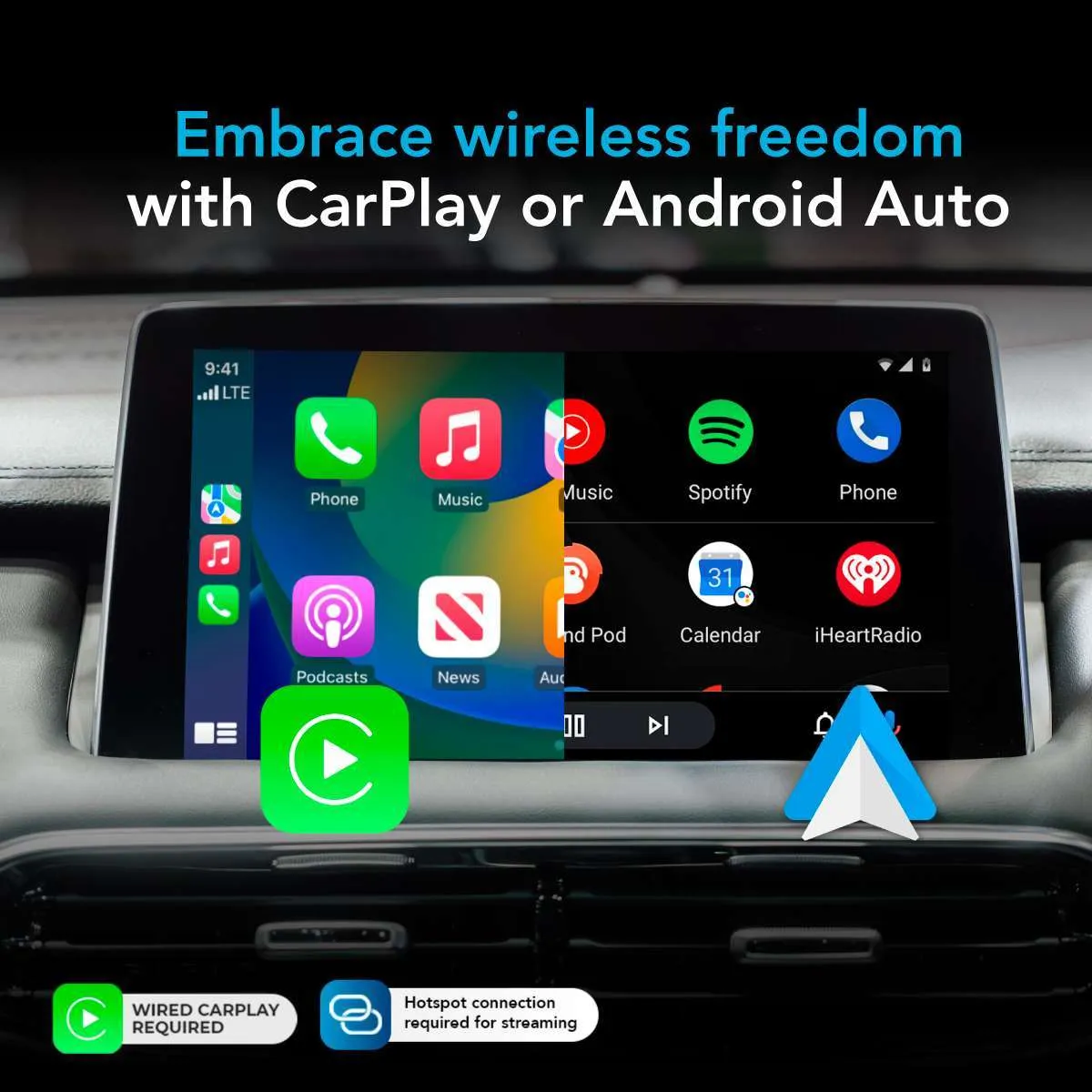
How wireless Apple CarPlay works
Wireless CarPlay uses two wireless systems. Bluetooth helps the iPhone and car discover and pair with each other. After that, a Wi-Fi connection carries the larger amount of data needed for the display, audio, maps, and app controls.
This setup differs from Bluetooth audio alone. Bluetooth can play music and handle calls, but it usually does not mirror the full CarPlay interface on the car’s screen. Wireless CarPlay creates a richer link between the phone and the infotainment system.
The first connection usually takes a few steps:
- Start the car and turn on its infotainment system.
- Make sure Bluetooth, Wi-Fi, and Siri are enabled on the iPhone.
- Select the vehicle from the iPhone’s Bluetooth menu or the CarPlay menu.
- Confirm the pairing request on both screens.
- Allow CarPlay to connect while the phone is locked, if prompted.
After the first setup, many vehicles connect automatically. Some cars take 10 to 30 seconds. Others may connect almost as soon as you start the engine.
Wireless CarPlay uses the phone’s data plan for online maps, music streaming, traffic updates, and messages. It does not give your phone free internet access. If your cellular signal is weak, some online features may load slowly even when the CarPlay connection itself is working correctly.
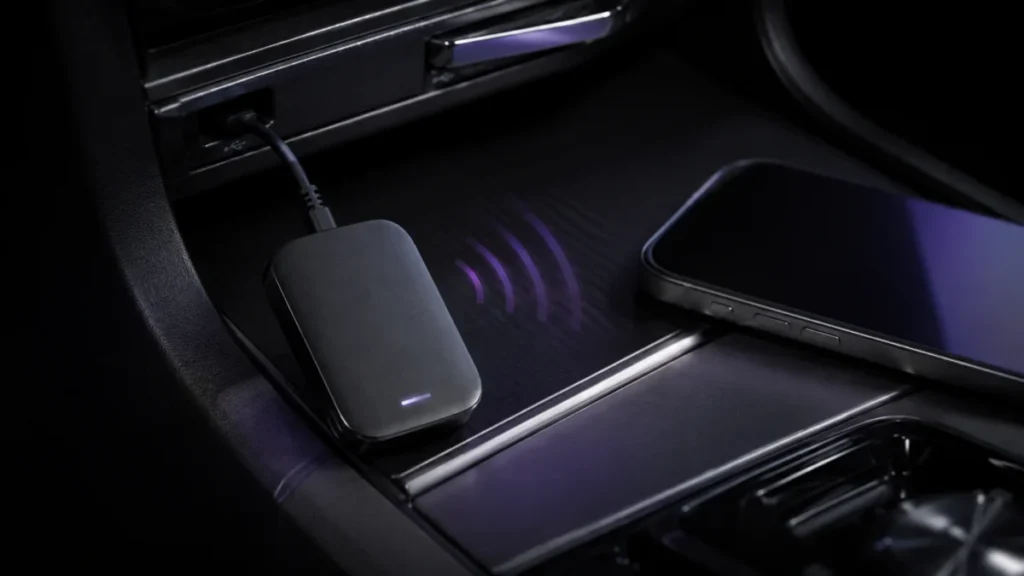
The main benefits of wireless CarPlay
Less cable clutter
The biggest advantage is convenience. You do not need to keep a Lightning or USB-C cable stretched across the center console. This makes the cabin look cleaner and reduces the chance of a cable getting caught on the shifter, cup holder, or armrest.
A wireless connection is especially useful for short trips. You can drive five minutes to a store without deciding whether connecting your phone is worth the effort.
Easy access to navigation
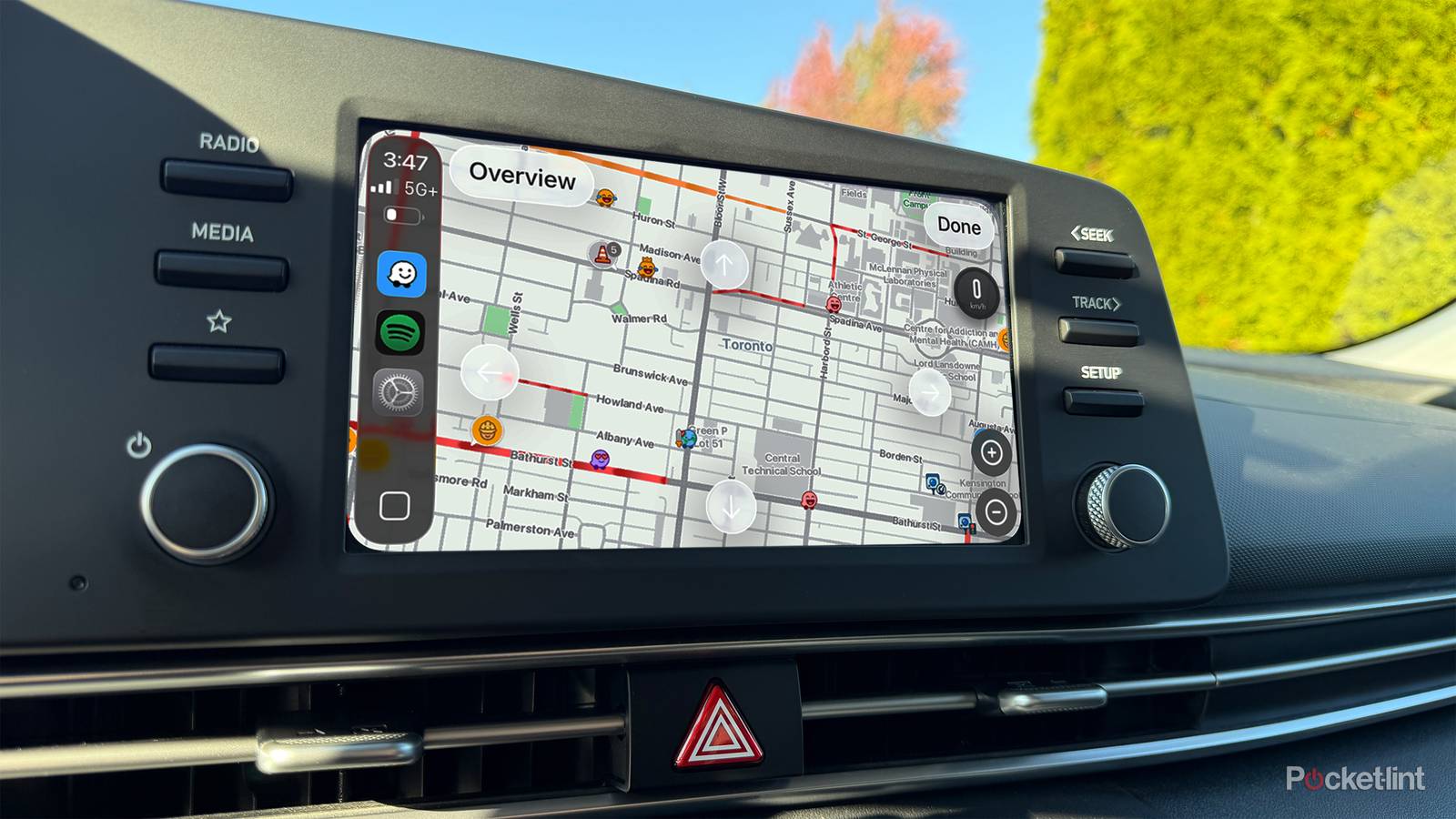
Wireless CarPlay gives you access to Apple Maps, Google Maps, and Waze on the vehicle’s screen. You can see larger directions than you would on a phone mounted low on the dashboard.
Voice guidance also reduces the need to look down. Research on driver distraction supports using built-in controls and voice features instead of handling a phone while driving. Still, drivers should set routes before moving and avoid changing settings on the road.
Better access to music and podcasts
You can use apps such as Apple Music, Spotify, Pandora, Audible, and compatible podcast services. The vehicle’s controls may let you change tracks, pause audio, or adjust volume without reaching for your phone.
This makes long drives feel easier. You can switch from a podcast to a playlist with a voice command or a quick tap on the car’s display.
Fewer worn-out cables
Charging cables bend, fray, and stop working. Wireless CarPlay does not remove the need to charge your iPhone, but it reduces how often you use the cable for data. That may help your cables last longer.
You can keep one charging cable in the car for emergencies. You do not need to connect it every time you want navigation or music.
A cleaner start to every drive
Many drivers enjoy the automatic routine. The car starts, CarPlay connects, and the last audio app may resume. This feels more natural than searching for a cable before every trip.
That convenience is a major reason why is wireless CarPlay worth it for busy drivers. Small time savings can matter when repeated hundreds of times each year.

The disadvantages of wireless CarPlay
Battery drain
Wireless CarPlay uses Wi-Fi and Bluetooth, so it can use more battery than a simple wired connection. The exact drain depends on the iPhone, signal strength, screen use, navigation, and background activity.
Navigation and streaming music can use even more power. On a long trip, your phone may lose battery while connected wirelessly. A wireless charging pad can help, but charging speed varies by car and phone.
Occasional connection problems
Wireless CarPlay is usually reliable, but no wireless system is perfect. You may experience:
- A delayed connection after starting the car
- Random disconnections
- Audio that pauses or stutters
- CarPlay failing to appear on the screen
- A connection that works only after restarting the phone or car
These problems are often caused by old software, weak vehicle firmware, Bluetooth conflicts, or another paired device. A wired connection usually has fewer variables.
More heat during navigation
Wireless communication, streaming, and navigation can make an iPhone warm. If the phone sits in direct sunlight or inside a poorly ventilated wireless charging pad, heat can increase.
Modern iPhones manage temperature by slowing or pausing charging when needed. Even so, keeping the phone out of direct sun is a good habit.
Wireless charging may be slow
A wireless charging pad can be convenient, but it may not charge as quickly as a cable. Some older pads deliver limited power. Some phone cases also reduce charging efficiency.
If your phone battery is low, a direct cable is still the safer choice. Wireless CarPlay and wired charging do not have to be an either-or decision.
Extra cost for older cars
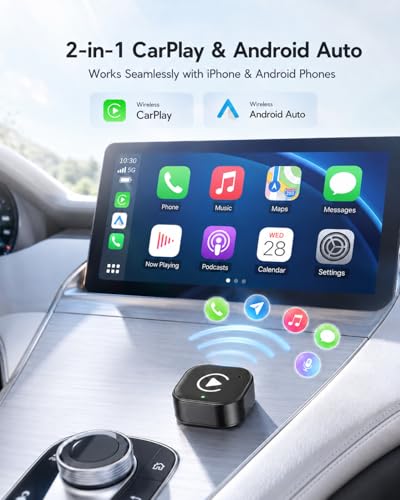
A vehicle with wired CarPlay does not always support wireless CarPlay. You may need a wireless CarPlay adapter. A good adapter can cost roughly $50 to $150, while a new aftermarket head unit may cost several hundred dollars after installation.
This cost changes the answer to “is wireless CarPlay worth it.” If you only drive once a week, an adapter may not provide enough value. If you commute every day, the cost may feel reasonable.
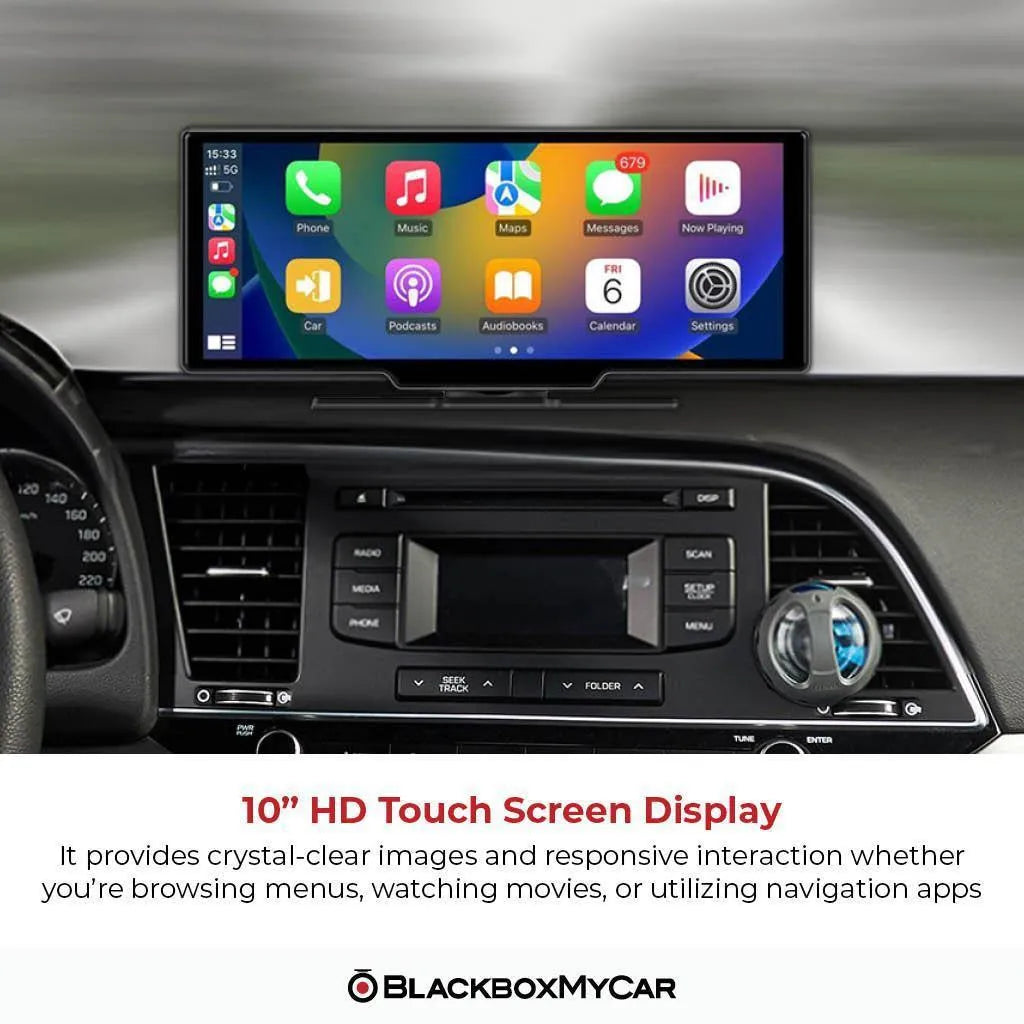
Wireless CarPlay versus wired CarPlay
Both versions provide many of the same core features. The main difference is how the iPhone connects to the vehicle.
| Feature | Wireless CarPlay | Wired CarPlay |
|---|---|---|
| Connection | Bluetooth and Wi-Fi | USB cable |
| Setup after pairing | Usually automatic | Plug in the phone |
| Battery charging | Usually limited or separate | Charges through the cable |
| Connection stability | Good, but can vary | Usually very stable |
| Cable clutter | Very little | More cable use |
| Cost | May require extra equipment | Often included with the car |
| Long trips | Convenient, but may drain battery | Convenient and charges phone |
Wired CarPlay is often the practical winner for road trips. Your iPhone stays charged, and the connection is less likely to drop. It is also useful when you rely on navigation for many hours.
Wireless CarPlay is often the better choice for city driving and short trips. It removes small daily annoyances and starts with less effort.
A useful approach is to use both. Keep wireless CarPlay for normal drives, then connect a cable when you need faster charging or maximum reliability.

Wireless CarPlay compatibility
Before buying an adapter or changing your vehicle, check compatibility carefully. Wireless CarPlay requires more than an iPhone and a car screen.
iPhone requirements
Apple’s support guidance states that CarPlay works with compatible iPhone models and an updated version of iOS. Newer iPhones generally support wireless CarPlay, but the vehicle still needs compatible hardware.
Siri must also be enabled. If Siri is turned off, voice commands may not work correctly even if the phone connects.
Vehicle requirements
The car must support wireless CarPlay from the factory, or it must have wired CarPlay that can be converted with an adapter. A screen that supports Bluetooth audio does not automatically support CarPlay.
Check the following before you buy:
- The exact vehicle year, make, and model
- Whether the car has wired CarPlay
- Whether the car’s USB port supports data or charging only
- The adapter’s iPhone and vehicle compatibility list
- Whether steering wheel controls still work
- Whether the factory microphone remains active
- Whether the adapter receives firmware updates
Adapter compatibility
Wireless CarPlay adapters are not universal. Most are designed to convert wired CarPlay into wireless CarPlay. They usually will not add CarPlay to a vehicle that never supported it.
Some adapters also have limits. They may take longer to connect, lack firmware support, or create audio delays. Buy from a seller with a clear return policy.
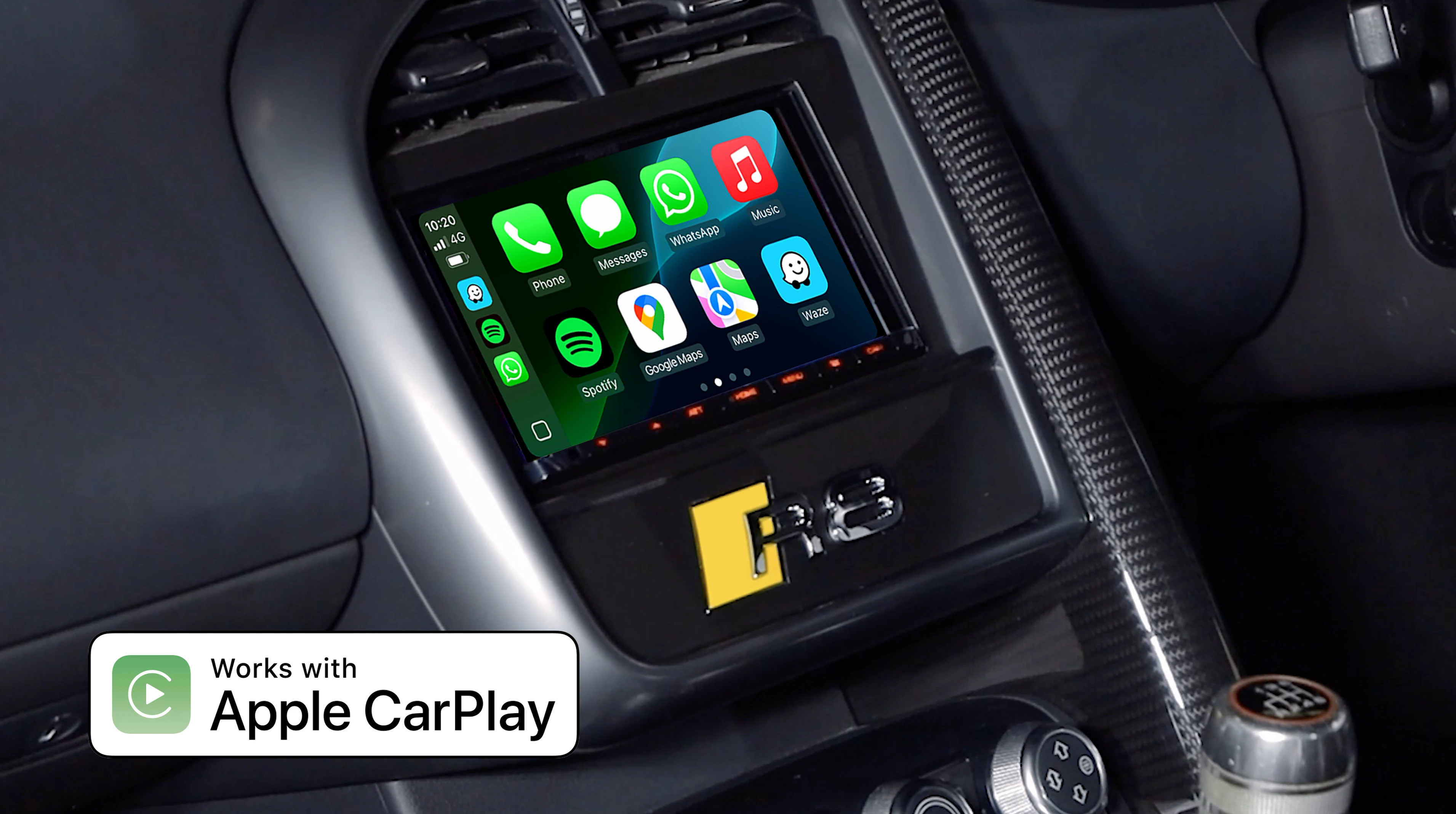
How much does wireless CarPlay cost?
The cost depends on the equipment you already have.
Factory wireless CarPlay
If your car includes wireless CarPlay, the feature is part of the vehicle’s infotainment system. There is no separate purchase, though it may be included in a higher trim level or technology package.
When comparing cars, do not focus only on the presence of a touchscreen. Ask whether the system supports wireless CarPlay, wired CarPlay, Android Auto, or only Bluetooth.
Wireless CarPlay adapters
An adapter is often the least expensive upgrade. Prices commonly range from about $50 to $150. Budget models can work well, but some may have slower startup times or less polished software.
A reliable adapter should offer:
- Automatic reconnection
- Stable audio
- Firmware updates
- A compact design
- USB compatibility with your car
- Clear instructions
- A return or warranty policy
Aftermarket head units
A new head unit can add wireless CarPlay, a better screen, improved audio controls, and other features. Total costs often rise after installation, wiring harnesses, dash kits, and steering wheel control modules are included.
This may be worthwhile in an older car with a poor factory system. It may not make financial sense if the vehicle is near the end of its useful life.

Is wireless CarPlay safe while driving?
Wireless CarPlay can support safer driving when used properly. It places navigation, calls, music, and messages on a familiar dashboard screen. Siri can also read selected messages and let you reply with voice commands.
It does not make every phone activity safe. Browsing social media, typing long messages, watching videos, or searching through playlists can still distract you.
Use these habits:
- Enter your destination before leaving.
- Use voice commands for calls and messages.
- Keep the phone mounted or stored away.
- Set music and podcasts before moving.
- Pull over before troubleshooting.
- Do not hold the phone while driving.
- Follow local hands-free laws.
The National Highway Traffic Safety Administration warns that distracted driving can take a driver’s attention away from the road, hands, or eyes. CarPlay is a tool, not a shield against distraction.

Common wireless CarPlay problems and fixes
CarPlay will not connect
Start by checking that Bluetooth, Wi-Fi, and Siri are turned on. Then restart the iPhone and the vehicle’s infotainment system.
If the problem continues, go to the iPhone’s CarPlay settings, forget the vehicle, and pair it again. Also remove old or duplicate vehicle entries.
CarPlay keeps disconnecting
Move the phone away from other wireless devices and check for software updates. Some vehicles have infotainment firmware updates that improve wireless performance.
If you use an adapter, update its firmware through the manufacturer’s app or website. A low-quality USB cable can also cause trouble with adapter power, even though the final connection is wireless.
There is audio delay
A small delay is normal with some wireless systems. Large delays may come from the adapter, vehicle software, or a weak connection.
Test another audio app and try a wired connection. If wired CarPlay works normally, the wireless adapter may be the source of the problem.
Maps work, but music does not
Check the car’s audio source and volume settings. Some vehicles connect to CarPlay but remain on radio, Bluetooth audio, or another media source.
Also confirm that the music app is allowed to use cellular data. Downloaded music and podcasts can help when mobile service is weak.
The phone gets hot
Keep the iPhone out of direct sunlight. Remove a thick case while using a wireless charging pad and avoid leaving the phone on the dashboard.
If the phone displays a temperature warning, disconnect it and let it cool. Heat can affect battery health over time.
Tips for getting the best wireless CarPlay experience
A few simple habits can improve reliability and reduce frustration.
- Update iOS and the car’s infotainment software.
- Keep Bluetooth and Wi-Fi enabled.
- Use a short, high-quality USB cable for an adapter.
- Place the adapter where it has airflow.
- Keep your phone away from metal objects and other wireless devices.
- Download music, podcasts, and maps before long trips.
- Keep a charging cable in the vehicle.
- Test the system before relying on it for a long journey.
- Use a returnable adapter if compatibility is uncertain.
- Avoid changing settings while the car is moving.
One practical lesson from comparing these systems is that convenience should not replace preparation. Wireless CarPlay is excellent for daily use, but a cable and offline content can save a trip when technology acts up.
Another mistake is assuming that an expensive adapter will solve every problem. Compatibility, vehicle firmware, USB power, and phone software matter just as much as price.
Who should choose wireless CarPlay?
Wireless CarPlay is a strong choice for:
- Daily commuters
- Drivers who make many short trips
- People who use navigation often
- Families who share one vehicle
- Drivers who dislike dashboard cable clutter
- Owners of cars with reliable wireless systems
It may not be the best choice for:
- Drivers who need constant fast charging
- People with older or incompatible vehicles
- Those who rarely drive
- Users who dislike troubleshooting technology
- Drivers who already have a stable wired setup
For example, a daily commuter may start the car dozens of times each week. Removing the need to plug in a phone can save time and make each trip smoother. A weekend driver may prefer to spend nothing extra and keep using wired CarPlay.
Is wireless CarPlay worth it for older cars?
Wireless CarPlay can be worth it for an older car if the vehicle already has wired CarPlay. In that case, a small adapter may provide most of the convenience without replacing the dashboard system.
If the car has no CarPlay at all, the upgrade becomes more complex. You may need a new head unit, installation, a dashboard kit, and steering wheel control integration.
Consider the car’s condition before spending money. An upgrade makes more sense when the engine, transmission, electrical system, and interior are still in good shape. Spending $600 on technology for a vehicle that may need major repairs soon may not be wise.
For an older car, compare the upgrade cost with the vehicle’s value and your expected ownership time. This helps answer “is wireless CarPlay worth it” in a practical way rather than an emotional one.
Frequently Asked Questions About Is Wireless CarPlay Worth It
Does wireless CarPlay use more battery?
Yes, wireless CarPlay can use more iPhone battery than wired CarPlay because it uses Bluetooth and Wi-Fi. Navigation, streaming, screen brightness, and weak cellular service can increase battery use.
Is wireless CarPlay better than Bluetooth?
Wireless CarPlay offers more features than standard Bluetooth. It can show maps, supported apps, messages, and controls on the vehicle’s screen, while Bluetooth mainly handles audio and calls.
Can I add wireless CarPlay to a car with wired CarPlay?
Usually, yes. A compatible wireless CarPlay adapter can convert the existing wired connection, but you should check the exact vehicle and iPhone requirements before buying.
Does wireless CarPlay work without cellular service?
Basic CarPlay functions can still work without cellular service, but online maps, live traffic, streaming music, and internet-based messages may not. Downloaded maps, music, and podcasts can help when coverage is poor.
Is wired CarPlay more reliable than wireless CarPlay?
Wired CarPlay is generally more stable because it does not depend on a wireless link. It also charges the iPhone, which makes it useful for long drives and heavy navigation use.
Can I use wireless CarPlay with an Android phone?
Wireless CarPlay is designed for iPhones. Android phones use Android Auto, which requires compatible vehicle and phone support.
Conclusion
Wireless CarPlay is worth it when convenience matters and your car, iPhone, and adapter work well together. It makes short trips easier, reduces cable clutter, and gives you quick access to maps, music, calls, and messages.
Wired CarPlay remains the better choice for fast charging, long journeys, and maximum connection stability. Before buying, check compatibility, read recent reviews, confirm return options, and keep a charging cable in the car.
If you are still asking, “is wireless CarPlay worth it,” start with your daily routine. Choose wireless if automatic connection will improve your drives, or stay wired if reliability and charging matter more. Explore your vehicle’s options, test the setup safely, and share your experience with other drivers.