Wireless CarPlay uses Bluetooth to start the link, then Wi-Fi to carry audio, apps, maps, and calls.
If you have ever wondered, “does wireless CarPlay use Wi-Fi or Bluetooth?” the answer is both, but each connection has a different job. Bluetooth helps your iPhone and car find each other, while a direct Wi-Fi connection moves the large stream of data that CarPlay needs. Understanding this process can help you fix connection drops, choose the right adapter, and avoid common setup mistakes.
Does wireless CarPlay use Wi-Fi or Bluetooth?
Wireless CarPlay uses Bluetooth and Wi-Fi together. Bluetooth usually handles discovery and the first connection between your iPhone and the vehicle. After that, Wi-Fi carries the main CarPlay session.
A simple way to picture it is a handshake followed by a high-speed road. Bluetooth is the handshake. Wi-Fi is the road used for maps, music, messages, phone calls, and Siri.
Bluetooth alone does not offer the speed or capacity needed for a smooth CarPlay display. It works well for basic hands-free calls and audio, but CarPlay sends much more information. It must transmit navigation screens, touch commands, voice data, album art, and app content with low delay.
The exact connection process can vary by vehicle and iPhone model. However, most wireless CarPlay systems follow this general pattern:
• Your iPhone detects the vehicle through Bluetooth.
• You approve the pairing request on the iPhone and car screen.
• The car and iPhone create a private Wi-Fi connection.
• Wireless CarPlay starts over that Wi-Fi link.
• Bluetooth may remain active for control, discovery, or related vehicle functions.
This is why turning on Bluetooth without Wi-Fi usually does not make wireless CarPlay work. Both wireless radios may need to be active.
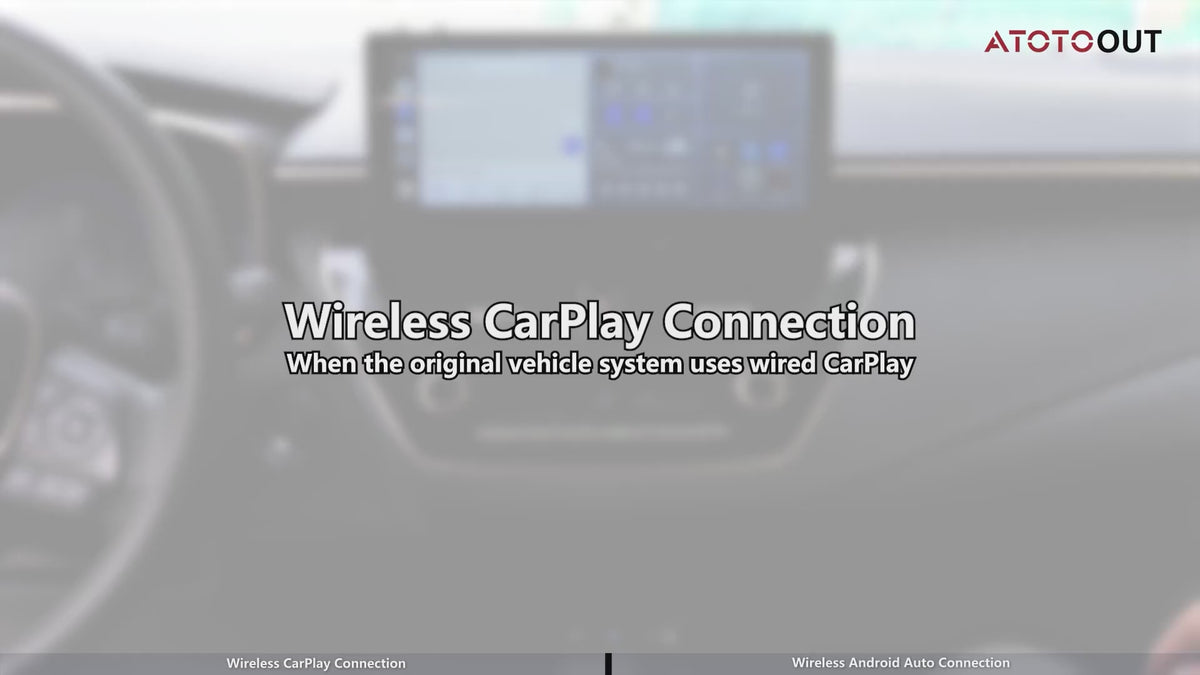
Why CarPlay needs Wi-Fi
CarPlay needs a fast connection because it is more than Bluetooth audio. Your iPhone sends a live interface to the vehicle’s infotainment system. The car also sends touch input, steering wheel commands, microphone data, and other controls back to the phone.
Wi-Fi provides much more bandwidth than Bluetooth. It also supports the quick response that drivers expect when moving through menus or changing a route.
Wireless CarPlay may use a direct Wi-Fi connection between the phone and the car. This does not always mean your car is connected to the internet. The Wi-Fi link can work as a private local connection, even when no web service is available.
That detail often causes confusion. Your iPhone may show a Wi-Fi symbol while wireless CarPlay is active, but this does not necessarily mean it is using your home network or a public hotspot.
Wireless CarPlay can still use your iPhone’s cellular data for:
• Live traffic updates
• Online music and podcasts
• Weather information
• Voice assistant requests
• App content that needs the internet
In this setup, Wi-Fi connects the iPhone to the car, while cellular data connects the iPhone to online services.

What Bluetooth does in wireless CarPlay
Bluetooth plays an important role, but it is not normally the main data path for the full CarPlay experience. It helps the phone and vehicle identify each other and begin the connection.
Bluetooth is also useful for vehicle functions that are separate from CarPlay. For example, a car may use Bluetooth for standard hands-free calling, contact sharing, or regular wireless audio.
This explains why a phone can connect to a car through Bluetooth but fail to launch CarPlay. Bluetooth pairing alone is not proof that wireless CarPlay is ready. The Wi-Fi part of the connection may be disabled, blocked, or connected to another network.
If you ask, “does wireless CarPlay use Wi-Fi or Bluetooth?” think of Bluetooth as the introduction and Wi-Fi as the conversation. Bluetooth starts the relationship, but Wi-Fi does most of the heavy work.
Apple’s CarPlay guidance commonly tells users to keep both Bluetooth and Wi-Fi enabled. The vehicle must also support wireless CarPlay, since a car with wired CarPlay may not automatically support the wireless version.

Wired CarPlay versus wireless CarPlay
Wired CarPlay uses a USB cable between your iPhone and the vehicle. That cable carries data and usually charges the phone at the same time.
Wireless CarPlay removes the cable by using the car’s Bluetooth and Wi-Fi system. The result is more convenient, but it can use more battery because the iPhone keeps its wireless radios active and may work harder during navigation.
Here are the main differences:
• Wired CarPlay offers a steady physical connection and often charges the phone.
• Wireless CarPlay is easier for short trips because you do not need to plug in.
• Wired CarPlay may be more reliable in vehicles with weak wireless software.
• Wireless CarPlay can drain the phone battery faster during long drives.
• A USB cable can sometimes provide better performance in areas with wireless interference.
A wireless CarPlay adapter can add wireless support to some vehicles that already have wired CarPlay. These adapters do not turn every vehicle into a wireless CarPlay system. They normally depend on the car’s existing wired CarPlay capability.
Before buying an adapter, check that it supports your vehicle, iPhone, and infotainment version. Cheap adapters may have delays, startup problems, or compatibility limits.

How wireless CarPlay connects step by step
The first setup may take a few minutes. After successful pairing, many vehicles connect automatically when you start the car.
Use these steps for a typical setup:
-
Start the vehicle and keep it parked during setup.
-
Turn on Bluetooth, Wi-Fi, and Siri on your iPhone.
-
Open the car’s phone or connectivity menu.
-
Select the vehicle name on the iPhone when it appears.
-
Confirm the pairing code shown on both screens.
-
Accept the CarPlay request.
-
Allow CarPlay while the iPhone is locked if you want automatic connection.
-
Wait for the CarPlay interface to appear on the vehicle display.
The menus differ by car brand. Some vehicles call the feature Wireless CarPlay, Smartphone Integration, Apple CarPlay, or Phone Projection.
If the car asks you to connect with a USB cable first, follow that instruction. Some systems use the first wired connection to create the wireless profile. Once setup is complete, you may be able to unplug the cable.
A useful tip is to remove old pairings before trying again. Multiple saved phones can confuse the vehicle, especially in households where several drivers use the same car.

Why wireless CarPlay may not connect
Knowing the answer to “does wireless CarPlay use Wi-Fi or Bluetooth?” makes troubleshooting much easier. If either wireless system is turned off, the connection may fail before CarPlay even starts.
Common causes include:
• The vehicle supports only wired CarPlay.
• Bluetooth is turned off on the iPhone.
• Wi-Fi is turned off or connected incorrectly.
• Siri is disabled.
• The iPhone has an old or damaged CarPlay profile.
• The car’s infotainment software needs an update.
• Another phone connects first.
• The phone is too far from the vehicle during setup.
• A wireless CarPlay adapter has outdated firmware.
• A VPN, network setting, or iPhone restriction interferes with setup.
Try these fixes in order:
-
Make sure the iPhone has Bluetooth and Wi-Fi enabled.
-
Confirm that Siri works before starting CarPlay.
-
Restart the iPhone and the vehicle’s infotainment system.
-
Forget the car under Settings, General, CarPlay, then pair it again.
-
Remove the iPhone from the car’s Bluetooth device list.
-
Check the vehicle manual for wireless CarPlay instructions.
-
Update iOS and the car’s infotainment software when updates are available.
-
Test with another compatible iPhone if possible.
Resetting network settings can help in stubborn cases, but it removes saved Wi-Fi networks and passwords. Use this step only after simpler fixes fail.

Does wireless CarPlay use your home Wi-Fi?
Wireless CarPlay usually does not need your home Wi-Fi network. The car and iPhone can create a direct connection for CarPlay.
Your iPhone may still use cellular data for internet-based services. For example, Apple Maps may need cellular data for traffic information, while downloaded music can work without an internet connection.
If you connect your iPhone to a home, office, or public Wi-Fi network, the phone may prefer that network for internet access. In some cases, this can affect the wireless CarPlay connection. A car’s Wi-Fi network may appear without providing internet access, and that is normal.
Do not judge the connection only by the Wi-Fi icon. The important question is whether the CarPlay interface launches and responds smoothly.
Public Wi-Fi can also create security and reliability concerns. A direct vehicle connection is usually simpler than trying to route CarPlay through a public network.

Does wireless CarPlay use mobile data?
Wireless CarPlay itself does not always require mobile data. The CarPlay connection between the iPhone and car uses local wireless communication, mainly Wi-Fi with Bluetooth helping during setup.
Mobile data is needed when a CarPlay app accesses online content. Examples include live maps, streaming music, online radio, traffic reports, and cloud-based voice services.
You can reduce mobile data use by:
• Downloading music, podcasts, and maps before a trip.
• Using offline map areas where supported.
• Limiting video or data-heavy apps on your phone.
• Checking data use in the iPhone’s cellular settings.
Phone calls and messages may use your cellular plan, but the vehicle does not need a separate cellular subscription for standard CarPlay. The iPhone normally provides the online connection.

Benefits and limits of wireless CarPlay
Wireless CarPlay is convenient because it removes one small task from every drive. You can get in, start the car, and often see CarPlay without searching for a cable.
Its main benefits include:
• Automatic connection after the first setup
• Fewer cables around the center console
• Easy access to maps, calls, messages, music, and podcasts
• Support for steering wheel controls and Siri
• A cleaner dashboard area
Still, wireless CarPlay is not perfect. It can use more battery than wired CarPlay, and some systems take longer to connect after the car starts.
Possible limits include:
• Connection delays
• Occasional audio drops
• Greater battery drain
• Wireless interference
• Compatibility problems after software updates
• Different behavior between vehicle brands
In my troubleshooting experience, the most common mistake is assuming that Bluetooth pairing equals wireless CarPlay support. Drivers often pair the phone for calls, see the Bluetooth icon, and expect CarPlay to appear. Checking the car’s official feature list first saves a great deal of time.
Practical tips for a better wireless CarPlay experience
A few simple habits can make wireless CarPlay more stable.
Keep the iPhone in the front of the vehicle during setup. The first pairing works best when the phone is close to the dashboard and away from other wireless devices.
Keep iOS and the car’s software up to date. Updates can fix connection bugs, improve compatibility, and resolve problems with newer iPhone models.
Avoid pairing several phones at once. If two drivers enter the car together, the system may connect to the wrong phone. Set one phone as the preferred device if the car offers that option.
Use a cable on long trips when battery life matters. Wired CarPlay can charge the iPhone and provide a stable backup if the wireless connection becomes unreliable.
For adapters, use the manufacturer’s update tool and follow its reset instructions. Repeatedly deleting and pairing the adapter without updating it may not fix a firmware problem.
Also check simple physical issues. A thick metal phone case, a low battery mode setting, or an iPhone placed in a closed compartment may affect performance in some vehicles.
Frequently Asked Questions About Does Wireless CarPlay Use Wi-Fi or Bluetooth
Does wireless CarPlay work with Bluetooth only?
No. Bluetooth usually helps discover and start the connection, but wireless CarPlay normally needs Wi-Fi for the main data stream. Bluetooth alone is not fast enough for the full CarPlay interface.
Can wireless CarPlay work if Wi-Fi is turned off?
Usually, no. Wireless CarPlay generally needs Wi-Fi enabled on the iPhone, even if the phone is not connected to a home or public Wi-Fi network.
Does wireless CarPlay use my phone’s internet data?
It can. CarPlay uses your iPhone’s cellular data when apps need online services, such as live traffic, streaming music, or internet searches.
Can I use wireless CarPlay without an internet connection?
Yes, for many local functions. Downloaded music, stored podcasts, offline maps, phone controls, and some messages may still work, but online features may not.
Why does Bluetooth connect but CarPlay does not?
The car may support Bluetooth calling but not wireless CarPlay. It may also have Wi-Fi disabled, an outdated software version, or an old CarPlay pairing that needs to be removed.
Does wireless CarPlay drain the iPhone battery?
It can drain the battery faster than wired CarPlay because the phone uses wireless radios and may run navigation or streaming apps. A car charger or wired connection helps during long drives.
Conclusion
So, does wireless CarPlay use Wi-Fi or Bluetooth? It uses both. Bluetooth helps the iPhone and car begin the connection, while Wi-Fi carries the main CarPlay experience, including maps, music, calls, messages, and Siri.
Wireless CarPlay is convenient, but it depends on vehicle support, active wireless settings, updated software, and a clean pairing process. If Bluetooth connects but CarPlay does not, check Wi-Fi, Siri, saved devices, and compatibility first.
Try the troubleshooting steps above, and use a wired connection when you need charging or maximum stability. If this guide helped, explore your vehicle’s CarPlay manual or share your setup and connection experience in the comments.