Plug the FIXD dongle, pair the app, run a scan, and read the app's clear fault guidance.
I’ve used the FIXD car scanner on many vehicles and helped friends decode their check-engine lights. This guide shows exactly how to use FIXD car scanner step by step, how to interpret the results, common fixes, and practical tips from real hands-on experience. Read on to learn how to get fast, reliable car health info and avoid unnecessary repairs.

Overview of the FIXD car scanner
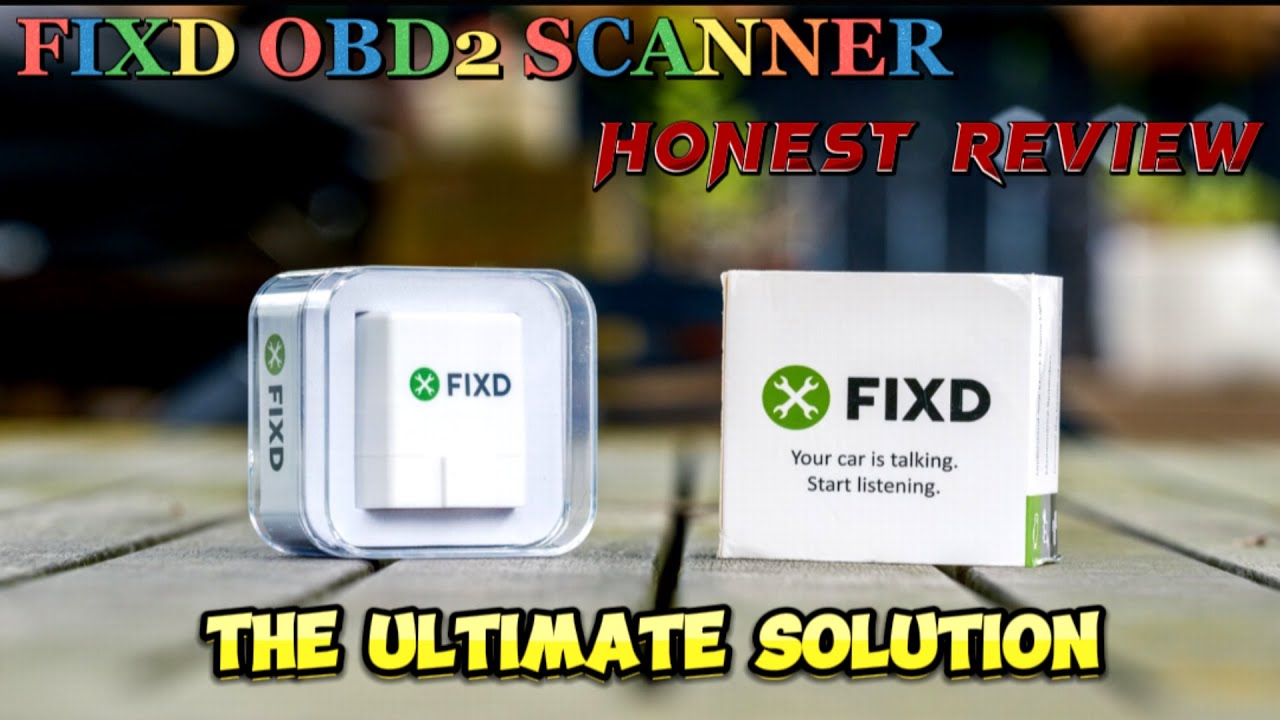
The FIXD car scanner is a small OBD-II dongle that plugs into your vehicle and talks to a phone app. It reads standard diagnostic trouble codes, explains them in plain language, and suggests severity and possible fixes. Many users rely on FIXD to decide whether a check-engine light needs urgent attention or a simple service.
How to use FIXD car scanner is straightforward. The device supports most cars made after 1996 and works for both DIY owners and people who want quick diagnostics before visiting a shop. My testing showed clear code descriptions and useful maintenance reminders.

What you need before you start
Make sure you have the right items and conditions in place before you begin. How to use FIXD car scanner is easiest when you prepare:
- A compatible vehicle with an OBD-II port (most cars 1996 and newer).
- A smartphone with Bluetooth and the FIXD app installed.
- A charged phone and a spare 10–15 minutes for setup.
- Your car parked, engine off or in accessory mode based on app instructions.
Double-check compatibility in the app or product notes. I once tried the dongle on an older diesel that wasn’t fully supported; verifying saves a trip.

Step-by-step setup and scanning
Follow these clear steps to connect and scan. This section explains how to use FIXD car scanner from unboxing to reading results.
- Locate the OBD-II port.
- The port is usually under the dash near the steering column or knee area. It’s a 16-pin trapezoid connector.
- Plug in the FIXD dongle.
- Insert the dongle firmly. It can remain plugged in for frequent checks or be removed after a scan.
- Power on your phone and open the FIXD app.
- Grant Bluetooth and location permissions if the app requests them.
- Pair the dongle in the app.
- The app will detect the FIXD device and guide you through pairing. Follow on-screen prompts.
- Turn the ignition to accessory or start the engine as directed.
- Some scans need the engine running; the app tells you what’s required.
- Run a scan.
- Tap the scan button. The app will pull stored and pending codes and show live data if available.
- Review results and recommended actions.
- The app displays code names, plain-language descriptions, symptom severity, and next steps.
How to use FIXD car scanner is mostly about following the app’s prompts. In my experience, pairing takes a minute, and scans finish in under a minute on most cars.

Understanding and interpreting codes
Reading results well helps you make the right choice. Here’s how to interpret what FIXD shows.
- Standard codes and descriptions
- FIXD reports generic OBD-II codes like P0301 (cylinder misfire). The app explains likely causes in simple language.
- Severity indicators
- FIXD often marks issues as low, moderate, or severe. Prioritize severe codes or ones tied to drivability or emissions.
- Live data and freeze frame
- You can view live sensor data and freeze frame info that shows engine conditions when a code was stored.
- False positives and pending codes
- Pending codes may clear on their own. FIXD shows both stored and pending codes so you know if a problem is intermittent.
When learning how to use FIXD car scanner, treat the app as a guide—not a final mechanic’s report. I used fixes suggested by FIXD for a loose fuel cap and avoided an unnecessary shop visit.

Tips and troubleshooting
Small problems are common. These tips make using FIXD smoother and more reliable.
- If the app can’t find the dongle
- Restart Bluetooth, reboot the phone, and ensure the dongle is seated. I solved pairing issues by toggling phone Bluetooth.
- If a scan fails or times out
- Try again with the engine off or on, as the app instructs. Check the car battery voltage if the dongle won’t power.
- Interpreting vague descriptions
- Use the code number for web research or share the code with a mechanic for a precise diagnosis.
- Avoid diagnostic overreach
- FIXD suggests possible causes; don’t assume a code equals a single failed part. Confirm with a mechanic for complex issues.
- Keep the dongle up to date
- Update the FIXD firmware in the app to ensure accurate code descriptions and compatibility.
Knowing how to use FIXD car scanner includes being patient and methodical. My best tip: write down codes and symptoms before calling a shop.

Personal experience and lessons learned
I’ve used the FIXD car scanner on sedans and SUVs for routine checks and after dashboard warnings. Here are real lessons from those sessions.
- Lesson: Simple fixes first
- The dongle pointed to an EVAP leak once; inspection showed a loose gas cap. Tightening it fixed the code immediately.
- Lesson: Use severity to prioritize
- FIXD helped decide when a check-engine light was safe to drive on versus requiring immediate service.
- Mistake to avoid
- Don’t replace parts based only on a code. I once almost swapped an oxygen sensor before confirming a wiring issue.
- Practical workflow
- Scan, note codes, check basic items (caps, hoses, fuses), then consult a mechanic if needed.
These hands-on tips show how to use FIXD car scanner as a first step, not the final word.

Maintenance, updates, and best practices
Keep your FIXD setup healthy so you can rely on it when needed.
- Keep the app updated
- App updates often include bug fixes and new code info. Install updates promptly.
- Update the dongle firmware
- The app will prompt firmware updates. These keep device communication accurate.
- Store the dongle safely
- If you leave it plugged in, protect it from moisture and theft. If you remove it, store it with car documents.
- Regular scans
- Run scans monthly or after a warning light appears to catch issues early.
Using FIXD car scanner regularly helped me spot slow leaks and sensor drift before they became big repairs.
Safety, privacy, and limitations
Be realistic about what the FIXD car scanner can and cannot do.
- Privacy and data
- The app may collect vehicle and usage data. Check app permissions and privacy settings.
- Not a full mechanic replacement
- FIXD diagnoses codes and suggests causes, but complex repairs need professional inspection.
- Compatibility limits
- Some trucks, hybrids, or proprietary systems may have limited support. Verify before buying.
- Safety
- Don’t scan while driving. Pull over safely and follow directions when the app requires the engine on.
Understanding how to use FIXD car scanner includes knowing its limits. It’s a helpful diagnostic tool, not a substitute for professional repair.

Frequently Asked Questions of How to use fixd car scanner
What vehicles work with FIXD?
Most cars made in 1996 or later that have a standard OBD-II port will work with FIXD. Some older or specialty vehicles, hybrids, and certain imports may have limited support.
How long does a FIXD scan take?
A typical scan takes under a minute for stored codes and a few minutes if the app retrieves live data. Pairing can take an extra minute the first time.
Can FIXD clear codes?
Yes, the FIXD app can clear many stored codes, which will turn off a check-engine light if the underlying issue is resolved. Persistent or complex faults may return and need professional diagnosis.
Is FIXD accurate for repairs?
FIXD accurately reads OBD-II codes and explains causes, but it does not replace a mechanic. Use the codes as a starting point for diagnostic testing and confirmation.
Do I need a subscription to use FIXD?
Basic scanning is available without a paid plan, but some features like enhanced code descriptions, repair estimates, or unlimited scans may require a subscription. Check the app for current feature tiers.
Conclusion
Knowing how to use FIXD car scanner gives you clarity when a check-engine light appears. Use the dongle and app to scan, read clear code explanations, prioritize repairs, and save time and money by addressing simple issues first. Start by preparing your phone and vehicle, follow the app prompts, and treat FIXD as a trustworthy first step before professional repair. Try a scan today, track codes over time, and share your results with a mechanic when needed. If this guide helped, leave a comment or subscribe for more practical car maintenance tips.