Wireless CarPlay Compatible Cars: Complete Guide to Vehicles With Factory Wireless Apple CarPlay
Many newer cars sold in the United States support factory wireless Apple CarPlay, but compatibility depends on the vehicle year, trim level, and infotainment system.
For drivers in the United States, wireless Apple CarPlay has become a common feature in many newer vehicles because it allows iPhone users to connect to their car display without plugging in a USB cable. Brands including BMW, Ford, General Motors, Hyundai, Kia, Honda, Toyota, Mercedes-Benz, Volkswagen, and others offer wireless CarPlay on selected models and trims.
The most reliable way to confirm wireless CarPlay compatibility is to check the vehicle owner’s manual, official manufacturer specifications, or the infotainment system details for the exact model year. A car may support Apple CarPlay but still require a wired USB connection if it does not include wireless hardware.
Source: m.media-amazon.com
What Are Wireless CarPlay Compatible Cars?
Wireless CarPlay compatible cars are vehicles equipped with infotainment systems that can connect to an iPhone through Apple CarPlay without requiring a USB cable. These systems include the necessary Bluetooth and Wi-Fi hardware to establish and maintain the connection.
Factory wireless CarPlay is different from a simple phone Bluetooth connection. Bluetooth handles the initial pairing process, while the vehicle and iPhone use a wireless network connection to deliver CarPlay features such as navigation, music streaming, messages, and voice control through Siri.
Source: m.media-amazon.com
Factory wireless CarPlay
Built into the vehicle by the manufacturer and designed to work with the original infotainment system.
Wired CarPlay
Requires an iPhone connection through a USB cable before Apple CarPlay functions become available.
Wireless adapter conversion
Uses an external device to convert compatible wired CarPlay systems into wireless connections.
How Wireless Apple CarPlay Works in a Vehicle
When a compatible iPhone connects to a wireless CarPlay vehicle, the car recognizes the phone and launches the CarPlay interface on the dashboard screen. Drivers can then use supported apps while keeping their phone stored safely instead of connected by cable.
Initial setup
The driver pairs the iPhone with the vehicle using Bluetooth and follows the on-screen instructions.
Daily connection
After setup, many vehicles reconnect automatically when the driver enters the car.
Which Car Brands Offer Wireless Apple CarPlay?
Many automakers have introduced wireless Apple CarPlay across selected vehicles, but availability varies widely. Some manufacturers include it as standard equipment, while others limit it to higher trims, specific infotainment packages, or newer model years.
The following examples represent common vehicle brands that have offered wireless Apple CarPlay in selected U.S. market vehicles. Buyers should always verify the exact year and trim because features change between generations.
Source: cultofmac.com
BMW
Many BMW models introduced wireless Apple CarPlay earlier than many competitors, although availability depends on model generation and software version.
Ford
Selected Ford vehicles equipped with compatible SYNC infotainment systems offer wireless Apple CarPlay.
Hyundai and Kia
Many newer models include wireless CarPlay, especially vehicles with updated infotainment systems.
General Motors
Some newer GM vehicles support smartphone integration features, but availability depends on model and infotainment configuration.
Toyota and Lexus
Many recent models offer wireless Apple CarPlay, although older vehicles may only provide wired support.
Examples of Vehicle Categories With Wireless CarPlay
Wireless CarPlay is available across multiple vehicle categories, including compact cars, SUVs, trucks, and luxury vehicles. The feature is no longer limited to premium vehicles, although availability still depends on equipment packages.
SUVs
Many modern SUVs include wireless smartphone integration because larger touchscreen systems are now common.
Luxury vehicles
Premium brands often introduced wireless CarPlay earlier through advanced infotainment platforms.
How to Check If Your Car Supports Wireless CarPlay
The fastest way to check wireless CarPlay compatibility is to identify the exact vehicle year, trim, and infotainment system. Marketing materials often mention Apple CarPlay support, but they may not specify whether the connection is wireless or USB-based.
Before purchasing a vehicle or accessory, confirm the feature using official documentation rather than relying only on general model information.
Source: roadtop.com
Check the owner’s manual
Vehicle manuals usually explain whether Apple CarPlay requires USB connection or supports wireless pairing.
Review manufacturer specifications
Official vehicle pages and feature lists normally identify wireless smartphone integration features.
Test with an iPhone
A wireless CarPlay system should allow pairing without connecting the phone by cable.
Signs Your Vehicle Only Supports Wired CarPlay
If Apple CarPlay works only when the iPhone is connected through a USB port, the vehicle likely has wired CarPlay only. This does not mean the infotainment system is outdated; many vehicles were designed before wireless smartphone integration became common.
USB-only connection
CarPlay starts only after plugging in the iPhone.
No wireless pairing option
The infotainment menu does not provide a wireless smartphone connection process.
Wireless CarPlay Compatible Cars vs Wired CarPlay Cars
Both wired and wireless Apple CarPlay provide access to the same core Apple features, including Maps, Music, Messages, Podcasts, and Siri. The main difference is how the iPhone connects to the vehicle.
Source: talkandroid.com
Wireless CarPlay advantage
Provides cable-free convenience and allows automatic connection after setup.
Wired CarPlay advantage
Usually offers a more stable connection and may charge the phone during use.
Important trade-off
Wireless systems depend on wireless communication, while wired systems use a direct physical connection.
Should You Buy a Car With Wireless CarPlay?
Wireless CarPlay is a useful convenience feature for drivers who frequently use navigation, music apps, or hands-free communication. However, it should be considered alongside other vehicle priorities such as reliability, safety features, pricing, and overall infotainment quality.
Good fit for frequent drivers
Drivers who use CarPlay daily may appreciate avoiding repeated cable connections.
Less important for occasional users
Drivers who rarely use smartphone integration may not need to prioritize this feature.
Can You Add Wireless CarPlay to a Car That Does Not Have It?
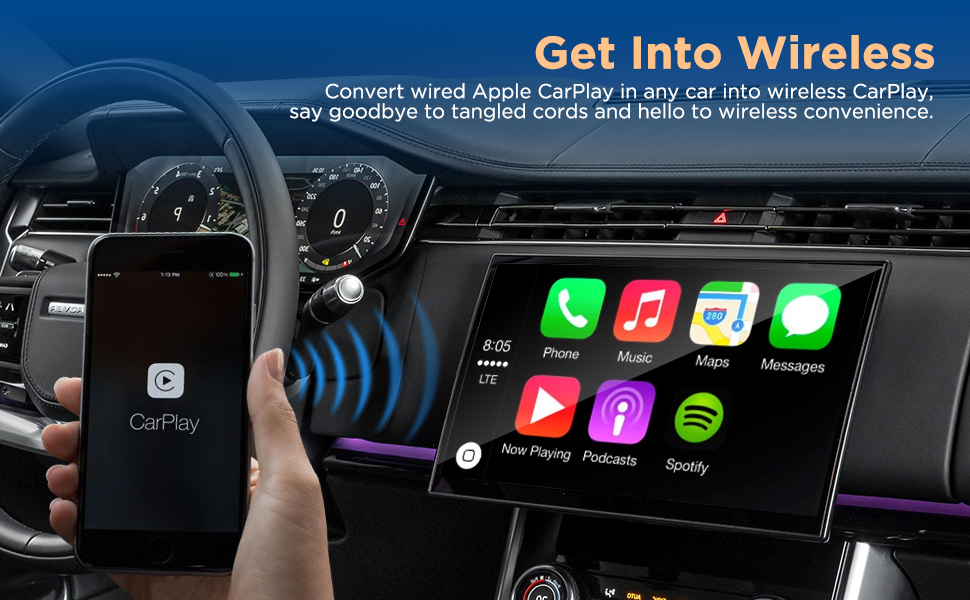
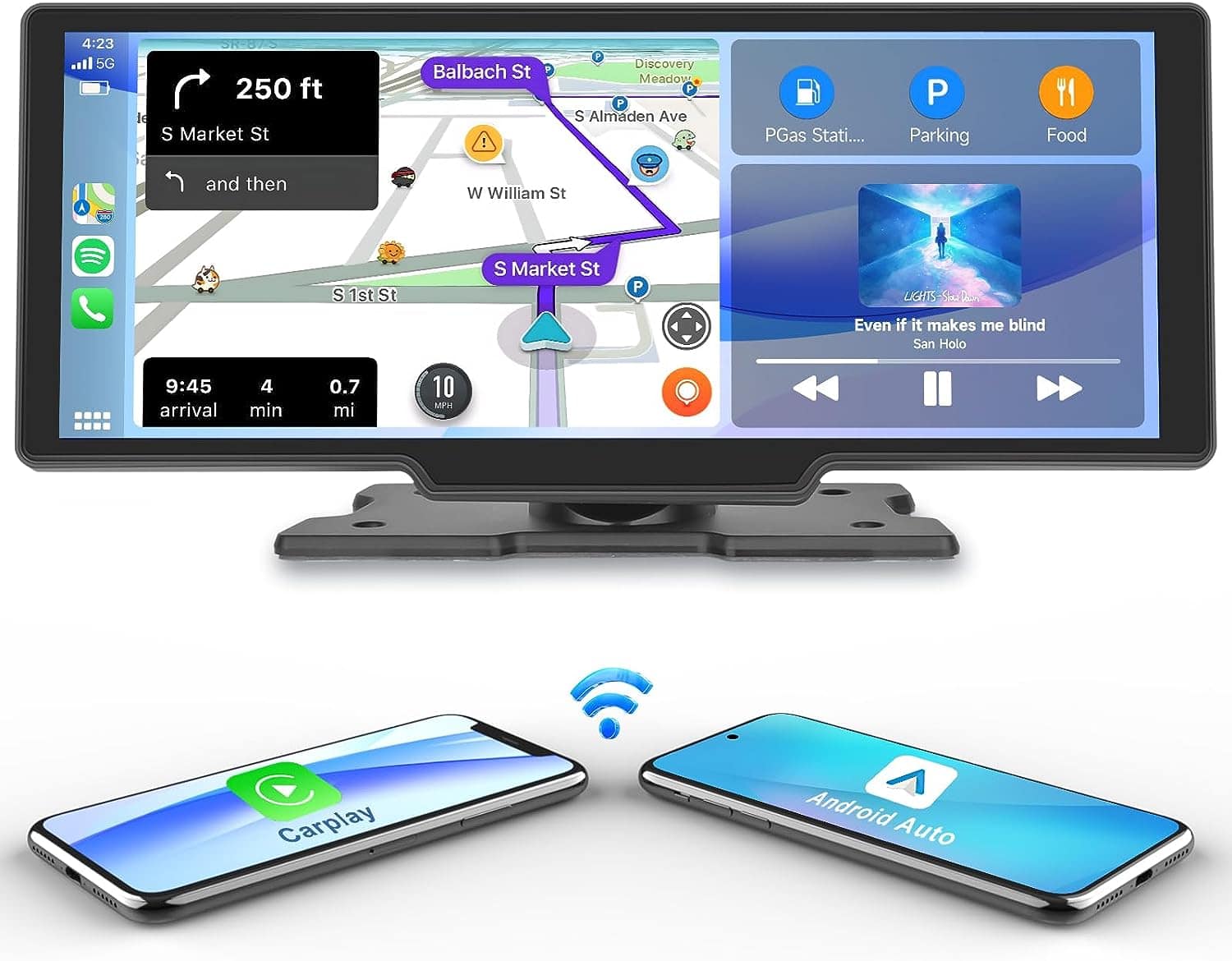
Many vehicles with factory wired Apple CarPlay can be upgraded with a wireless CarPlay adapter. These devices connect to the existing USB CarPlay port and create a wireless bridge between the iPhone and the vehicle.
Compatibility is not universal. The adapter generally requires that the vehicle already supports wired Apple CarPlay, and performance can vary depending on the car’s infotainment system and the adapter hardware.
Source: m.media-amazon.com
Confirm wired CarPlay support first
A wireless adapter usually cannot add CarPlay functionality to a vehicle that does not already support Apple CarPlay.
Expect possible differences
Connection speed, startup time, and reliability may differ from factory wireless systems.
Frequently Asked Questions
Q
What cars have wireless Apple CarPlay?
Many newer cars from brands such as BMW, Ford, Hyundai, Kia, Toyota, Lexus, Mercedes-Benz, Volkswagen, and others offer wireless Apple CarPlay on selected models. Compatibility depends on the specific model year and trim.
Q
Does every car with Apple CarPlay support wireless CarPlay?
No. Many vehicles support Apple CarPlay only through a USB cable. Wireless CarPlay requires additional hardware built into the infotainment system.
Q
Can I make wired CarPlay wireless?
Yes, many cars with factory wired Apple CarPlay can use a wireless CarPlay adapter. The adapter must be compatible with the vehicle’s infotainment system.
Q
Does wireless CarPlay work with every iPhone?
Wireless CarPlay requires a compatible iPhone model and a supported version of iOS. Apple provides current compatibility information through its official device requirements.
Q
Is wireless CarPlay better than wired CarPlay?
Wireless CarPlay offers convenience because it removes the cable requirement, while wired CarPlay can provide a more direct connection and charging at the same time. The better option depends on the driver’s priorities.
✦ Wrapping Up
Conclusion
Wireless CarPlay compatible cars are becoming increasingly common in the U.S. market, but buyers should verify the exact vehicle configuration before assuming the feature is included. A vehicle may advertise Apple CarPlay support while still requiring a wired connection.
The best way to choose the right vehicle is to confirm the infotainment specifications, understand the difference between wired and wireless systems, and consider whether the convenience of cable-free connectivity matches your driving habits.
💡 Key Takeaway
Before buying a car or wireless CarPlay adapter, check the exact model year, trim, and infotainment system to confirm true wireless Apple CarPlay compatibility.
Tyron Torres is an automotive diagnostics writer and hands-on vehicle maintenance enthusiast with years of experience troubleshooting brake systems, suspension issues, and everyday car performance problems. He specializes in breaking down complex mechanical issues into simple, practical guides that drivers can use to quickly identify and fix common vehicle faults.
Fix the humming noise from rear wheels fast, learn common causes, quick diagnostics, and cost-effective repairs to stop the sound and drive confidently.
Learn how to attach a car phone holder securely in minutes. Follow our step-by-step guide for a stable, distraction-free setup in your vehicle for 2026.