A wireless CarPlay adapter usually cannot add Apple CarPlay to a car that never had CarPlay. Most wireless CarPlay adapters only convert existing wired CarPlay systems into wireless ones.
In the United States, many drivers with older vehicles look for affordable ways to add modern smartphone features without replacing the entire factory stereo system. A common search is for a wireless CarPlay adapter for a car without CarPlay, but the answer depends on what technology is already installed in the vehicle.
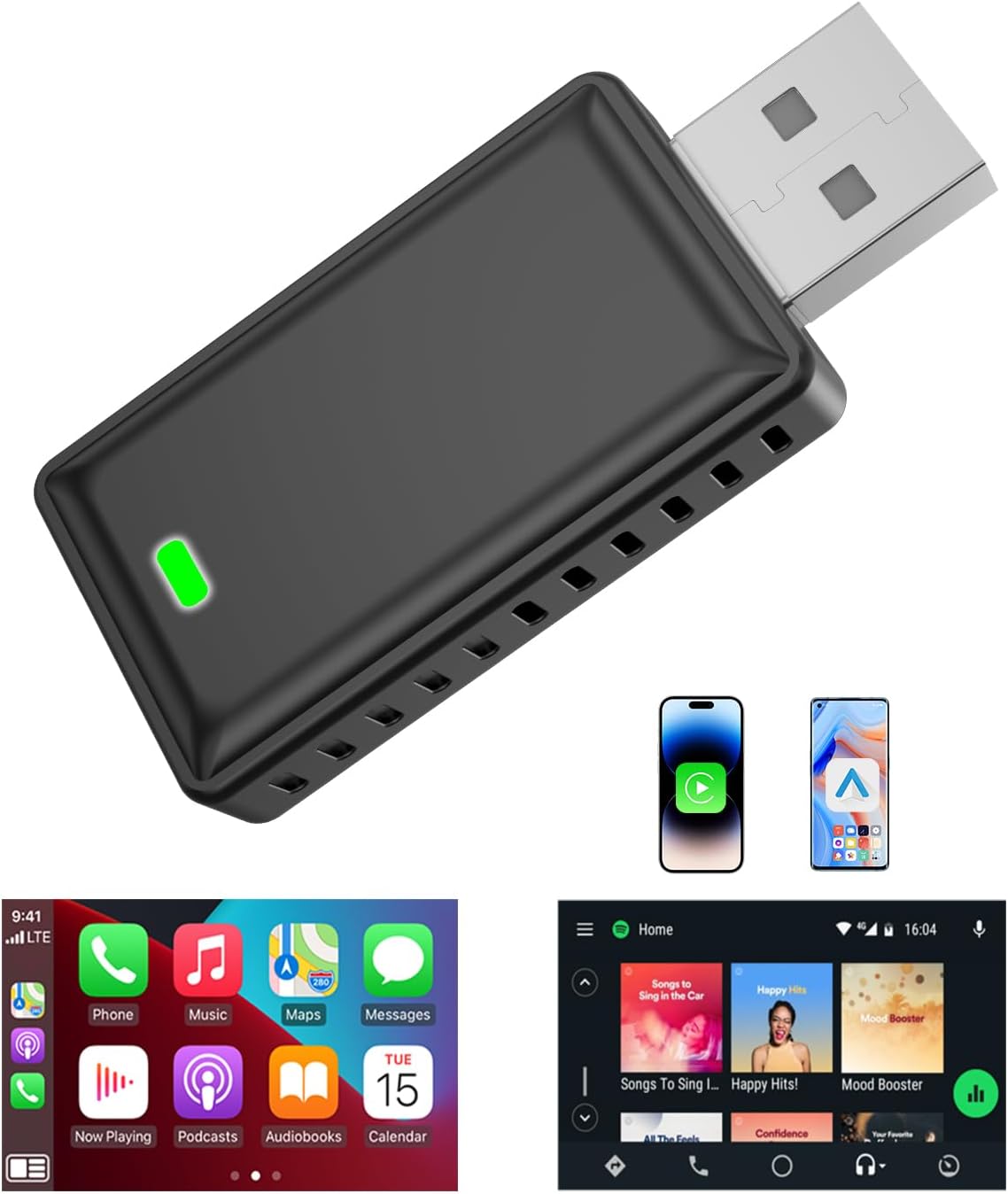
A wireless CarPlay adapter is generally designed for vehicles that already support wired Apple CarPlay through a USB connection. It creates a wireless connection between the iPhone and the factory infotainment system. If a vehicle has no Apple CarPlay support at all, a simple adapter normally cannot create that functionality because the original display system lacks the required software and hardware support.
Source: amazon.com
Can a Wireless CarPlay Adapter Add CarPlay to a Car Without CarPlay?
No, a typical wireless CarPlay adapter cannot add Apple CarPlay to a car that does not already support CarPlay. These adapters act as a bridge between an iPhone and an existing CarPlay-enabled infotainment system rather than replacing the system itself.
Apple CarPlay requires compatible software, processing capability, and communication hardware inside the vehicle’s infotainment system. A wireless adapter only changes how the phone connects. It does not install Apple’s CarPlay interface into an incompatible factory stereo.
Source: amazon.com
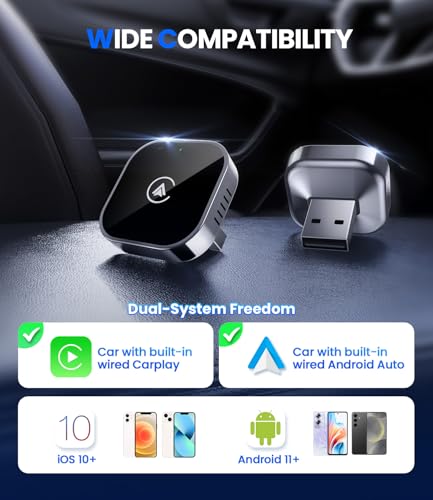
Cars with wired CarPlay
A wireless adapter may convert the existing wired USB CarPlay connection into a wireless connection.
Cars without CarPlay
The vehicle usually requires a new infotainment solution, such as an aftermarket receiver or external CarPlay display.
How Wireless CarPlay Adapters Actually Work
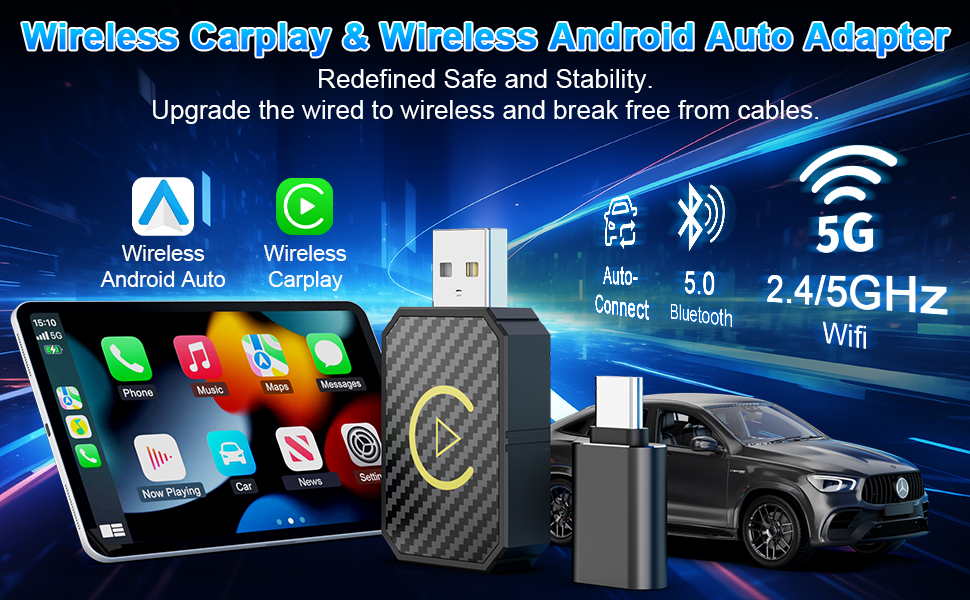
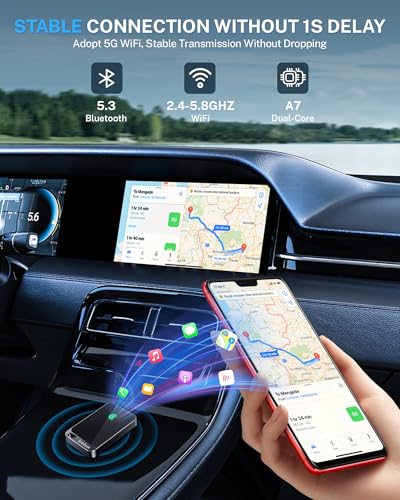
A wireless CarPlay adapter connects to the vehicle’s USB CarPlay port and communicates with the iPhone using wireless technologies such as Bluetooth for initial pairing and Wi-Fi for data transfer. The factory screen continues running the CarPlay interface, while the adapter handles the wireless connection process.
Purpose
Converts a wired CarPlay connection into a wireless one.
Requirement
The vehicle must already recognize Apple CarPlay through its infotainment system.
How to Check If Your Car Supports a Wireless CarPlay Adapter
Before purchasing any adapter, confirm whether your vehicle already has wired Apple CarPlay. This prevents buying a device that cannot work with your car.
The easiest check is to connect an iPhone to the vehicle’s USB port and see whether the CarPlay interface launches. You can also check the owner’s manual, manufacturer specifications, or infotainment settings.
Source: amazon.com
Check the USB ports
A USB port that supports phone charging does not automatically support wired CarPlay.
Check the infotainment menu
Look for Apple CarPlay settings, smartphone integration options, or projection features.
Verify the exact vehicle year
CarPlay availability often changes between model years, trims, and factory equipment packages.
Signs Your Car May Not Support CarPlay
A vehicle may not support CarPlay if the infotainment system only offers basic Bluetooth audio, has no smartphone projection settings, or cannot recognize an iPhone through USB.
Older factory stereo
Some older systems lack the operating system needed for CarPlay.
Limited connectivity
Bluetooth calling and music streaming are not the same as Apple CarPlay.
What Are the Options for Cars That Do Not Have CarPlay?
If a vehicle does not have Apple CarPlay, the solution usually involves adding new hardware rather than using a wireless adapter. The right option depends on budget, installation preferences, and how much of the factory system you want to keep.
Source: amazon.co.uk
Aftermarket CarPlay head unit
Replacing the factory stereo with a compatible receiver can add wired or wireless Apple CarPlay features.
Portable CarPlay display
An external touchscreen can provide CarPlay functionality without replacing the original dashboard stereo.
Factory upgrade options
Some vehicles support official infotainment updates or replacement modules depending on manufacturer availability.
Choosing Between a Head Unit and Portable Display
An aftermarket head unit is usually better for drivers who want deeper integration with the vehicle’s speakers, steering wheel controls, and backup camera. A portable display may be easier to install because it does not require removing the factory stereo.
Best for integration
Aftermarket receivers generally provide a more factory-like experience.
Best for simplicity
Portable displays can be installed with fewer changes to the vehicle.
Common Mistakes When Buying a Wireless CarPlay Adapter
Many compatibility problems happen because buyers confuse wireless CarPlay adapters with devices that install CarPlay into any vehicle. Understanding the difference can prevent wasted money and setup issues.
Source: nellisauction.com
Assuming every USB port supports CarPlay
A USB charging port may not provide the data connection required for CarPlay.
Ignoring vehicle compatibility
Adapters often list supported factory CarPlay systems rather than all vehicles.
Expecting Android Auto adapters to add CarPlay
Different systems have different requirements and compatibility limitations.
Troubleshooting Connection Problems
If a compatible wireless adapter does not connect, start with simple checks before replacing equipment. Restarting the phone, removing old Bluetooth pairings, and confirming USB compatibility can solve many issues.
Restart devices
Restart both the iPhone and vehicle infotainment system.
Remove previous connections
Delete old Bluetooth or CarPlay pairings and reconnect.
Check updates
Install available iOS updates and follow the adapter manufacturer’s firmware instructions.
Wireless CarPlay Adapter vs Adding CarPlay to an Older Car
The main difference is whether the vehicle already has CarPlay capability. A wireless adapter changes the connection method, while a hardware upgrade changes the vehicle’s infotainment capability.
Source: onfleekrewards.com
Wireless adapter
Lower-cost option for vehicles that already support wired CarPlay.
Aftermarket upgrade
More suitable for vehicles that have no CarPlay support.
Portable display
Useful when drivers want CarPlay features without replacing the factory stereo.
Which Option Is Right for You?
If your car already has wired Apple CarPlay, a wireless adapter may solve the cable problem. If your car has no CarPlay, focus on solutions that add a complete CarPlay interface rather than wireless conversion devices.
Choose an adapter
When your vehicle has factory wired CarPlay.
Choose an upgrade
When your vehicle lacks Apple CarPlay support completely.
Frequently Asked Questions
Q
Can I install a wireless CarPlay adapter in a car that has no CarPlay?
Most wireless CarPlay adapters cannot add CarPlay to a vehicle that never supported it. They are designed to make existing wired CarPlay systems wireless.
Q
How can I add Apple CarPlay to an older car?
Common options include installing an aftermarket CarPlay receiver, adding a portable CarPlay touchscreen, or using a manufacturer-supported upgrade if available.
Q
Does Bluetooth give my car Apple CarPlay?
No. Bluetooth can provide calling and audio streaming, but Apple CarPlay requires compatible infotainment hardware and software.
Q
Do wireless CarPlay adapters work with every iPhone?
Compatibility depends on the adapter model, iOS version, and the vehicle’s existing CarPlay system. Check the manufacturer’s requirements before purchasing.
Q
What should I buy if my car only has Bluetooth?
A Bluetooth-only vehicle usually needs a CarPlay-enabled aftermarket stereo or portable display rather than a wireless CarPlay adapter.
✦ Wrapping Up
Conclusion
A wireless CarPlay adapter for a car without CarPlay is often misunderstood. These devices are mainly designed to remove the cable from existing wired CarPlay systems, not to create CarPlay capability in vehicles that lack it.
Before buying an adapter, confirm your vehicle’s current infotainment features. If your car does not support CarPlay, consider a complete hardware upgrade such as an aftermarket receiver or portable CarPlay display.
💡 Key Takeaway
Check whether your vehicle already has wired Apple CarPlay before purchasing a wireless adapter. The correct solution depends on your car’s existing technology, not just the adapter’s features.
Tyron Torres is an automotive diagnostics writer and hands-on vehicle maintenance enthusiast with years of experience troubleshooting brake systems, suspension issues, and everyday car performance problems. He specializes in breaking down complex mechanical issues into simple, practical guides that drivers can use to quickly identify and fix common vehicle faults.
Find the best wireless carplay adapter for seamless, cable-free connectivity. Compare top picks for fast setup, reliable performance, and easy driving.
Discover which cars support wireless Apple CarPlay, how factory wireless CarPlay works, compatible vehicle brands, and what to do if your car only supports wired CarPlay.