Wired vs Wireless CarPlay: Which Apple CarPlay Option Is Better?
Wired CarPlay is usually more reliable and consistent, while wireless CarPlay offers greater convenience by connecting your iPhone without a cable. The better choice depends on whether you prioritize connection stability or everyday convenience.
For many drivers in the United States, Apple CarPlay has become an essential part of modern vehicle technology, allowing iPhone users to access navigation, music, calls, and messages through the car’s infotainment display. The main difference between wired and wireless CarPlay is how the iPhone connects to the vehicle: wired CarPlay uses a USB cable, while wireless CarPlay uses Bluetooth and Wi-Fi technology.
Both options provide the same core Apple CarPlay features, but they differ in startup speed, reliability, charging ability, installation requirements, and long-term convenience. Drivers choosing between the two should consider their vehicle compatibility, daily driving habits, and whether they prefer maximum stability or a cable-free experience.
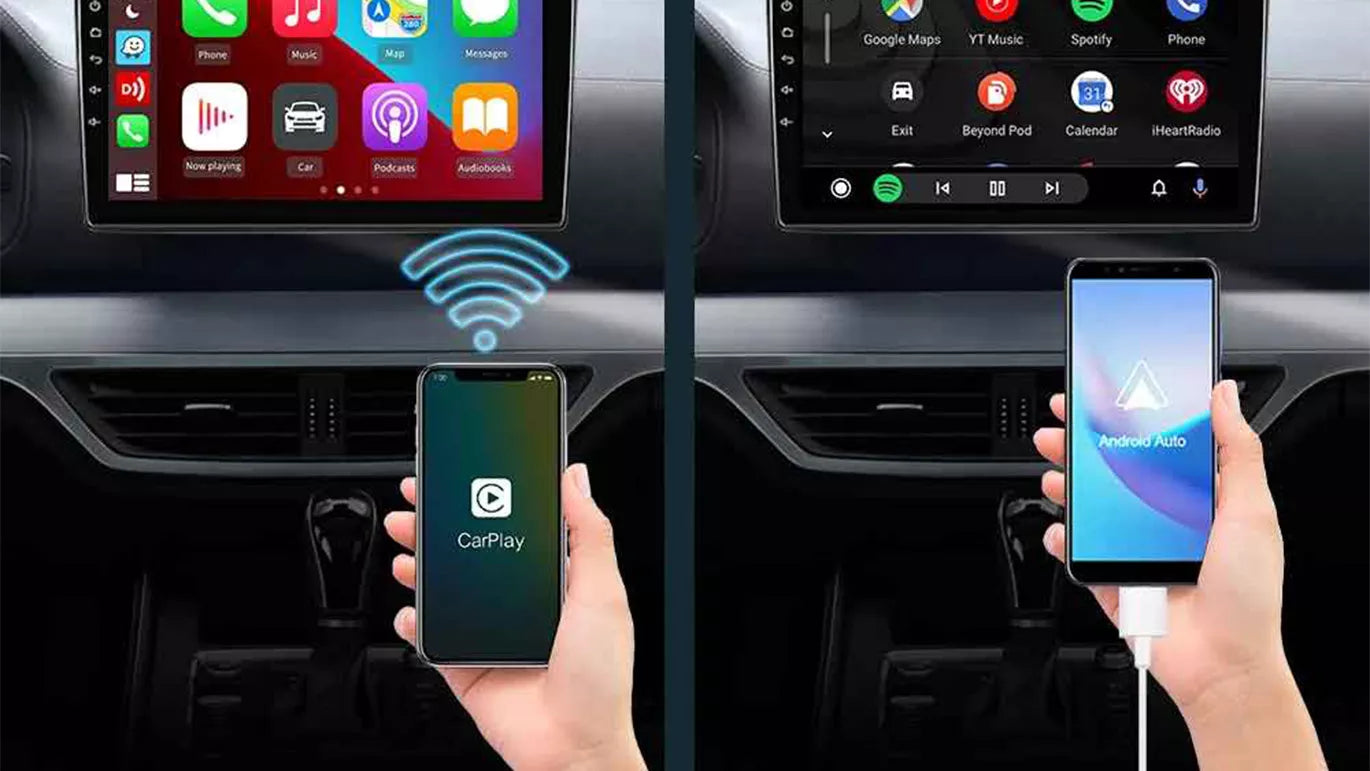
Source: manuals.plus
What Is the Difference Between Wired and Wireless CarPlay?
The main difference between wired and wireless CarPlay is the connection method between your iPhone and your vehicle’s infotainment system. Wired CarPlay sends data through a USB cable, while wireless CarPlay creates a wireless connection using Bluetooth for pairing and Wi-Fi for higher-speed data transfer.
Both versions use the same Apple CarPlay interface, including apps such as Apple Maps, Google Maps, Apple Music, Spotify, phone calls, and messaging features. The difference is not the software experience but how the connection is established and maintained.
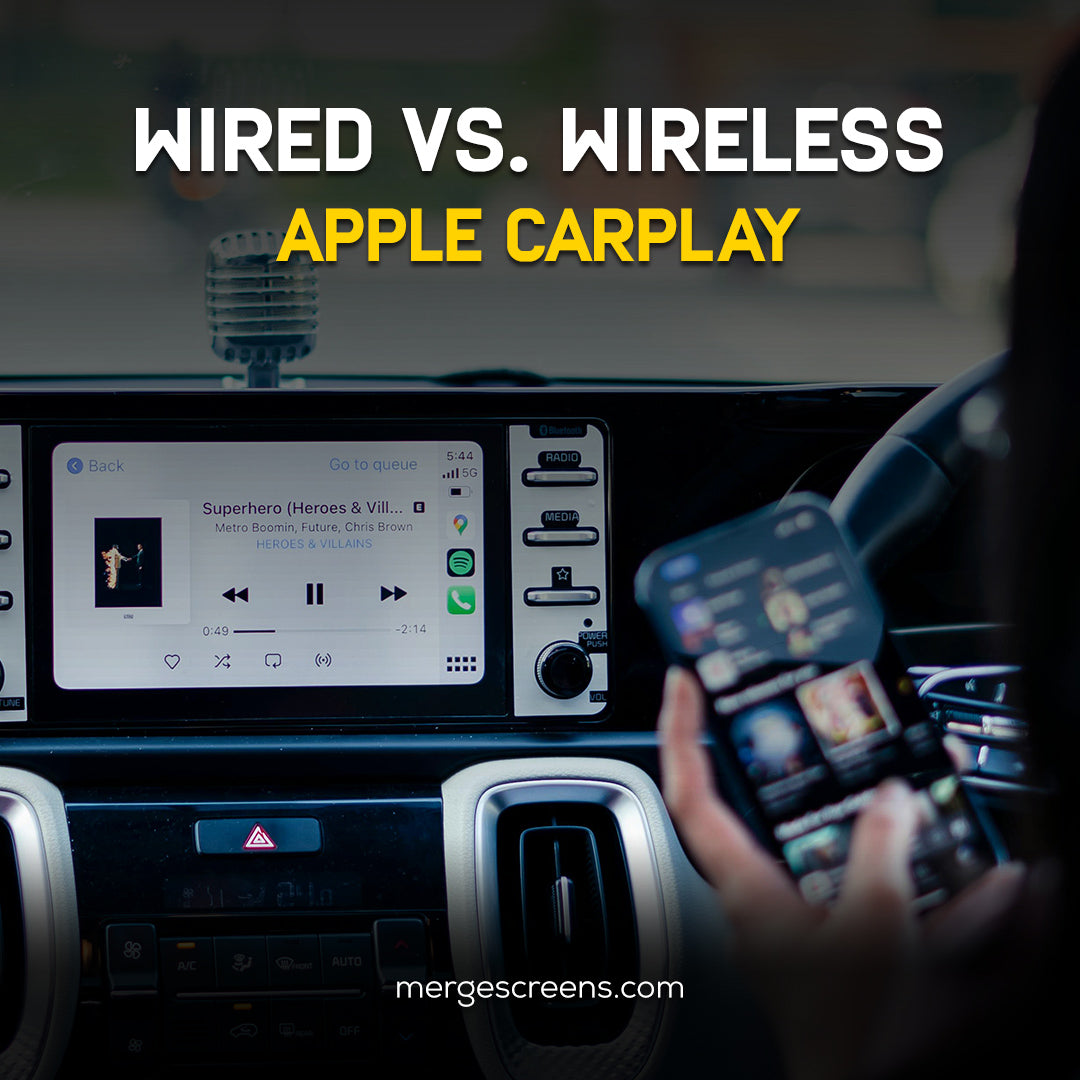
Source: mergescreens.com
Wired CarPlay
Uses a Lightning or USB-C cable depending on the iPhone model and connects directly to the vehicle’s USB port.
Wireless CarPlay
Connects automatically after initial setup without requiring a physical cable.
How Wired CarPlay Works
When you connect an iPhone to a compatible vehicle using a USB cable, the car’s infotainment system recognizes the device and launches Apple CarPlay. The cable transfers data and can also charge the phone during use.
Connection method
USB cable connection between the iPhone and vehicle system.
Main advantage
Provides a direct connection with fewer wireless communication problems.
How Wireless CarPlay Works
Wireless CarPlay uses Bluetooth to establish the initial connection and Wi-Fi technology to handle the larger amount of data needed for the CarPlay interface. After setup, many vehicles connect automatically when the driver enters the car.
Connection method
Wireless pairing through Bluetooth and Wi-Fi.
Main advantage
Allows drivers to use CarPlay without carrying or connecting a cable.
Wired vs Wireless CarPlay Comparison
The best way to compare wired and wireless CarPlay is to look at the factors that affect everyday driving. Wired connections usually focus on reliability, while wireless connections focus on convenience.
Neither option is universally better because the ideal choice depends on the driver’s priorities and the vehicle’s built-in technology.
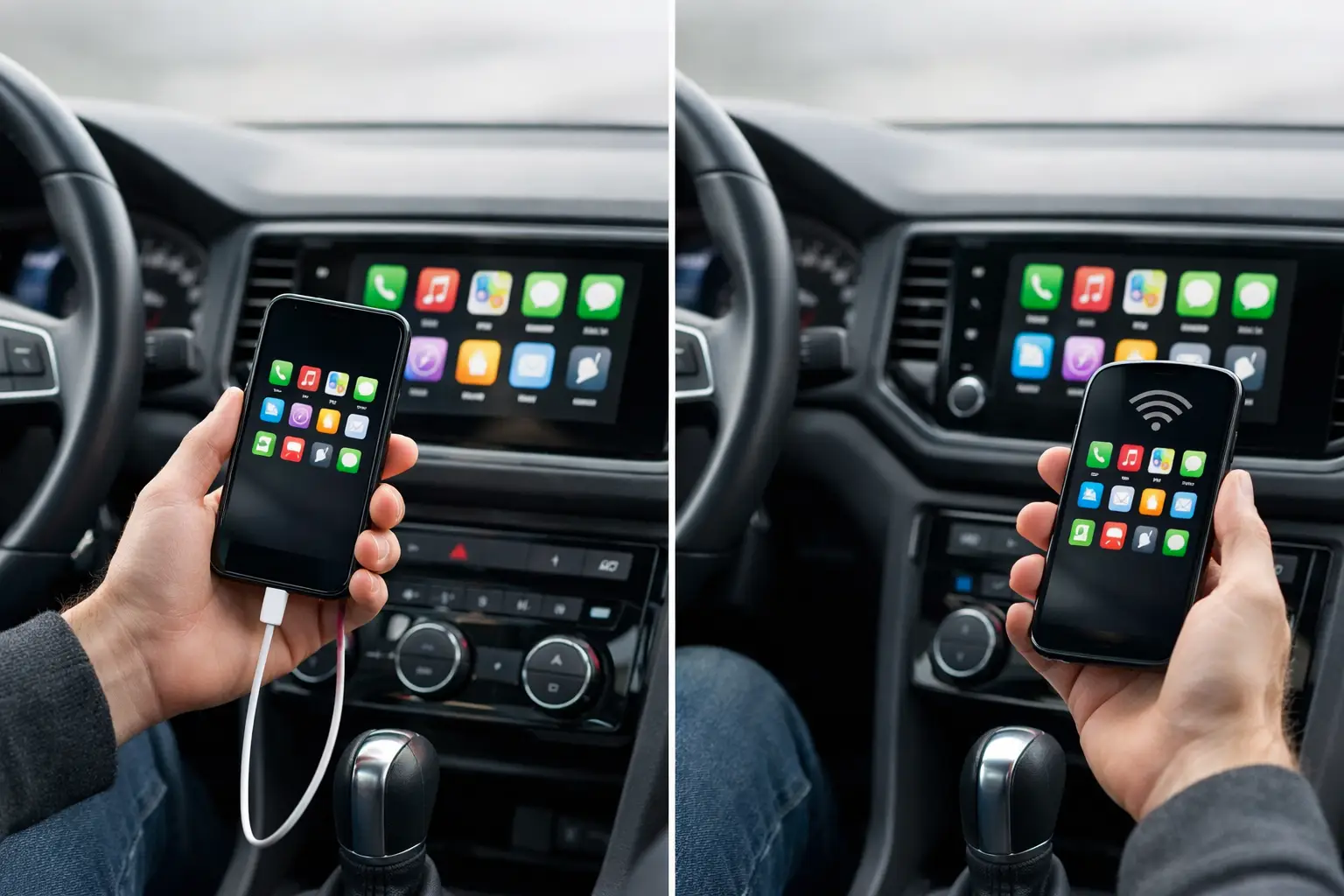
Source: tintstation.tech
Reliability
Wired CarPlay usually has an advantage because the direct cable connection reduces interference and pairing problems.
Convenience
Wireless CarPlay is easier for short trips because drivers do not need to plug in their phones.
Charging
Wired CarPlay can charge the iPhone while connected, while wireless users may need a separate charging solution.
Setup
Wireless CarPlay may require more initial pairing steps, especially when using an aftermarket adapter.
Performance and Response Time
Both wired and wireless CarPlay are designed to provide responsive access to apps and controls. However, some users may notice slightly faster responses with wired connections because the phone communicates directly through the cable.
Best for maximum consistency
Wired CarPlay is generally preferred by drivers who want the most predictable connection.
Advantages and Disadvantages of Wired CarPlay
Wired CarPlay remains popular because many drivers value stability over convenience. It is commonly found in vehicles that were designed before wireless CarPlay became widely available.
Source: carlinkitcarplay.com
Advantages
More stable connection, fewer wireless interference issues, and the ability to charge the iPhone during use.
Disadvantages
Requires a cable, can create cable clutter, and repeated plugging may be inconvenient.
Who Should Choose Wired CarPlay?
Wired CarPlay is a good option for drivers who frequently use navigation for long trips, want dependable performance, or already have a compatible vehicle system.
Long-distance drivers
May prefer the charging ability and stable connection during extended travel.
Older compatible vehicles
Many vehicles only support wired CarPlay without additional hardware.
Advantages and Disadvantages of Wireless CarPlay
Wireless CarPlay improves convenience by allowing drivers to leave their iPhone in their pocket or bag while still accessing CarPlay features. This is especially useful for short daily trips where charging is not the priority.
Source: carluex.store
Advantages
No cable connection required, cleaner dashboard setup, and automatic connection after setup in many vehicles.
Disadvantages
May experience occasional connection issues, depends on vehicle compatibility, and does not charge the phone unless a separate charger is used.
Can You Add Wireless CarPlay to a Car With Wired CarPlay?
Yes, many vehicles with factory-installed wired CarPlay can be upgraded using a wireless CarPlay adapter. These adapters connect to the vehicle’s USB CarPlay port and create a wireless bridge between the iPhone and the infotainment system.
Compatibility varies by vehicle model, software version, and adapter design. Drivers should confirm that their car already supports wired CarPlay before purchasing an adapter.
Required condition
The vehicle usually needs existing factory wired CarPlay support.
Possible limitation
Some adapters may introduce additional startup time or occasional connection delays.
Which CarPlay Option Should You Choose?
The right choice depends on your driving habits, vehicle setup, and personal preferences. Drivers who value maximum reliability may prefer wired CarPlay, while drivers who want convenience may prefer wireless CarPlay.
Source: manuals.plus
Choose wired CarPlay if
You want the most dependable connection, frequent charging, and minimal compatibility concerns.
Choose wireless CarPlay if
You want automatic connections and a cleaner cabin without cable management.
Common Mistakes to Avoid
Many connection problems come from incorrect assumptions about compatibility or setup. Checking the vehicle manual and keeping iPhone software updated can prevent many issues.
Buying an adapter without checking compatibility
Not every wireless adapter works with every vehicle.
Ignoring cable quality
Damaged or low-quality USB cables can cause wired CarPlay disconnects.
Expecting wireless charging
Wireless CarPlay does not mean the phone charges wirelessly.
Frequently Asked Questions
Q
Is wired CarPlay better than wireless CarPlay?
Wired CarPlay is usually better for reliability and charging, while wireless CarPlay is better for convenience. The better option depends on which feature matters most to the driver.
Q
Does wireless CarPlay have worse sound quality?
For most users, the sound quality difference is not noticeable. Both wired and wireless CarPlay can provide high-quality audio, although some vehicle systems may handle connections differently.
Q
Can I convert wired CarPlay to wireless?
Yes, compatible wireless CarPlay adapters can convert many factory wired CarPlay systems into wireless setups. Compatibility should be checked before purchasing.
Q
Why does my wireless CarPlay keep disconnecting?
Common causes include Bluetooth pairing problems, Wi-Fi interference, outdated software, low phone battery settings, or adapter compatibility issues.
Q
Does wireless CarPlay drain the iPhone battery faster?
Wireless CarPlay can use more battery because the phone maintains wireless communication with the vehicle. Long trips may require a separate charging method.
✦ Wrapping Up
Conclusion
Wired vs wireless CarPlay is mainly a choice between reliability and convenience. Wired CarPlay provides a direct connection that many drivers trust, while wireless CarPlay creates a cleaner and easier daily experience.
Before choosing an option, consider your vehicle compatibility, driving routine, charging needs, and tolerance for occasional wireless connection issues.
💡 Key Takeaway
Choose wired CarPlay for maximum stability and charging capability, or choose wireless CarPlay if eliminating cables and improving everyday convenience are your main priorities.
Tyron Torres is an automotive diagnostics writer and hands-on vehicle maintenance enthusiast with years of experience troubleshooting brake systems, suspension issues, and everyday car performance problems. He specializes in breaking down complex mechanical issues into simple, practical guides that drivers can use to quickly identify and fix common vehicle faults.
Learn why your car makes a clunking sound when going over bumps, how to diagnose common causes, and when to see a mechanic for quick, affordable repairs.
Learn what tire pressure monitor inoperative means, why the TPMS warning appears, common causes, troubleshooting steps, repair options, and when professional service is needed.