Is Apple CarPlay Wireless? Everything You Need to Know About Wireless Apple CarPlay
Apple CarPlay can be wireless, but not every vehicle supports wireless Apple CarPlay. Many older CarPlay systems require a USB cable, while newer cars allow an iPhone to connect wirelessly through Bluetooth and Wi-Fi.
For drivers in the United States, wireless Apple CarPlay has become a common feature in newer vehicles, allowing iPhone users to access navigation, music, calls, and messages without plugging in a charging cable. However, whether CarPlay works wirelessly depends on the vehicle’s factory infotainment system, model year, and hardware compatibility.
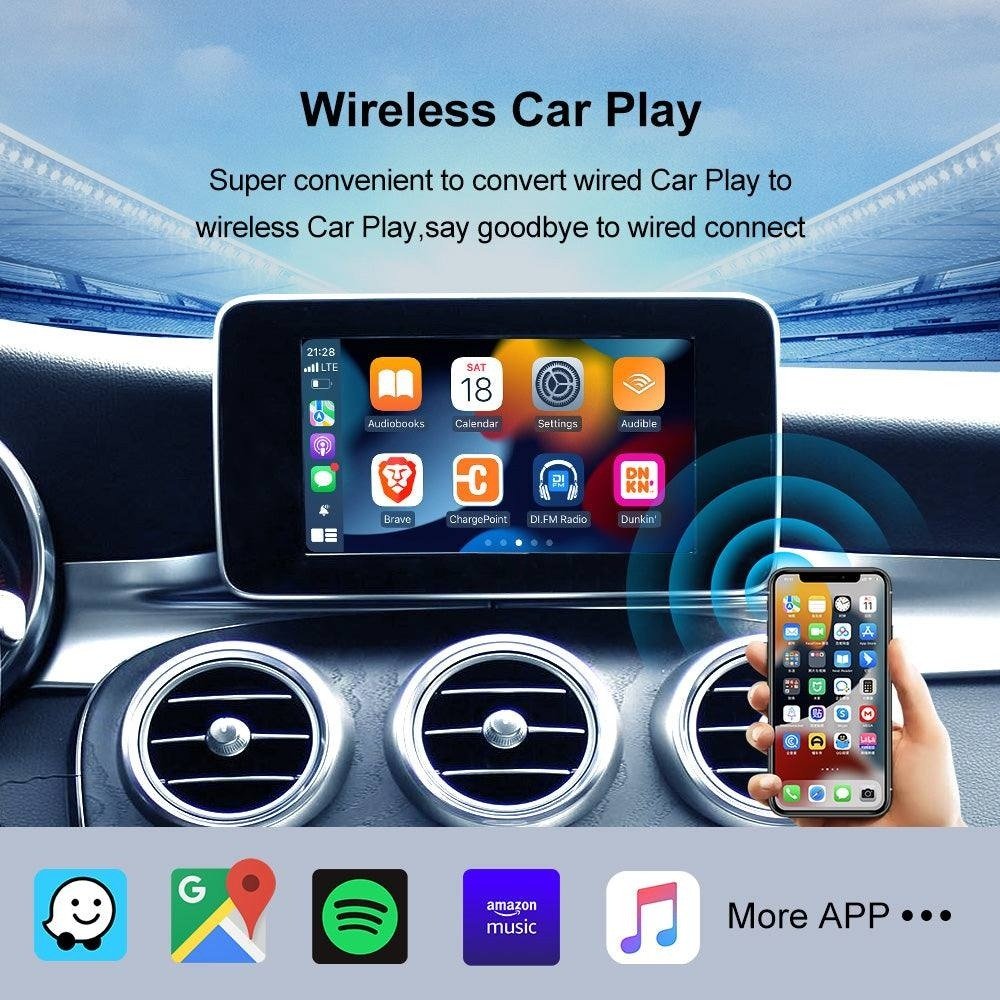
Apple CarPlay itself supports both wired and wireless connections. If a car only offers wired CarPlay, owners may be able to use a compatible wireless CarPlay adapter to convert the existing USB connection into a wireless experience. Understanding these differences helps drivers choose the right setup without buying unnecessary accessories.
Source: carplaylab.com
What Is Wireless Apple CarPlay?
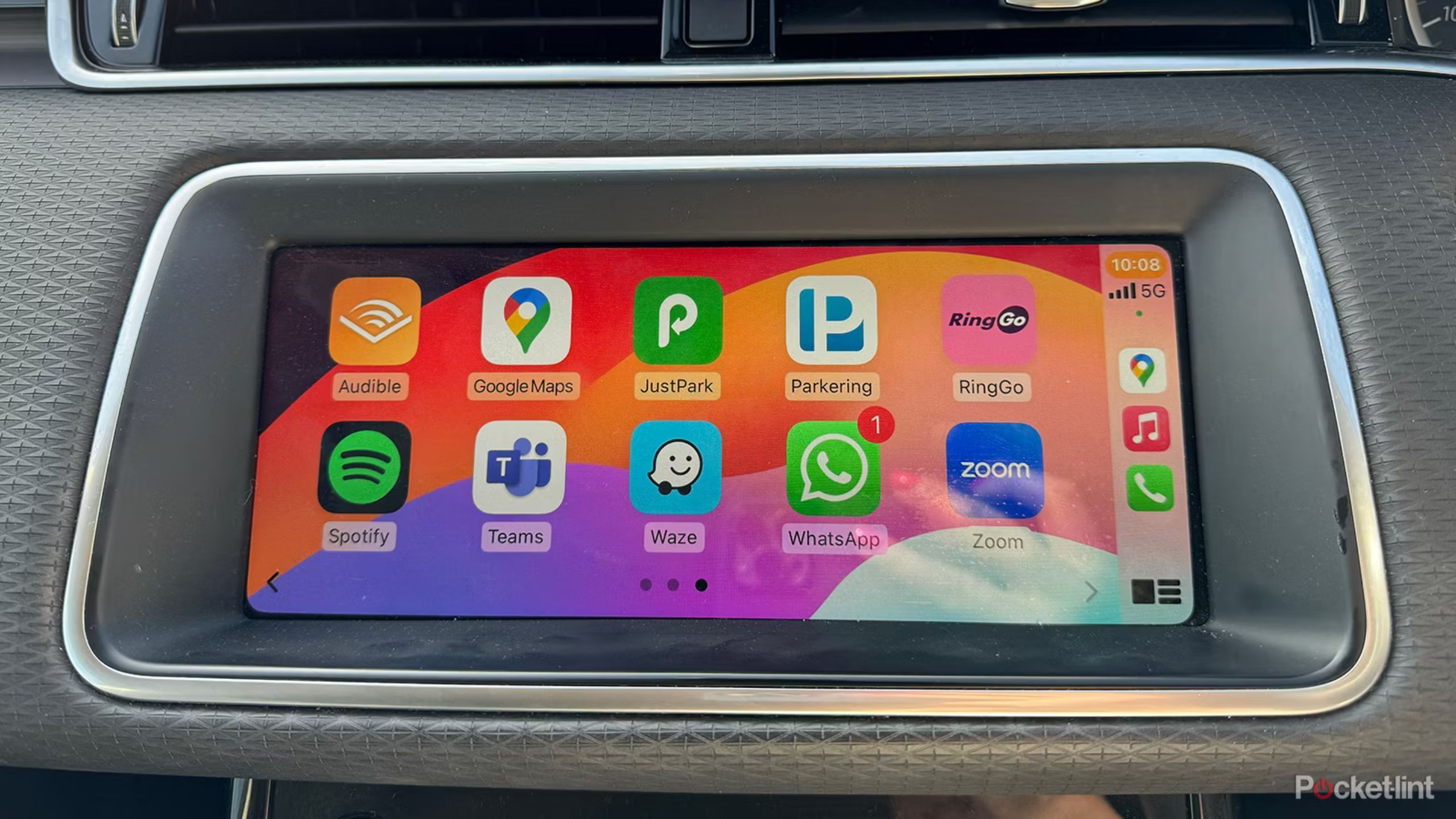
Wireless Apple CarPlay is a version of Apple’s in-car interface that connects an iPhone to a vehicle without requiring a USB cable. It allows drivers to use supported iPhone features through the vehicle display, including Apple Maps, phone calls, messages, podcasts, and music apps.
Unlike traditional wired CarPlay, wireless CarPlay does not rely on a physical Lightning or USB-C cable for communication after setup. The vehicle and iPhone create a wireless connection using Bluetooth and Wi-Fi technologies.
Source: static1.pocketlintimages.com
Bluetooth pairing
Bluetooth helps the iPhone and vehicle recognize each other during the connection process.
Wi-Fi connection
A wireless Wi-Fi connection transfers the larger amounts of data needed for CarPlay features.
iPhone integration
The vehicle screen displays supported iPhone apps through the CarPlay interface.
How Wireless CarPlay Differs From Wired CarPlay
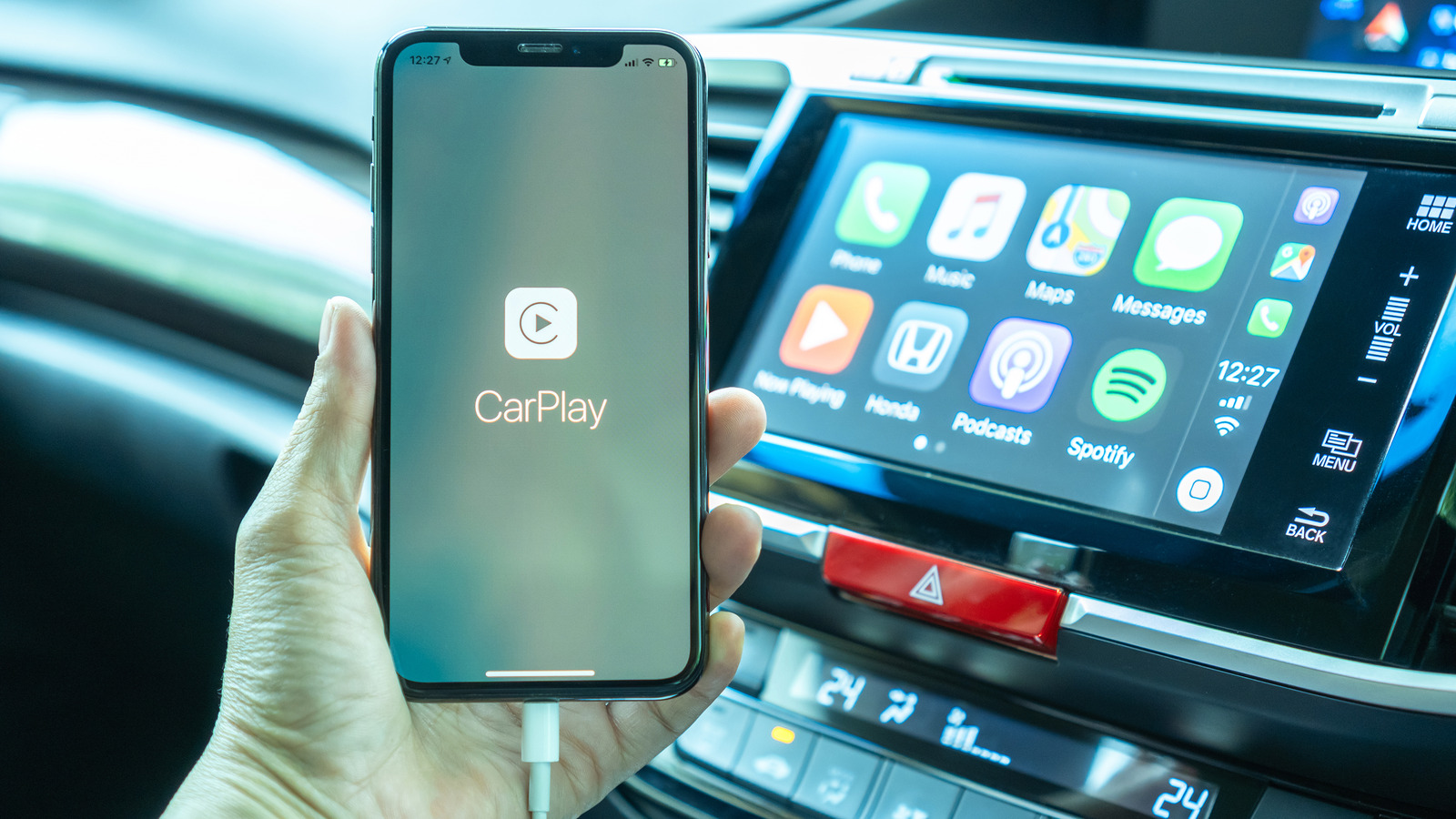
The main difference between wired and wireless CarPlay is the connection method. Wired CarPlay requires the iPhone to be connected through a USB port, while wireless CarPlay allows the phone to remain in your pocket or bag after pairing.
Both versions provide access to similar CarPlay features, but a wired connection can sometimes offer quicker response times and keeps the iPhone charging during use.
Wireless advantage
Convenience because drivers do not need to connect a cable every time they enter the vehicle.
Wired advantage
A stable connection and continuous charging through the vehicle USB port.
Does Every Car Have Wireless Apple CarPlay?
No, not every car has wireless Apple CarPlay. Many vehicles introduced wireless CarPlay support in newer model years, but some cars only include wired CarPlay even if they have a modern touchscreen infotainment system.
The easiest way to confirm compatibility is to check the vehicle owner’s manual, manufacturer specifications, or the infotainment system settings. A car having Apple CarPlay does not automatically mean it supports wireless connections.
Source: m.media-amazon.com
Factory wireless CarPlay
Built directly into the vehicle infotainment system by the manufacturer.
Factory wired CarPlay
Requires a USB connection unless upgraded with an adapter.
No CarPlay support
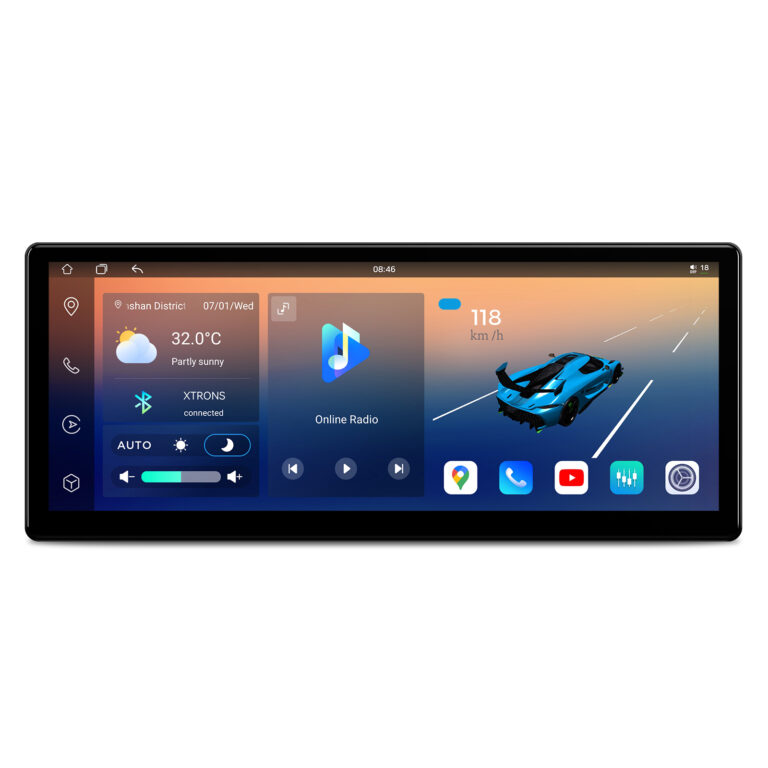
May require an aftermarket head unit replacement to add CarPlay features.
How to Check If Your Car Supports Wireless CarPlay
Check the vehicle specifications for wireless Apple CarPlay compatibility. You can also look in the infotainment menu for a wireless phone connection option or attempt the pairing process using your iPhone settings.
If your vehicle connects to CarPlay only after plugging in a USB cable, it likely supports wired CarPlay only.
Review the owner’s manual
Vehicle manuals usually list supported smartphone integration features.
Check iPhone settings
Open Settings, select General, then CarPlay to view available vehicles.
Can You Make Wired Apple CarPlay Wireless?
Yes, many vehicles with wired Apple CarPlay can be converted to wireless CarPlay by using a compatible wireless CarPlay adapter. These small devices connect to the vehicle’s existing USB CarPlay port and create a wireless connection between the iPhone and car.
A wireless adapter does not add CarPlay to a vehicle that does not already support wired CarPlay. It only changes the connection method from wired to wireless.
Source: ottocast.com
Requirement
The vehicle must already support wired Apple CarPlay.
Setup
Most adapters require connecting the device to the USB port and pairing the iPhone once.
Limitations
Performance can vary depending on the adapter, vehicle system, and iPhone model.
Steps to Convert Wired CarPlay to Wireless
The general setup process is simple, although exact steps vary by adapter model. Users should follow the manufacturer’s instructions for pairing and firmware updates.
After successful setup, the iPhone should automatically connect when the vehicle starts and the adapter is recognized.
Step 1
Connect the wireless CarPlay adapter to the vehicle’s USB CarPlay port.
Step 2
Pair the iPhone with the adapter through Bluetooth and Wi-Fi.
Step 3
Confirm that CarPlay appears on the vehicle display.
Wireless Apple CarPlay Requirements
Wireless CarPlay requires several compatible components working together. A problem with any part of the system can prevent the connection from working correctly.
Before troubleshooting, confirm that the iPhone, vehicle system, and software versions meet the requirements for wireless CarPlay.
Source: iphonewired.com
Compatible iPhone
A supported iPhone running a compatible version of iOS is required.
Compatible vehicle
The infotainment system must include wireless CarPlay support or work with a wireless adapter.
Active Bluetooth and Wi-Fi
Both wireless communication systems must be enabled during setup.
Common Wireless CarPlay Problems and Fixes
Most wireless CarPlay issues are related to pairing, outdated software, or interference between connected devices. Checking the connection basics usually resolves common problems.
If problems continue after basic troubleshooting, consult the vehicle manufacturer or adapter provider for model-specific support.
CarPlay will not connect
Remove the vehicle from iPhone CarPlay settings and pair again.
Connection drops frequently
Restart the iPhone, update software, and remove unused Bluetooth connections.
Slow response
A wired connection may provide better performance in some vehicles.
Wireless CarPlay vs Wired CarPlay: Which Is Better?
The better option depends on what the driver values most. Wireless CarPlay provides convenience, while wired CarPlay offers a direct connection that may be more consistent and keeps the phone charging.
For drivers who frequently make short trips, wireless CarPlay can be more convenient because it connects automatically. For long journeys, a wired connection may be preferred because it charges the iPhone continuously.
Source: slashgear.com
Choose wireless CarPlay if
You want automatic connections and fewer cables inside the vehicle.
Choose wired CarPlay if
You prioritize charging, maximum stability, or faster response.
Frequently Asked Questions
Q
Is Apple CarPlay always wireless?
No. Apple CarPlay can be wired or wireless depending on the vehicle and infotainment system. Many older CarPlay-equipped vehicles require a USB cable.
Q
How do I know if my car has wireless Apple CarPlay?
Check your vehicle manual, manufacturer specifications, or try pairing your iPhone through the wireless CarPlay setup process. If CarPlay only works through USB, the vehicle likely supports wired CarPlay only.
Q
Can I add wireless CarPlay to an older car?
If the car already has wired Apple CarPlay, a compatible wireless adapter may convert it to wireless. Vehicles without CarPlay support generally need a different solution, such as an aftermarket infotainment system.
Q
Does wireless CarPlay use Bluetooth or Wi-Fi?
Wireless CarPlay uses Bluetooth for the initial connection process and Wi-Fi for transferring the data needed for the CarPlay interface.
Q
Is wired Apple CarPlay better than wireless?
Neither option is always better. Wireless CarPlay is more convenient, while wired CarPlay can provide charging and a direct connection that some users may prefer.
✦ Wrapping Up
Conclusion
Apple CarPlay is available as both a wireless and wired system. Whether you can use wireless CarPlay depends on your vehicle’s factory equipment, iPhone compatibility, and whether you use a supported adapter.
Before purchasing accessories, check whether your vehicle already supports wireless CarPlay or only wired CarPlay. Choosing the correct setup can provide a more convenient driving experience without unnecessary upgrades.
💡 Key Takeaway
Check your vehicle’s CarPlay compatibility first. If your car supports wired CarPlay but not wireless, a compatible wireless adapter may be a practical upgrade.
Tyron Torres is an automotive diagnostics writer and hands-on vehicle maintenance enthusiast with years of experience troubleshooting brake systems, suspension issues, and everyday car performance problems. He specializes in breaking down complex mechanical issues into simple, practical guides that drivers can use to quickly identify and fix common vehicle faults.
Learn the safest ways to remove a car phone holder without damaging your dashboard. Follow our simple, step-by-step 2026 guide to get the job done right today.