Wireless CarPlay came out in 2015 with iOS 9, while the first factory systems arrived in select 2016–2017 vehicles.
Many drivers know Apple CarPlay as the simple way to use maps, music, calls, and messages on a car screen. However, the move from a USB cable to a wireless connection happened in stages. This guide explains when wireless CarPlay came out, which cars supported it first, how the technology works, and what to check before buying an adapter or new stereo.
When Did Wireless CarPlay Come Out?
Wireless CarPlay came out in 2015 as part of Apple’s iOS 9 software update. Apple introduced the feature as an extension of CarPlay, which had first launched in 2014 with a wired USB connection.
The timeline can be confusing because three different events are often mixed together:
• Apple announced wireless CarPlay support in 2015.
• The first factory vehicles with wireless CarPlay reached the market around 2016 and 2017.
• Wireless aftermarket receivers became more common from 2017 onward.
So, the clearest answer to “when did wireless CarPlay come out?” is 2015 for the software feature. For everyday drivers, wireless CarPlay became available when compatible cars and receivers began shipping later.
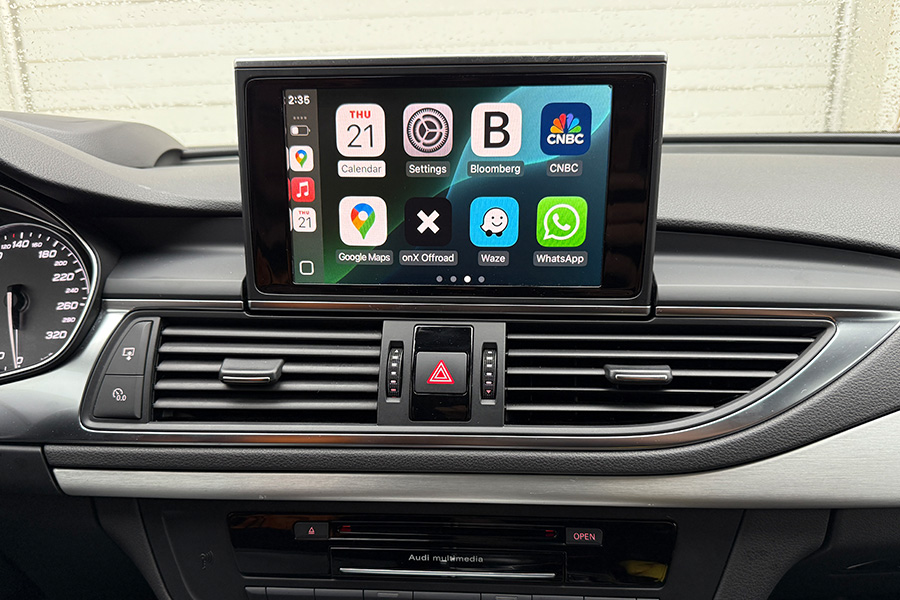
Wireless CarPlay uses Bluetooth to begin the connection. It then uses a private Wi-Fi link to carry the larger amount of data needed for maps, music, and the CarPlay interface. This is why wireless CarPlay can work without keeping your iPhone plugged into a USB port.
A Simple Wireless CarPlay Timeline
Understanding the history makes the answer easier to remember.
2014: Wired CarPlay launches
Apple launched CarPlay in 2014. Early systems required an iPhone to connect to the vehicle with a Lightning cable. This cable supplied both data and power.
The first CarPlay systems focused on core driving features, including:
• Apple Maps
• Phone calls
• Messages
• Music
• Siri voice control
At this stage, there was no standard wireless CarPlay experience for most drivers.
2015: Apple adds wireless support
Wireless CarPlay came out with iOS 9. The feature allowed compatible vehicles to connect to an iPhone without a USB cable.
The idea was simple: get in the car, start the engine, and let the phone connect automatically. In practice, support depended on the vehicle’s hardware and software. Updating an iPhone alone did not give every car wireless CarPlay.
2016 and 2017: Early factory adoption
BMW was one of the first major automakers to support wireless Apple CarPlay in production vehicles. Wireless CarPlay appeared in select BMW models around the 2016–2017 model years, including the newer 5 Series generation.
Other automakers and stereo brands followed. Support expanded slowly at first because wireless CarPlay required compatible Wi-Fi hardware, updated infotainment software, and careful testing.
2017 onward: Aftermarket receivers expand access
Wireless CarPlay became easier to add to older vehicles when aftermarket brands released compatible head units. Alpine, Pioneer, Kenwood, Sony, and other manufacturers helped bring the feature to cars that did not include it from the factory.
This created two separate upgrade paths:
• Buy a car with wireless CarPlay built in.
• Replace the factory stereo with a wireless CarPlay receiver.

How Wireless CarPlay Works
Wireless CarPlay may feel like Bluetooth, but it is not Bluetooth alone. Bluetooth helps the iPhone and car discover each other. After that, the system typically creates a direct Wi-Fi connection.
Here is the usual process:
-
You pair the iPhone with the car through Bluetooth.
-
The car and iPhone exchange connection details.
-
The vehicle starts a Wi-Fi connection with the iPhone.
-
CarPlay launches on the dashboard display.
-
The iPhone manages apps, audio, maps, and Siri while the car screen shows the interface.
This setup gives wireless CarPlay more bandwidth than a standard Bluetooth audio connection. Bluetooth is enough for calls and music streaming, but CarPlay needs to send a richer display and support fast touch commands.
Wireless CarPlay can also use more battery than wired CarPlay. A phone that is already low on power may need a wireless charging pad during a long trip. That is one of the main trade-offs of cable-free driving.

Which iPhones Support Wireless CarPlay?
Wireless CarPlay support depends on both the iPhone and the vehicle. In general, iPhones that support modern versions of iOS can work with wireless CarPlay when the car is compatible.
Apple’s CarPlay support has historically included newer iPhone models beginning with the iPhone 5. However, an older iPhone may not support the newest CarPlay features or the latest iOS version.
Before pairing, check these points:
• The iPhone should have a current or supported version of iOS.
• Bluetooth and Wi-Fi must be turned on.
• Siri should be enabled.
• The vehicle must support wireless CarPlay, not only wired CarPlay.
• The iPhone must be allowed to connect to the car.
A common mistake is assuming that every iPhone 5 or newer automatically supports wireless CarPlay in every vehicle. The phone may be capable, but the car still needs the correct wireless hardware.
What Cars First Supported Wireless CarPlay?
Wireless CarPlay came out gradually across the auto industry. Not every automaker adopted it at the same time, and some brands offered it only on high-end trims.
BMW received early attention because it offered wireless Apple CarPlay in select models before many competitors. The feature was linked to the vehicle’s infotainment system and, in some cases, depended on the model year and market.
Later, wireless CarPlay spread to vehicles from brands such as:
• Audi
• Ford
• General Motors
• Honda
• Hyundai
• Kia
• Mercedes-Benz
• Nissan
• Porsche
• Toyota
• Volkswagen
The exact model year matters. A 2020 vehicle may have wireless CarPlay, while a similar 2020 vehicle with a different trim may require a USB cable. Some cars also added wireless CarPlay through a software update, but many older systems lack the hardware needed for that update.
The safest approach is to check the owner’s manual or the automaker’s official specifications for the exact vehicle identification number and trim.

Wireless CarPlay Versus Wired CarPlay
Both versions provide the same basic CarPlay experience. The main difference is how the iPhone connects and receives power.
Benefits of wireless CarPlay
• No cable is needed for short trips.
• The dashboard looks cleaner.
• The phone can stay in a pocket or bag.
• CarPlay may start automatically after the vehicle is turned on.
• The USB port remains available for another device.
Benefits of wired CarPlay
• The iPhone charges during use.
• The connection is often more stable in older systems.
• It may respond slightly faster in some vehicles.
• It uses less phone battery.
• It works with cars that do not have wireless CarPlay hardware.
Wireless CarPlay is convenient, but convenience does not always mean better performance. Drivers who take long road trips may prefer a cable because it keeps the iPhone charged. Drivers who make short daily trips may value the cable-free connection more.
Does Wireless CarPlay Use Mobile Data?
Wireless CarPlay does not normally create a separate cellular data plan. Your iPhone still uses its mobile data connection for online maps, music streaming, weather, and other internet-based services.
The Wi-Fi connection between the iPhone and vehicle is mainly for communication between the two devices. It does not mean the car has its own internet service.
Data use depends on the apps you run. For example:
• Downloaded music uses little or no mobile data.
• Online music streaming uses mobile data.
• Live traffic and map updates use mobile data.
• Podcasts may use data unless they are downloaded.
If your data plan is limited, download playlists and map areas before a long trip. This can also improve performance when cellular coverage is weak.

Common Wireless CarPlay Problems
Wireless CarPlay came out as a major convenience, but early systems were not perfect. Some drivers still experience connection problems today.
CarPlay will not start
Check that Bluetooth, Wi-Fi, and Siri are enabled on the iPhone. Then make sure CarPlay is not blocked under the iPhone’s Screen Time or content restriction settings.
Restarting both the phone and infotainment system can also help.
The connection drops
Wireless interference, outdated software, and weak vehicle firmware can cause dropped connections. Keep the iPhone reasonably close to the dashboard and remove duplicate saved phones from the car’s connection list.
If the issue continues, forget the vehicle on the iPhone and remove the phone from the car. Then pair them again as if they were new.
Music sounds delayed
A small delay can occur when the system first connects. This is often normal. A large delay may point to old infotainment software, a poor-quality aftermarket receiver, or heavy wireless interference.
The phone battery drains quickly
Wireless CarPlay uses the phone’s radio systems and may consume more power than wired use. A built-in wireless charging pad can help, but some charging pads create heat. Avoid leaving the phone in direct sunlight while it charges.
A wireless adapter does not work
Most wireless CarPlay adapters are designed to convert wired CarPlay into wireless CarPlay. They usually cannot add wireless support to a car that has no CarPlay at all.
Before buying an adapter, confirm that wired CarPlay already works through the vehicle’s USB port.
Can You Add Wireless CarPlay to an Older Car?
Yes, in many cases. The best option depends on what the factory stereo already supports.
Use a wireless CarPlay adapter
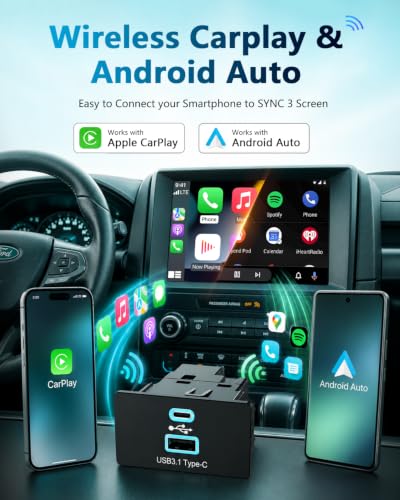
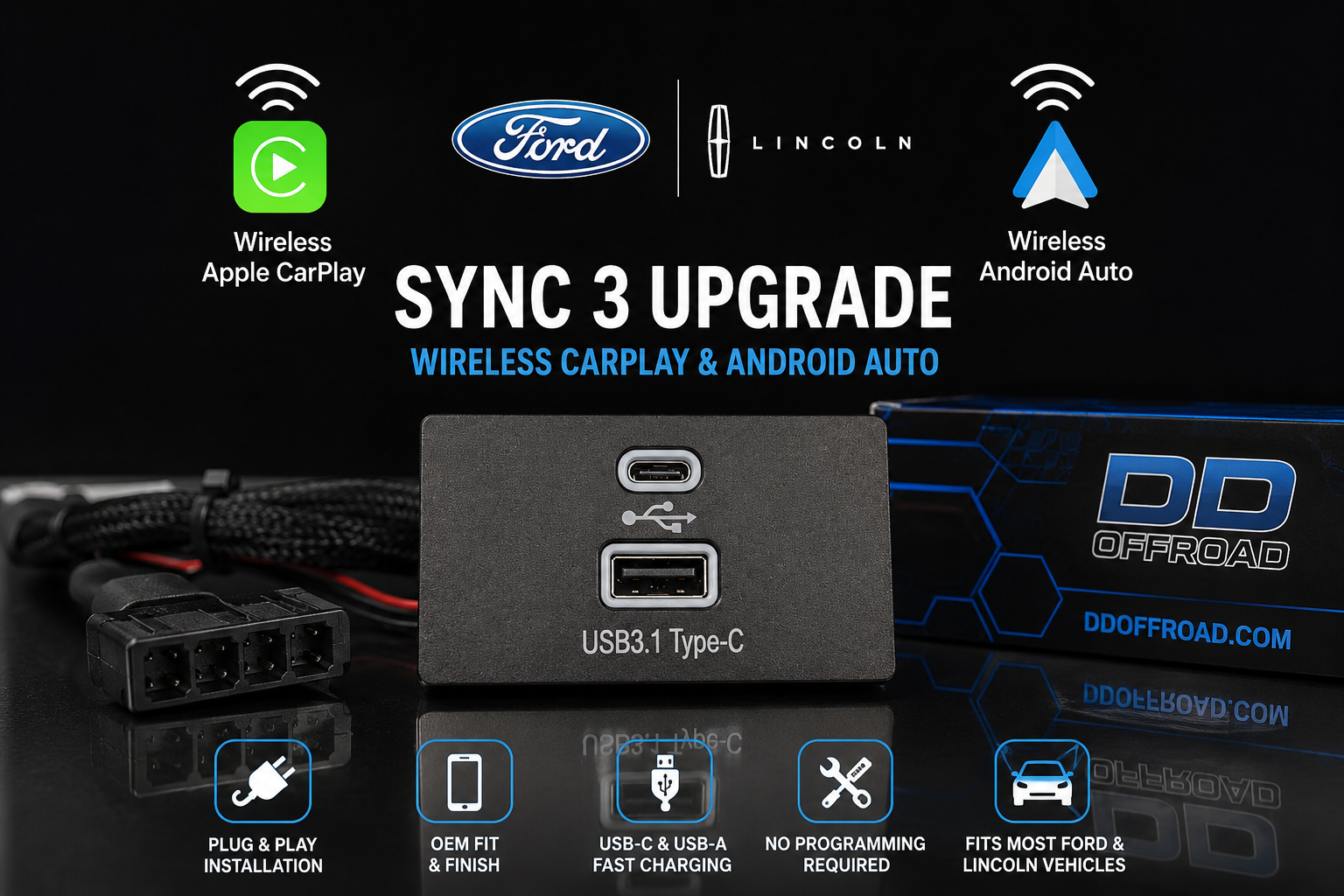
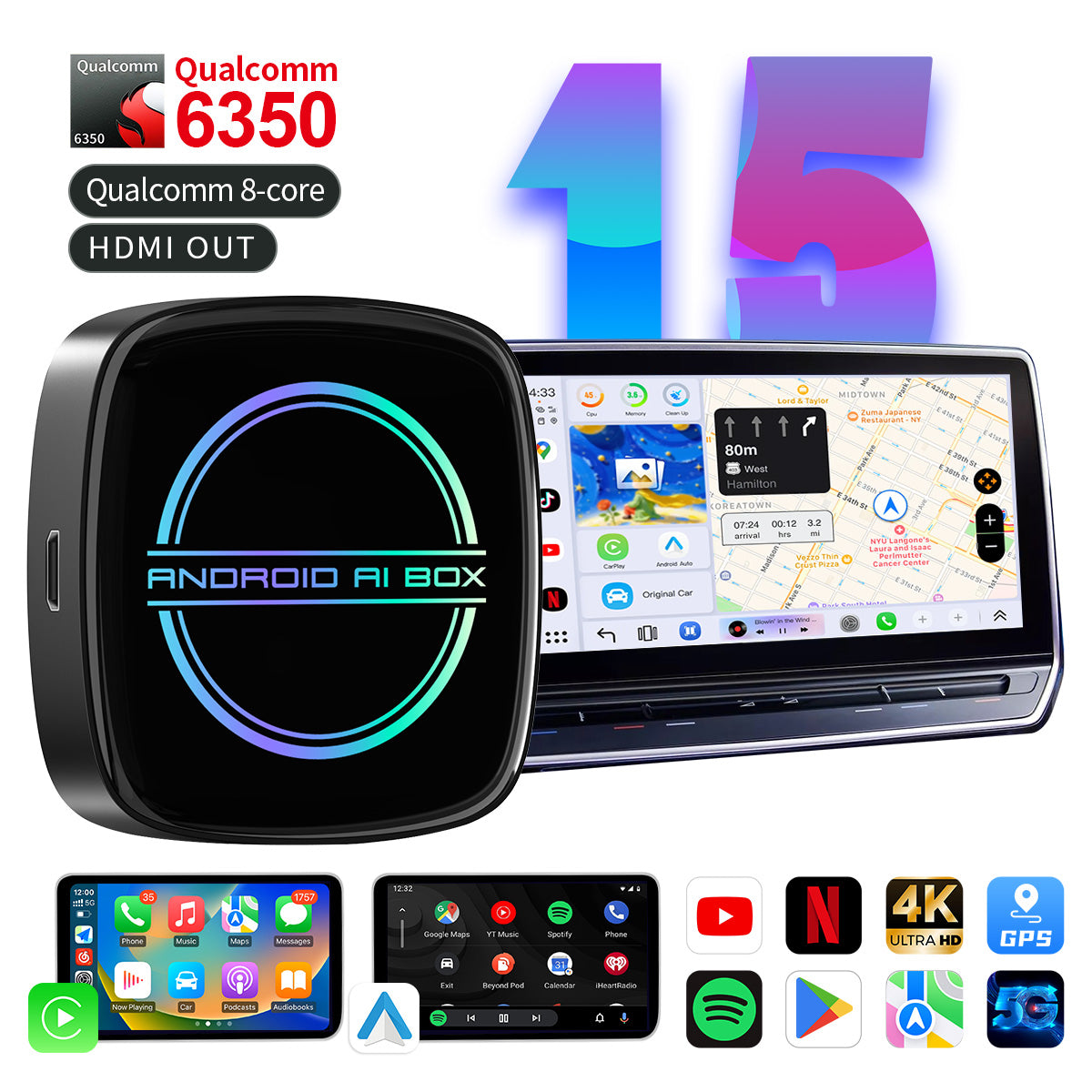
A wireless adapter is the simplest choice when the car already has wired CarPlay. You plug the small adapter into the vehicle’s CarPlay USB port, pair the iPhone, and leave the adapter connected.
Advantages include:
• Low installation effort
• Lower cost than replacing the stereo
• Retention of the factory screen
• Fast setup
Limitations include:
• It may add a small startup delay.
• Compatibility varies by vehicle.
• Some adapters do not support Android Auto.
• The adapter may occupy the only CarPlay USB port.
Install an aftermarket receiver
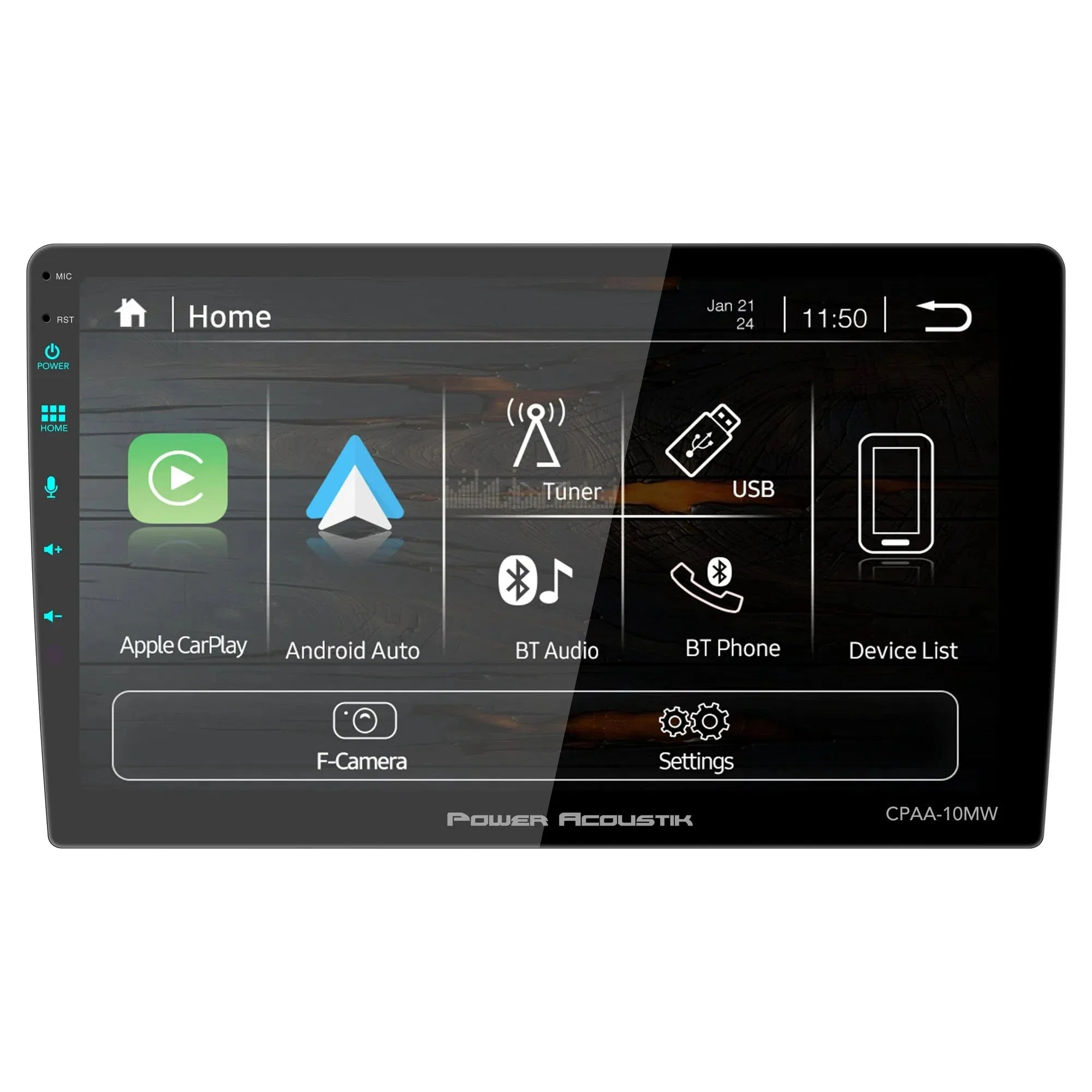
A new receiver may be better for an older car with no CarPlay. It can add wireless CarPlay, a larger screen, a backup camera input, and improved audio controls.
Before installation, check:
• Dashboard size
• Steering wheel control compatibility
• Backup camera support
• Factory amplifier compatibility
• USB location
• Professional installation needs
A cheap receiver may look attractive, but poor microphones, slow processors, and weak firmware support can make daily use frustrating. In my experience with setup comparisons, connection reliability matters more than having the largest screen or the lowest price.
Tips for a Better Wireless CarPlay Experience
Small setup choices can make wireless CarPlay feel much more reliable.
• Update the iPhone before pairing it with the car.
• Install available infotainment updates from the vehicle manufacturer.
• Turn on Bluetooth, Wi-Fi, and Siri.
• Keep only necessary phones saved in the car.
• Use a charging pad or cable for long drives.
• Download music and maps before traveling through areas with weak service.
• Avoid placing the iPhone under heavy metal objects or inside a closed storage box.
• Use a certified adapter from a brand that provides firmware updates.
• Do not assume an adapter works simply because the product listing says “CarPlay.”
The most common mistake is buying a wireless adapter before checking whether the car has wired CarPlay. That quick check can prevent a wasted purchase.
Why Did Wireless CarPlay Take Time to Become Common?
Wireless CarPlay came out in 2015, but broad adoption took years. Automakers design infotainment systems several years before a vehicle reaches a showroom. As a result, a feature announced by Apple may not appear in a large number of cars right away.
There were also technical reasons for the slow rollout:
• Automakers needed compatible Wi-Fi hardware.
• Infotainment systems required software testing.
• Safety rules affected screen design and driver controls.
• Each vehicle brand had its own interface and development process.
• Manufacturers often reserved new technology for higher trims first.
This pattern is common in the auto industry. A feature can exist in software long before it becomes standard equipment. Wireless CarPlay followed that same path.
Frequently Asked Questions About When Wireless CarPlay Came Out
When did wireless CarPlay come out for iPhone users?
Wireless CarPlay came out in 2015 with iOS 9. However, users also needed a compatible vehicle or aftermarket receiver because the iPhone update alone could not add wireless hardware to a car.
What was the first car with wireless CarPlay?
BMW was among the first automakers to offer factory wireless CarPlay in select vehicles. Early availability is generally associated with BMW models from the 2016–2017 model years, although exact timing varied by market and trim.
Did CarPlay always work wirelessly?
No. The original CarPlay systems launched in 2014 and required a USB cable. Wireless CarPlay came out later, with support introduced through iOS 9 and compatible vehicle systems.
Can I use wireless CarPlay in a car with wired CarPlay?
Usually, yes. A wireless CarPlay adapter can often convert an existing wired CarPlay connection into a wireless one, but compatibility depends on the vehicle and adapter.
Does wireless CarPlay work without Wi-Fi?
Wireless CarPlay needs Wi-Fi for the main connection between the iPhone and the car. Bluetooth helps begin the pairing process, but Bluetooth alone is not enough for the full CarPlay experience.
Is wireless CarPlay better than wired CarPlay?
Wireless CarPlay is more convenient because no cable is needed. Wired CarPlay is often better for charging and can be more dependable in some older vehicles, so the best choice depends on your driving habits.
Why is my car only offering wired CarPlay?
Your vehicle may not include the hardware needed for wireless CarPlay, even if it supports wired CarPlay. Check the owner’s manual, update the infotainment software, or consider a compatible wireless adapter.
Conclusion
Wireless CarPlay came out in 2015 with iOS 9, but it reached drivers through compatible cars and aftermarket receivers over the following years. The first factory systems appeared mainly in select 2016–2017 vehicles, while broader adoption grew later.
If your car already has wired CarPlay, a reliable wireless adapter may be the easiest upgrade. If it has no CarPlay at all, an aftermarket receiver can add the feature. Check compatibility first, keep your software updated, and choose convenience without ignoring battery life or connection quality.
Explore your vehicle’s manual and Apple’s current CarPlay support information before buying an upgrade, and share your wireless CarPlay experience in the comments.