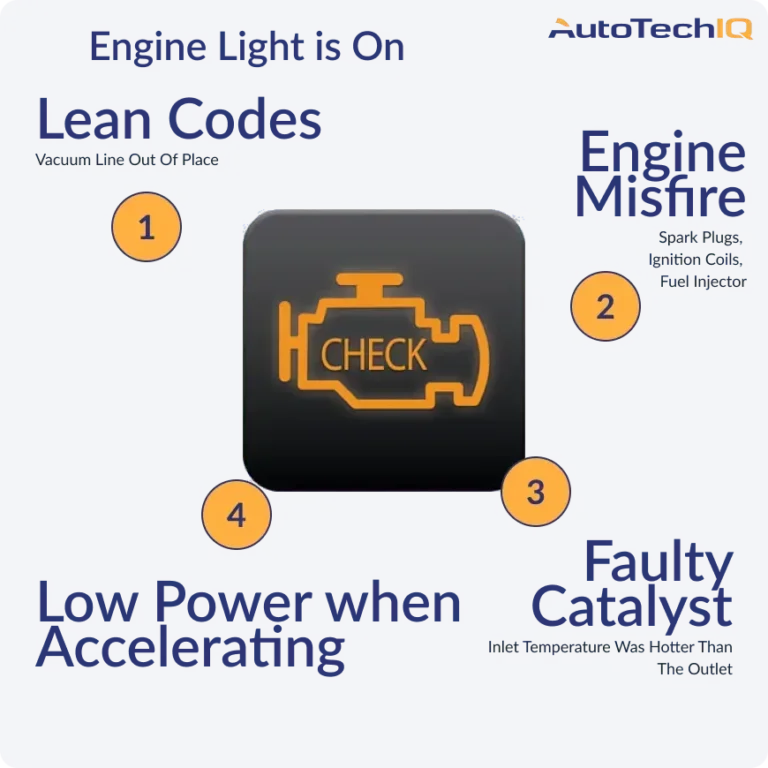
You can often read basic engine codes by watching the check engine light blink or using simple diagnostic modes.
I’ve worked on dozens of cars and taught many owners how to read trouble codes without a scanner. I’ll show safe, proven ways to find codes, interpret flashes, and run quick tests. This guide explains how to check car codes without a scanner step by step, shares real-world examples from my shop work, and points out common mistakes so you don’t waste time or cause harm. Read on to learn clear, practical methods that work for many makes and models.

Why you might want to know How to check car codes without a scanner
Many drivers want to know why a warning light is on. A quick read can save a tow or a needless repair. Learning how to check car codes without a scanner gives you a head start. It helps you decide if a trip to a shop is urgent or optional.

Basics: what an OBD code is and limits without a scanner
OBD codes tell you which system reported a fault. OBD-II codes start with a letter then four digits. Without a scanner, you can still get useful info. But you might miss live data, freeze-frame, or pending codes.

Methods to check car codes without a scanner
Below are reliable methods I use in the shop. Each method works on certain cars and may not work on every model. Try the safest options first.
-
Use the instrument-cluster or trip-odometer test
- Many cars hide a self-test mode in the dashboard.
- This often shows codes or a numeric error on the odometer.
- Check your owner’s manual or look up the model-specific sequence online.
-
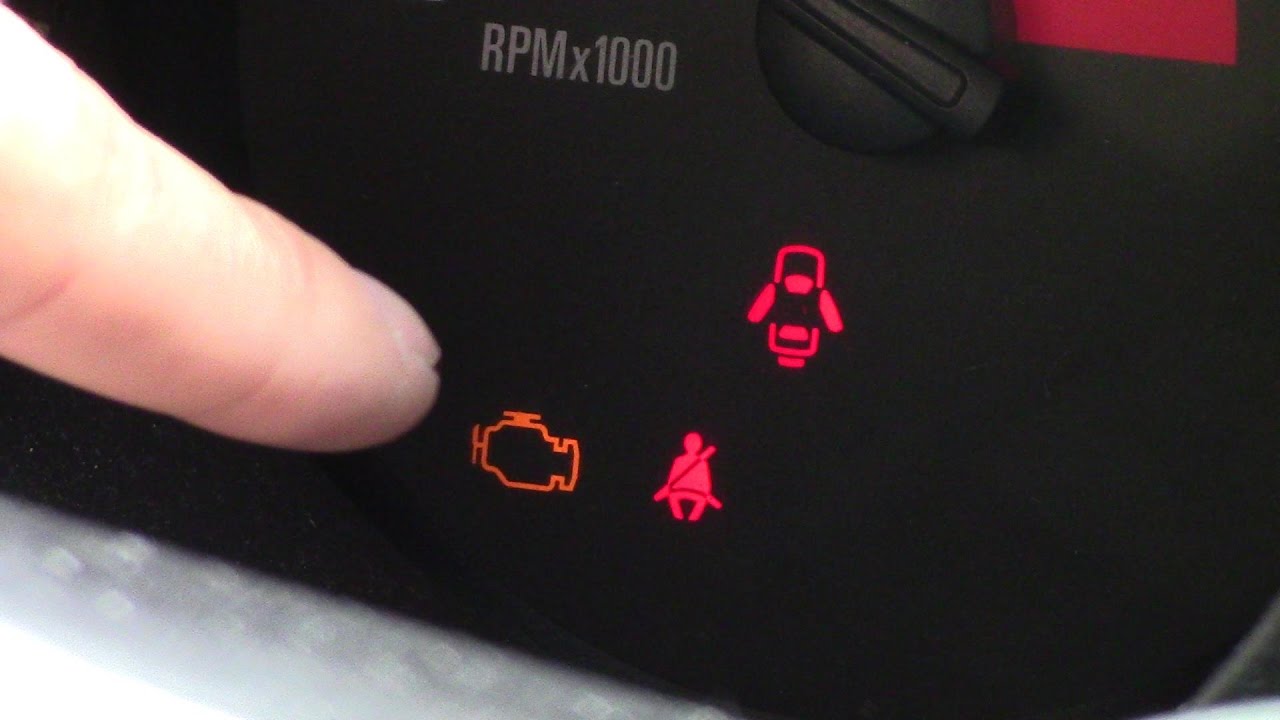
Watch the check engine light blink (CEL flash codes)
- With the ignition in the ON position, the ECU may flash the CEL to show stored codes.
- The pattern often uses long and short flashes or groups of flashes to form code numbers.
- Count the flashes and write them down. Then decode them for your make.
-
Bridge the OBD-II connector pins (use caution)
- Some older systems let you bridge specific pins to force the ECU to blink codes.
- Locate the OBD-II port and identify the diagnostic pin for your car before touching anything.
- Use an insulated jumper or wire. Ground or bridge only the specified pins. If unsure, stop and seek help.
- This method can be useful, but it is model-specific and risky if done incorrectly.
-
Use cluster-button combos and key cycles
- Make-start or key-on sequences combined with pressing buttons can reveal errors.
- For example, holding the trip reset while turning the key to ON is common on some models.
- This is simple and safe when you follow the exact steps for your car.
-
Perform visual checks and simple component tests
- A loose gas cap, a broken vacuum hose, or a bad connector can trigger a code.
- Inspect hoses, wiring, and connectors near sensors. Look for corrosion or disconnection.
- Use a multimeter to test basic sensor voltages and grounds if you have one.
-
Use service manual error charts and owner resources
- Factory manuals and forum posts list flash patterns and pinouts.
- Cross-check any code you find with the manual for exact meaning and fix steps.
How to interpret flash codes and convert them to P-codes
Flash codes are often grouped to form digits. Patterns vary by manufacturer. Some systems use long flashes for the tens digit and short flashes for the ones digit. Other systems send grouped flashes that correspond directly to a numeric code. Always compare your flash pattern to the model’s service guide. If you get a two-part pattern, write both parts down and decode per the chart. When you decode a flash, you get a code that points to a circuit or sensor to test next.

Common quick checks after reading a code without a scanner
After you get a code, do basic checks to narrow the issue. These are tests I run first to save time and money.
- Tighten and inspect the gas cap to rule out EVAP leaks.
- Check fuses and fusible links for the affected system.
- Inspect visible vacuum hoses and intake boots for cracks or disconnection.
- Look at connectors and wiring to sensors for corrosion or damage.
- Swap an easy-to-reach part (like a spark plug or coil) if it’s cheap and likely bad.

Tools you can use when you don’t have a scanner
You don’t need fancy gear to get solid info. The right simple tools help you check codes without a scanner.
- Owner’s manual and factory service manual for self-test steps and pinouts.
- A multimeter to read voltages and continuity.
- An insulated jumper wire or paperclip for safe bridging (only when you know the right pins).
- A flashlight and small mirror for visual inspections.
- A notepad to record flash patterns and symptoms.
Safety tips and best practices
Working with electronics and the engine requires care. Follow these rules to stay safe and protect your car.
- Always disconnect the battery before doing major electrical work.
- Wear safety glasses and gloves when working near the engine.
- Don’t bridge pins unless you have the correct pinout and know the procedure.
- Avoid working on airbags or any safety system. Leave those to pros.
- If a test produces unclear results, stop and consult a shop or manual.
Real-life examples and lessons I learned
Once, a client’s CEL blinked and I read the code by using the dash self-test. The code suggested an O2 sensor fault. I tested the sensor with a multimeter and found it slow to respond. Replacing it fixed the issue and the car ran smoothly. Another time I tried bridging pins without checking the manual first. I shorted the wrong terminal and blew a fuse. I learned to always double-check pinouts and carry spare fuses.

When you still need a scanner or pro help
Some problems need more than flashes or visual checks. If a fault is intermittent, electronic, or needs live data, you need a scanner. Complex systems like modern transmissions, advanced driver-assist features, or emissions systems often require factory tools. If you feel unsure or lack the tools, a shop visit is the smart move.
Frequently Asked Questions of How to check car codes without a scanner
How reliable are blink codes compared to a scanner?
Blink codes give a solid starting point but lack detail. They tell you where to look but not real-time data or freeze-frame info.
Can I damage my car by trying to read codes without a scanner?
Yes, if you bridge the wrong pins or short circuits. Always confirm pinouts and follow safety steps to avoid damage.
Will every car let me read codes without a scanner?
No. Newer cars usually require an OBD-II scanner. Older vehicles and some makes support manual flash or dash tests.
Is a multimeter enough to diagnose codes I find this way?
A multimeter helps test voltages and continuity. It won’t replace live-data from a scanner but it solves many basic faults.
How do I decode flashing patterns into standard P-codes?
Use the vehicle’s service manual or manufacturer chart. Flash patterns vary by make, so decode with the correct chart for accuracy.
Conclusion
You can often get useful diagnostic clues without a scanner by using dash self-tests, watching CEL flashes, doing visual checks, and running simple multimeter tests. Start with safe, low-risk steps, compare results to your vehicle’s manual, and make small, logical repairs. If a problem stays unclear or is safety-critical, get a scanner or professional help. Try these steps on your car today, leave a comment with your make and symptoms, or subscribe for step-by-step guides and troubleshooting tips.