A car scanner shows error codes and live data so you can diagnose faults fast and clearly.
I’ve spent years using OBD-II tools in home garages and shops, so I know how confusing a scanner can look at first. This guide walks you through how to read a car scanner step by step. You will learn what codes mean, how to read live data, and how to use that info to fix or explain a problem. My aim is simple: make reading a car scanner easy and useful for you.
How to read a car scanner: Quick overview
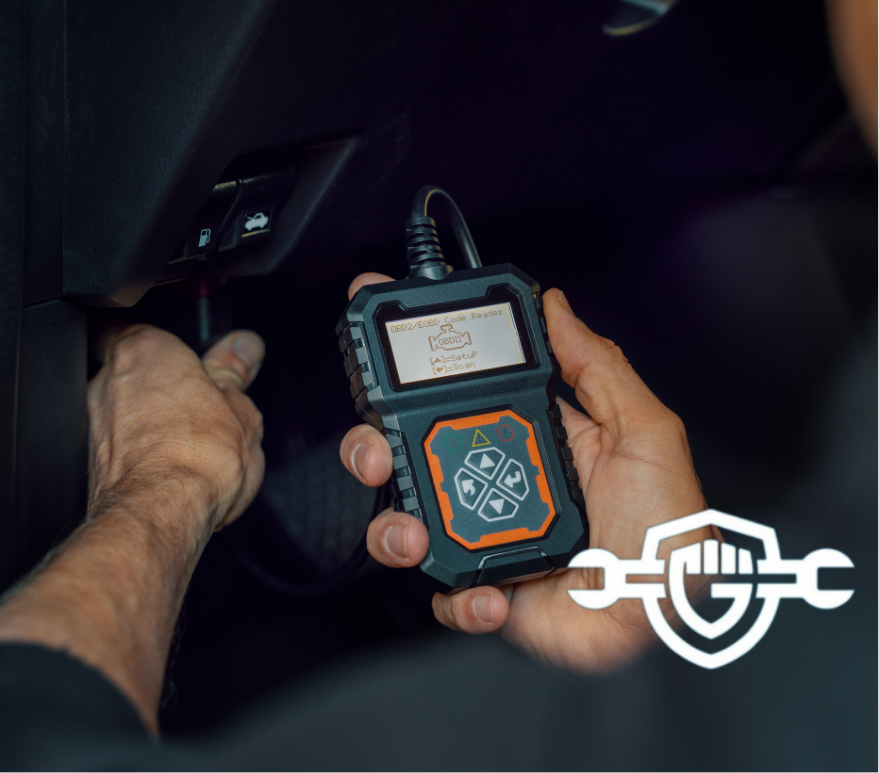
A car scanner plugs into the OBD-II port and reads fault codes, sensor data, and status info. How to read a car scanner starts with connecting the tool, pulling codes, and learning what each code or live value means. I’ll show you simple steps and real tips from my shop work so you can trust the results and act on them.

How a car scanner works
A car scanner talks to the vehicle computer through the OBD-II port. The scanner requests data and the car’s ECU sends codes and live values back. How to read a car scanner means you know what each reply means and which numbers to trust.
Most cars since 1996 use a standard protocol. Scanners can show generic codes (P0xxx) and maker-specific codes (P1xxx). Live data includes RPM, temp, O2 voltage, and more. Learning the basics helps you avoid bad fixes.
Types of car scanners and which to pick
There are basic code readers, mid-range scanners, and full diagnostic tools. Choose one that fits your needs and budget.
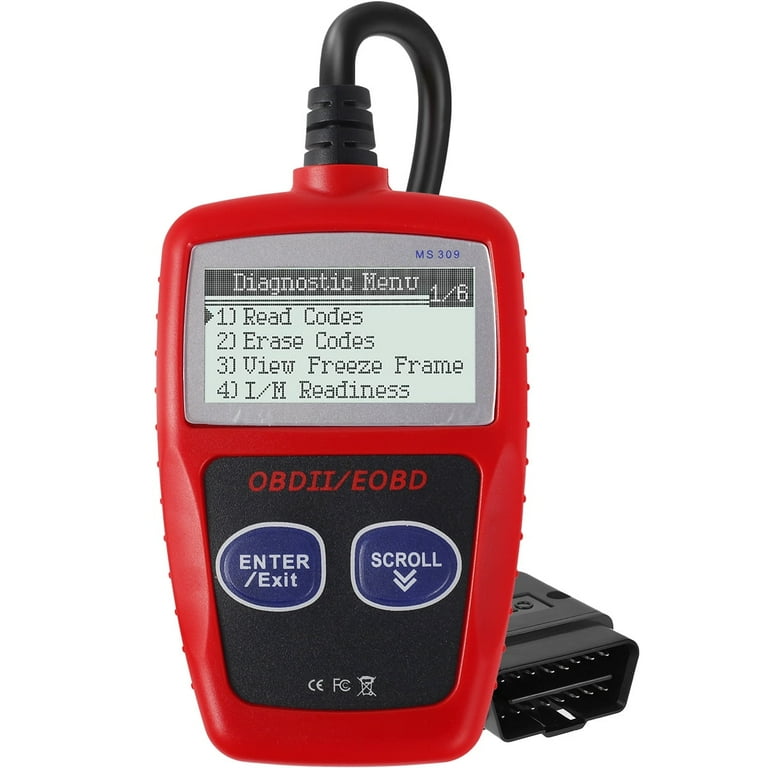
- Basic code reader
- Shows stored codes and clears them.
- Good for quick checks and light DIY work.
- Bluetooth OBD adapters with apps
- Pair with a phone for live graphs and history.
- Great for tech-savvy DIYers and longer data logging.
- Mid-range scanners
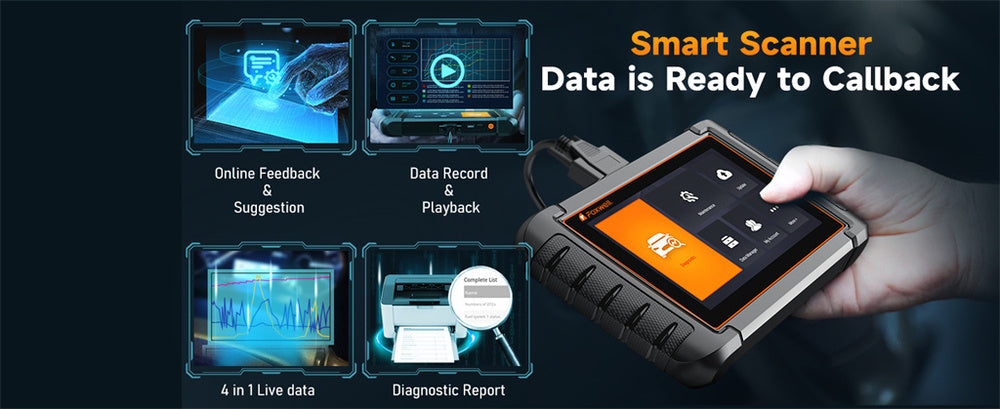
- Read codes, live data, freeze frame, and some systems.
- Best for hobby mechanics and small shops.
- Professional diagnostic tools
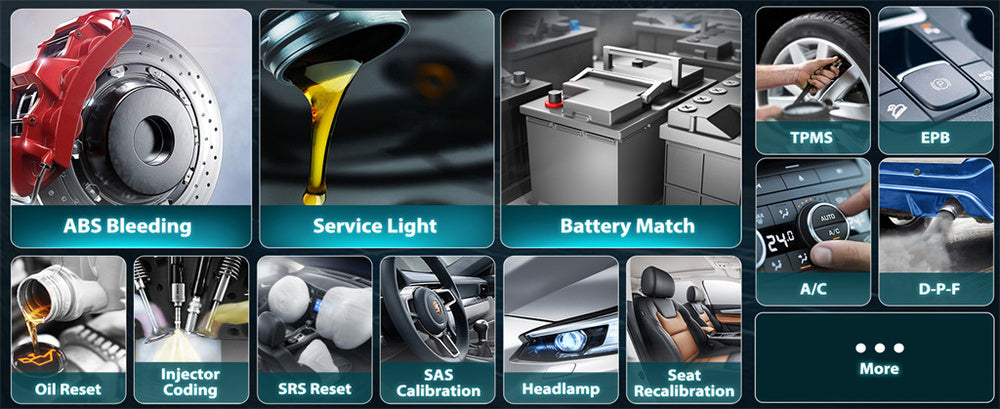
- Deep system access, programming, and bi-directional control.
- Needed by pros and advanced diagnostics.
How to read a car scanner depends on the tool. A basic reader shows codes and a simple description. An app or pro tool gives text definitions, live graphs, and troubleshooting aids. Pick a scanner that gives clear code definitions if you want fast learning.

Step-by-step: How to read a car scanner
Follow these steps when you use any scanner. Keep safety first. Park on level ground and engage the parking brake.
- Locate the OBD-II port
- Usually under the dash on the driver side.
- Plug the scanner in with ignition off.
- Turn the ignition on
- Put the key to the ON position or press start without starting the engine.
- Wait for the scanner to power up and connect.
- Select vehicle protocol or auto-scan
- Many modern scanners auto-detect the protocol.
- If asked, choose your car’s make and year.
- Read stored and pending codes
- Stored codes show past faults.
- Pending codes may need a drive cycle to confirm.
- Note freeze frame data
- Freeze frame captures conditions when a fault set.
- Use it to see RPM, speed, and temp when the error happened.
- View live data (PCM, sensors)
- Look at RPM, throttle, coolant temp, MAF, O2 sensors.
- Watch values while revving gently or during a short drive.
- Interpret codes and live data
- Use the code text and compare to live values.
- Know that a code points to a system, not always the exact part.
- Clear codes only after repair or confirmation
- Erasing codes removes stored clues until they reappear.
- Clear codes after fix and then test drive.
How to read a car scanner well means you will read codes, then verify with data. Don’t swap parts based only on a code.

Common codes and what they mean
Memorize a few common codes to shorten diagnosis time. Each code starts with a letter and four digits.
- P0300
- Random or multiple cylinder misfire detected.
- Check spark plugs, coils, fuel, and compression.
- P0171
- System too lean on bank 1.
- Look for vacuum leaks, MAF issues, or fuel problems.
- P0420
- Catalyst system efficiency below threshold.
- Test O2 sensors and catalytic converter health.
- P0135
- O2 sensor heater circuit malfunction.
- May be sensor wiring or the sensor itself.
- P0113
- Intake air temperature sensor high input.
- Often a bad sensor or wiring issue.
When you read a car scanner and see a code, match it with live data. For example, P0171 plus low fuel trim and high MAF reading points to intake leak or MAF error. A code is a clue, not a full answer.

Clearing codes and road testing
Clearing codes can help confirm a repair. But do it with care.
- Steps to clear and test
- Note codes and freeze frame first.
- Repair the suspected issue.
- Clear codes with the scanner.
- Drive the car through normal conditions to let monitors run.
- Re-scan to see if the code returns.
- When not to clear
- Don’t clear codes before a repair if you need a record.
- Pending or intermittent codes may disappear then return; track them.
How to read a car scanner after clearing means re-checking live data and freeze frame. Use a short drive that recreates the issue when possible.
Tips, mistakes to avoid, and best practices
Small habits save time and money. I learned these from real jobs and mistakes.
- Always record the exact code and freeze frame before clearing.
- Do not replace parts just because a code points to them.
- Use live data to confirm sensor readings before swapping parts.
- Keep the scanner manual or app help nearby for code definitions.
- Update the scanner firmware or app for correct code maps.
Common mistakes I made early on:
- Replacing an expensive part when a vacuum leak was the real cause.
- Clearing codes before checking freeze frame data and losing the clue.
- Ignoring pending codes that later caused a failure.
How to read a car scanner well grows with practice. Start small and learn one system at a time.
Frequently Asked Questions of How to read a car scanner
What is the easiest way to start reading a car scanner?
Plug into the OBD-II port, turn ignition to ON, then run an auto-scan. Note the codes and read any freeze frame data.
Can I fix a car from just one scanner code?
Not always. A code points to a system. Use live data and tests to find the true cause before replacing parts.
What does live data show on a scanner?
Live data displays sensor readings like RPM, coolant temp, MAF, and O2 voltages in real time. Watching these values helps confirm faults.
Is clearing codes safe after a repair?
Yes, clearing codes after a confirmed repair is fine. Record the code first, then clear and road-test to ensure the issue is fixed.
Do all cars use the same OBD codes?
Most codes follow the OBD-II standard. Some codes are maker-specific and need a database or advanced scanner to decode precisely.
Conclusion
Reading a car scanner is a skill you can learn fast with clear steps and practice. Start by connecting the tool, reading codes and freeze frame, then check live data to confirm the cause. Use the scanner as a guide, not the whole answer, and avoid quick part swaps without tests. Try these steps on your next check and share what you find. If this guide helped, subscribe, comment with your code, or try a scan today to build confidence.