Use an OBD-II scanner to read, diagnose, and clear codes by following the tool’s on-screen prompts.
I’ve helped dozens of drivers and hobbyists learn how to reset codes on car with a scanner. I’ll walk you through what the codes mean, what gear you need, and a clear step-by-step process to reset codes safely and correctly. This guide blends hands-on tips I learned on the job with trusted best practices so you can fix the root cause, not just hide the symptom.
Understanding OBD-II codes and why a reset matters
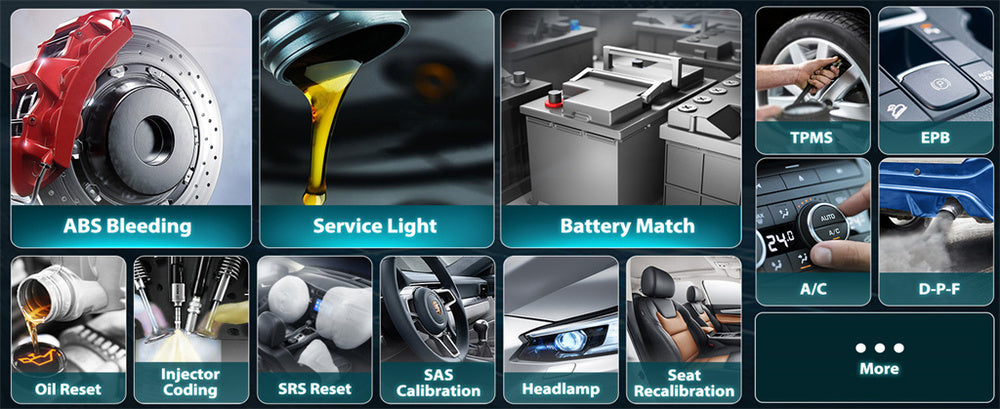
How to reset codes on car with a scanner starts with knowing what those codes mean. OBD-II codes tell you which system or sensor reported a problem. Some codes point to a real fault that must be repaired. Others are caused by a one-time glitch or loose gas cap and can be cleared after you fix the issue.
Clearing codes without diagnosing can hide problems. A cleared check engine light can return if the fault remains. Use a scanner to read live data and freeze-frame info before you clear anything.
What you'll need before you reset codes
How to reset codes on car with a scanner is easier when you come prepared. Gather these items first:
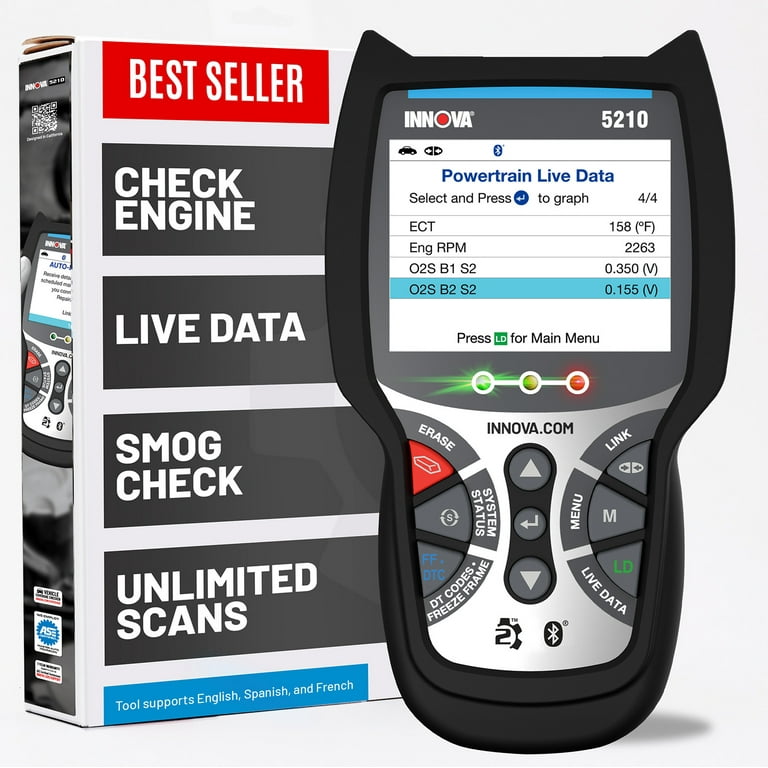
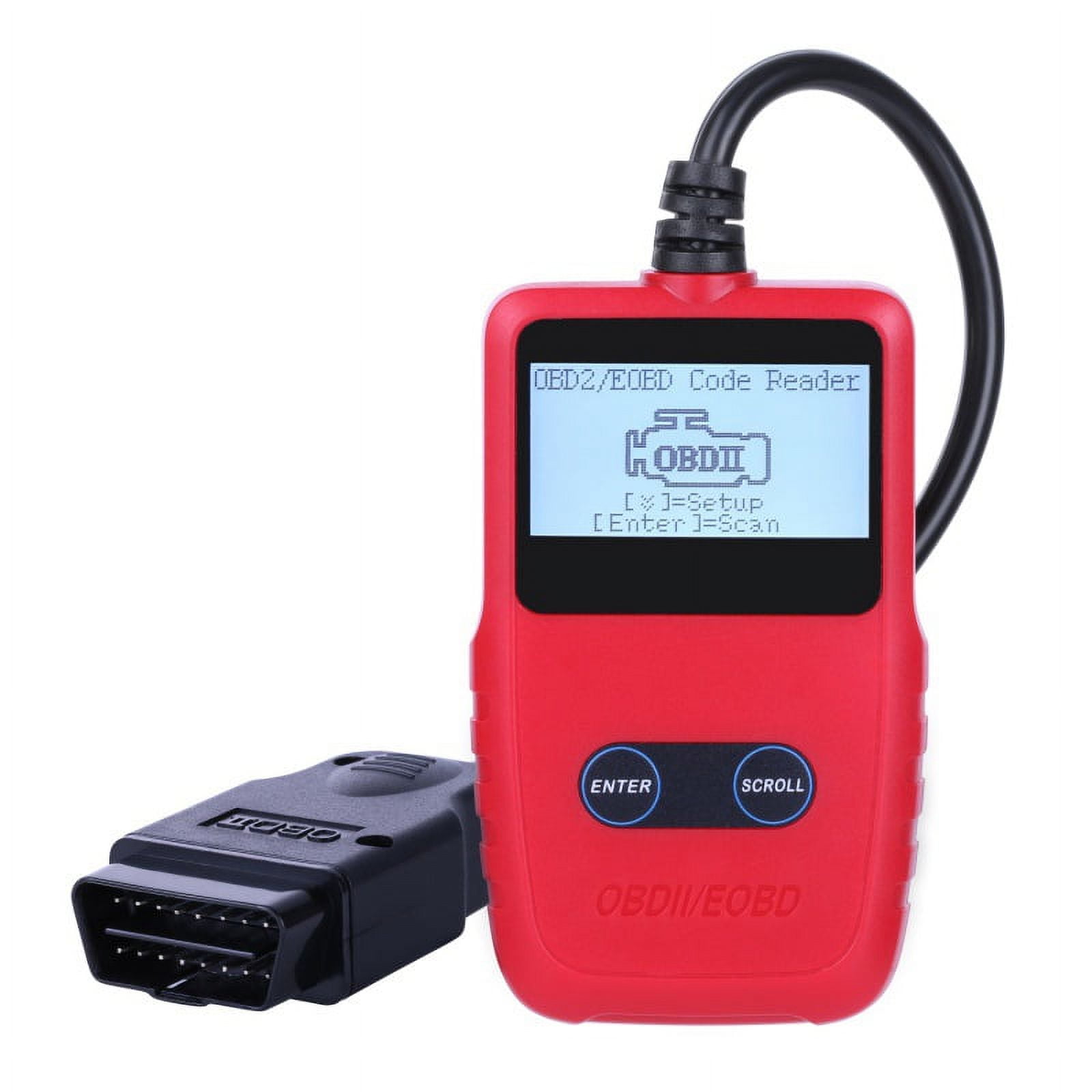
- An OBD-II scanner or code reader that suits your needs — basic reader, Bluetooth dongle, or professional scan tool.
- Your car’s manual or access to simple repair info for code definitions.
- A charged phone or laptop if using a Bluetooth/Wi‑Fi scanner.
- Basic tools for minor fixes like tightening a gas cap or replacing a fuse.
- Safety items such as gloves and safety glasses.
From my experience, a mid-range Bluetooth scanner plus a good app covers most home repairs. For complex systems, a shop-level scanner is worth renting or visiting a pro.

Step-by-step: How to reset codes on car with a scanner
Below is a clear sequence to read and reset codes safely.
- Park safely and turn off the engine. Set the parking brake and ensure good lighting.
- Find the OBD-II port. It’s usually under the dash near the steering column. Plug in the scanner.
- Turn the ignition to ON (engine off) or start the car if the scanner requires it. Power the scanner on.
- Connect and identify the vehicle. Select the correct make, model, and year if prompted. Wait for the scanner to establish communication.
- Read stored and pending codes. Note the exact code numbers and any freeze-frame data the scanner shows.
- Diagnose before clearing. Research or check live sensor readings to confirm the fault. Fix simple issues like a loose gas cap or blown fuse first.
- Clear the codes with the scanner. Use the “Erase” or “Clear DTCs” function. The scanner will confirm the action.
- Turn off the scanner and disconnect it from the port. Start the car and observe if the check engine light stays off.
- Complete a drive cycle or test drive. Some systems must see normal driving conditions before the light stays cleared and readiness monitors set.
- Re-scan after the drive cycle. Confirm no new or recurring codes appear.
When I first used a cheap code reader, I cleared codes before fixing the cause. The light came back within days. Now I always read live data first and only clear codes after a proper repair or clear test.

Common problems and troubleshooting
How to reset codes on car with a scanner can run into a few common snags. Here are fixes I use often.
- Scanner won’t connect
- Try a different key position or start the engine if safe. Check the OBD-II connector for bent pins.
- Codes return right away
- That means the fault is still present. Diagnose sensors or wiring related to the code. Replace parts only when you confirm failure.
- Emissions readiness monitors are incomplete
- Clearing codes resets monitors. You must drive through a full drive cycle for them to complete.
- Multiple systems show faults after clearing
- Some modules need re-learn or initialization. Follow the vehicle maker’s steps for resets or seek a professional scan tool.
- ABS, airbag, or transmission lights differ
- Basic OBD-II scanners may not access these systems. Use a scanner with the required protocol or consult a dealer or specialist.
If you ever feel unsure, document the codes and steps you tried. That makes it easier for a mechanic to help.
Best practices, safety, and legal notes
How to reset codes on car with a scanner responsibly matters for safety and the law. Follow these points.
- Always fix the root cause first. Clearing codes masks problems and may make driving unsafe.
- Know local emissions rules. Clearing codes can affect inspection readiness and may lead to failed tests.
- Use the right tool. A scanner that can access all modules is best for advanced repairs.
- Keep records. Note codes read, parts changed, and resets done. This helps with warranty or future diagnosis.
- Safety first. Don’t work on hot engines or move the vehicle while testing.
I once cleared a check engine light on a daily driver without repairing it. That led to a stalled trip. It taught me to treat code clearing as the last step, not the fix.

Frequently Asked Questions of How to reset codes on car with a scanner
How long does it take to reset codes with a scanner?
Resetting codes usually takes only a few minutes once the scanner connects and communicates with the vehicle. Allow extra time for diagnosis and a post-reset drive cycle.
Will clearing codes fix my check engine light permanently?
Not always. Clearing codes turns the light off but does not repair the underlying issue. If the fault remains, the light will return after self-checks or during driving.
Can I reset ABS or airbag codes with a basic OBD-II scanner?
Most basic OBD-II scanners only access engine and transmission systems. For ABS or airbag systems you often need a specialized scanner or dealer-level tool.
Will clearing codes affect an emissions test?
Yes. Clearing codes resets readiness monitors, which may cause the vehicle to fail an emissions test until the monitors complete a drive cycle. It’s best to avoid clearing codes right before a test.
Is it safe to clear codes after replacing a part?
Yes, it’s standard to clear codes after a repair to reset the fault history and readiness. Then drive the car to let the system verify the repair and set monitors.
What if my scanner says “pending codes”?
Pending codes are issues the car has seen briefly. They may go away if the fault does not repeat. If pending codes persist, diagnose and repair the source.
Do I need to disconnect the battery to clear codes?
No. Disconnecting the battery can clear codes but also resets many vehicle systems and settings. Use the scanner’s erase function instead to avoid extra re-learn steps.
Conclusion
Resetting codes with a scanner is a useful skill when you read the codes first and fix the cause. Use the right scanner, follow the steps above, and treat code clearing as the final step after repairs. Start with one small repair, clear the codes, and track results—then share what worked or ask questions below to learn more.